
Where a preview helps
- Testing an original exaggerated silhouette near the face
- Comparing unusual color placement before buying materials
- Separating the visual concept from the practical build method
Hairstyle preview for a specific plan
A creative hairstyle can carry a costume even when it does not copy a known character. Start with the silhouette—sharp layers, sculpted volume, braids, unusual color placement, or an asymmetric fringe—then decide which parts must be achieved with styling, temporary color, or a wig.
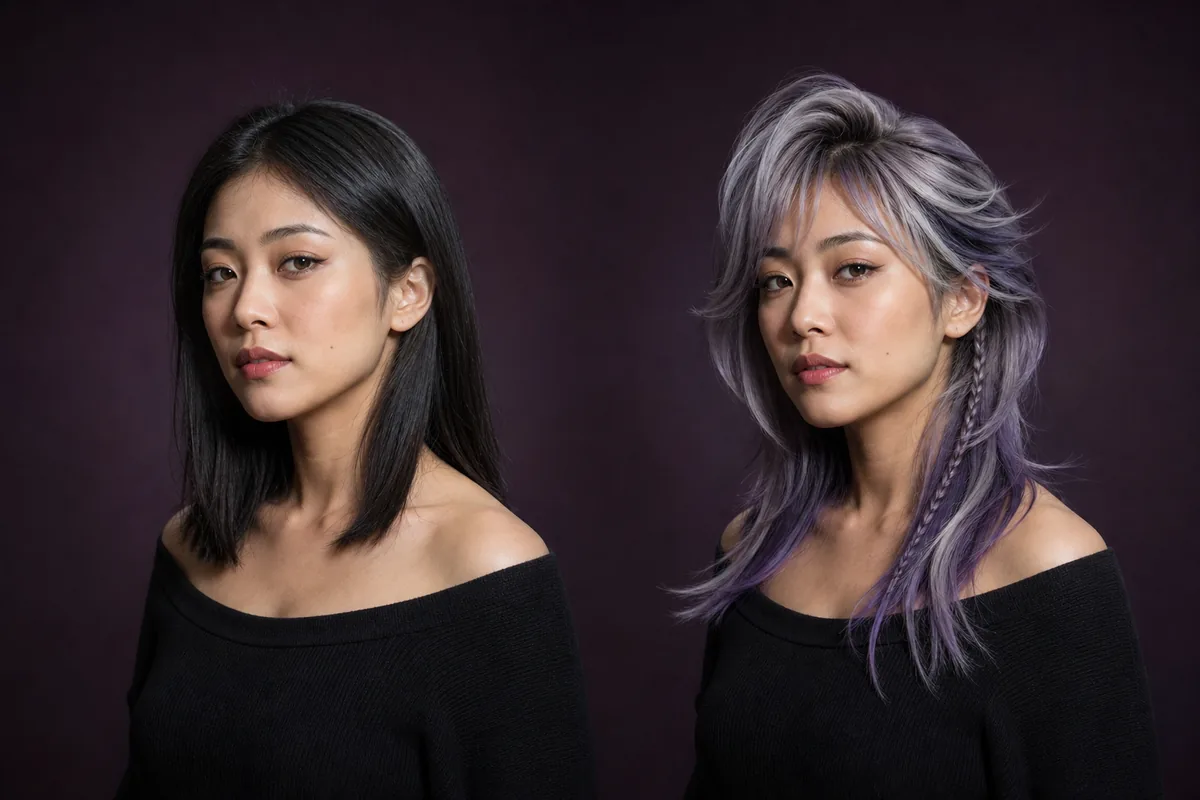 OriginalPreview
Before the appointment
Glowify can place an original creative direction on a portrait, making scale and face framing easier to judge. It cannot explain wig construction, color safety, heat limits, attachment methods, or stage durability. Keep the concept original and take the final image to the appropriate stylist, colorist, or wig maker.
What to tell your stylist or barber
Break the reference into practical parts: base shape, fringe, volume, braid placement, and color zones. Ask which parts can be created with your hair and which are better handled with removable pieces or a purpose-built wig.
Photo setup
Use a clean portrait in the lighting closest to the intended event, while keeping the face and hairline unobstructed. Avoid costume accessories in the input photo until the hairstyle silhouette has been chosen.
In the Android app
Use a front-facing photo with your face and hairline visible in even light.
Choose a haircut, hairstyle, or hair color and let Glowify create the preview.
Keep favorite before-and-after results as a starting point for your salon or barber conversation.
Common questions
This guide focuses on original creative directions. You can describe shape, texture, color, and construction goals without copying a protected character or using a celebrity as the target.
No. It helps establish the visual target. A stylist or wig maker can assess required volume, length, color, heat use, attachment, comfort, and event duration.
Begin with the silhouette and face framing. Once the shape works, compare color zones and smaller details such as braids or asymmetric pieces.
Nearby options
Use the alternatives below to isolate the detail that matters most to your decision.
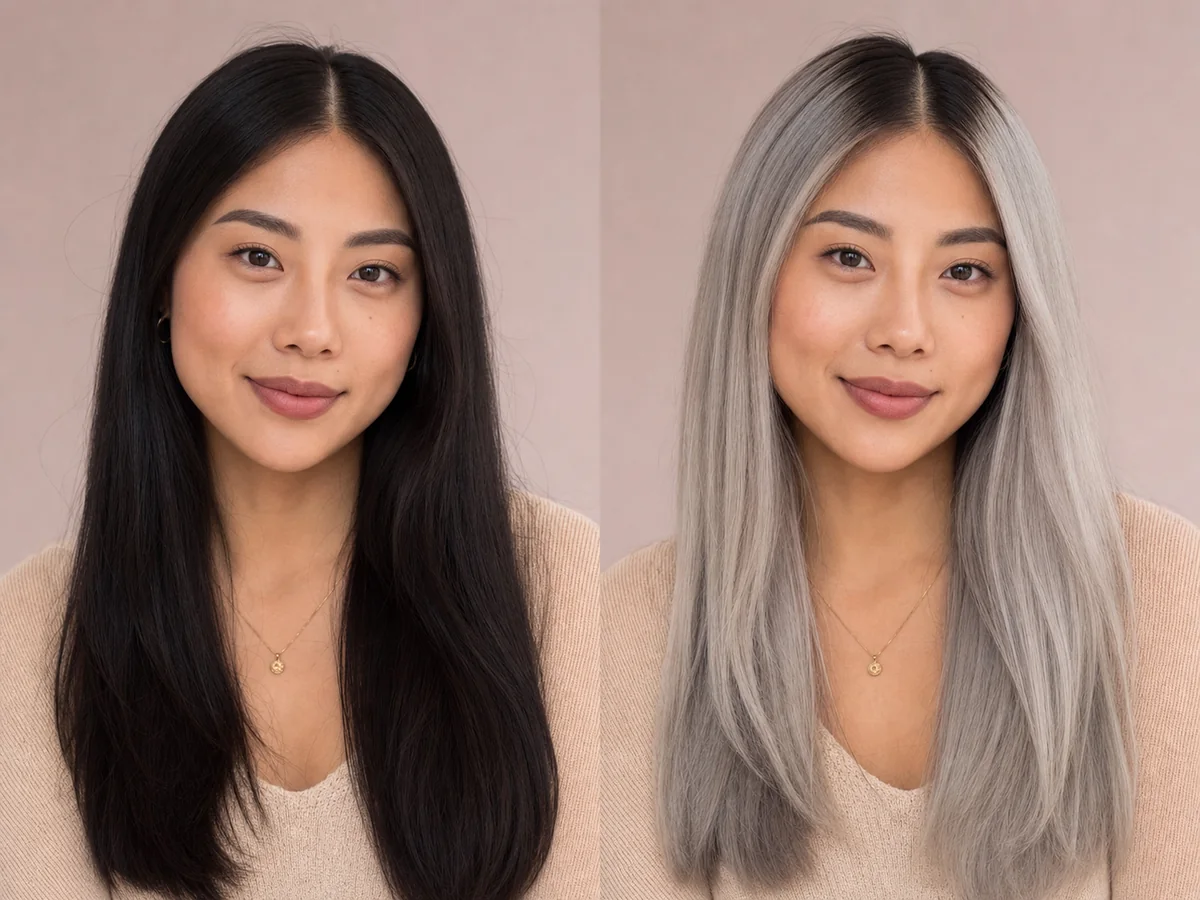
Silver hair can be smoky and deep, bright and metallic, or softly blended with natural gray. The depth and reflectivity determine whether the result feels subtle or editorial.
Explore this look →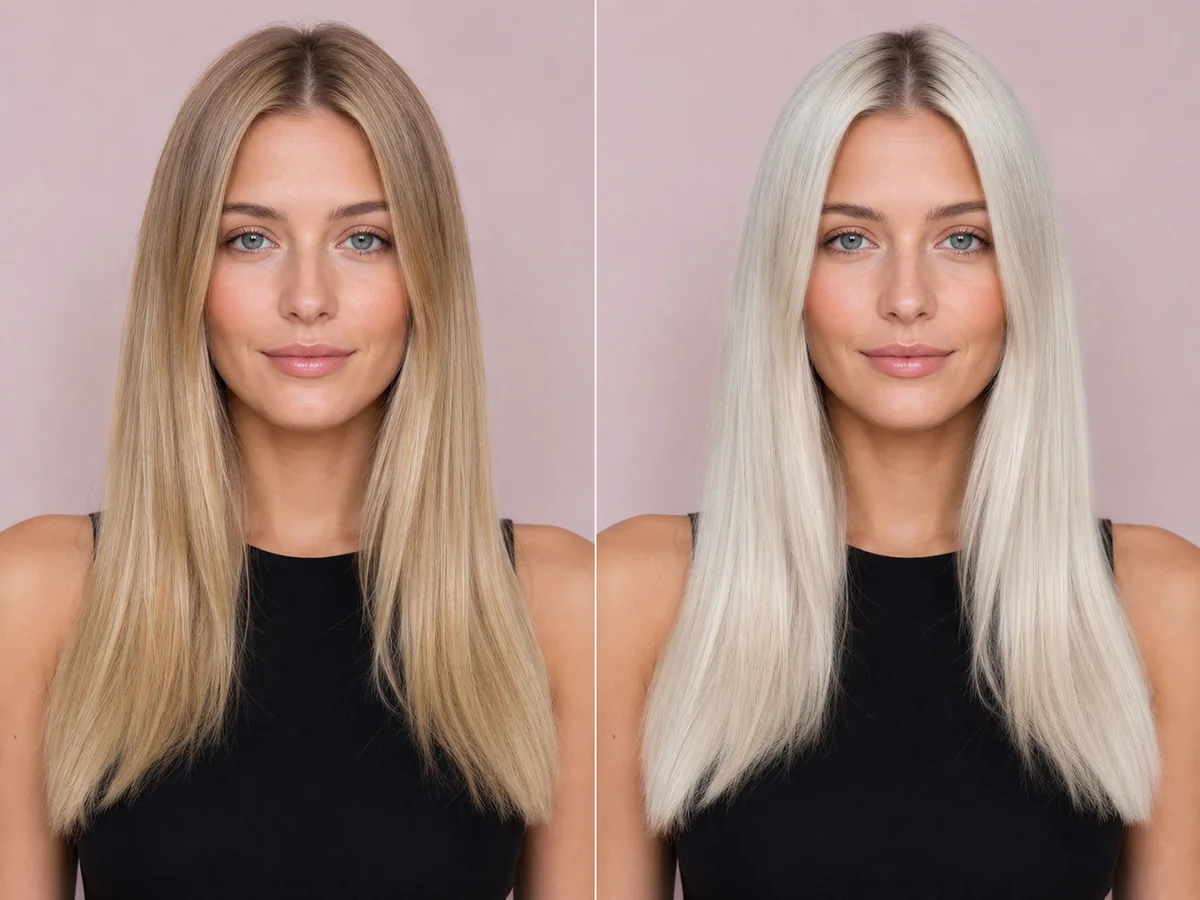
Platinum blonde removes much of the visible warmth and creates a bright, high-impact frame. It is also one of the most technically demanding color directions to achieve and maintain.
Explore this look →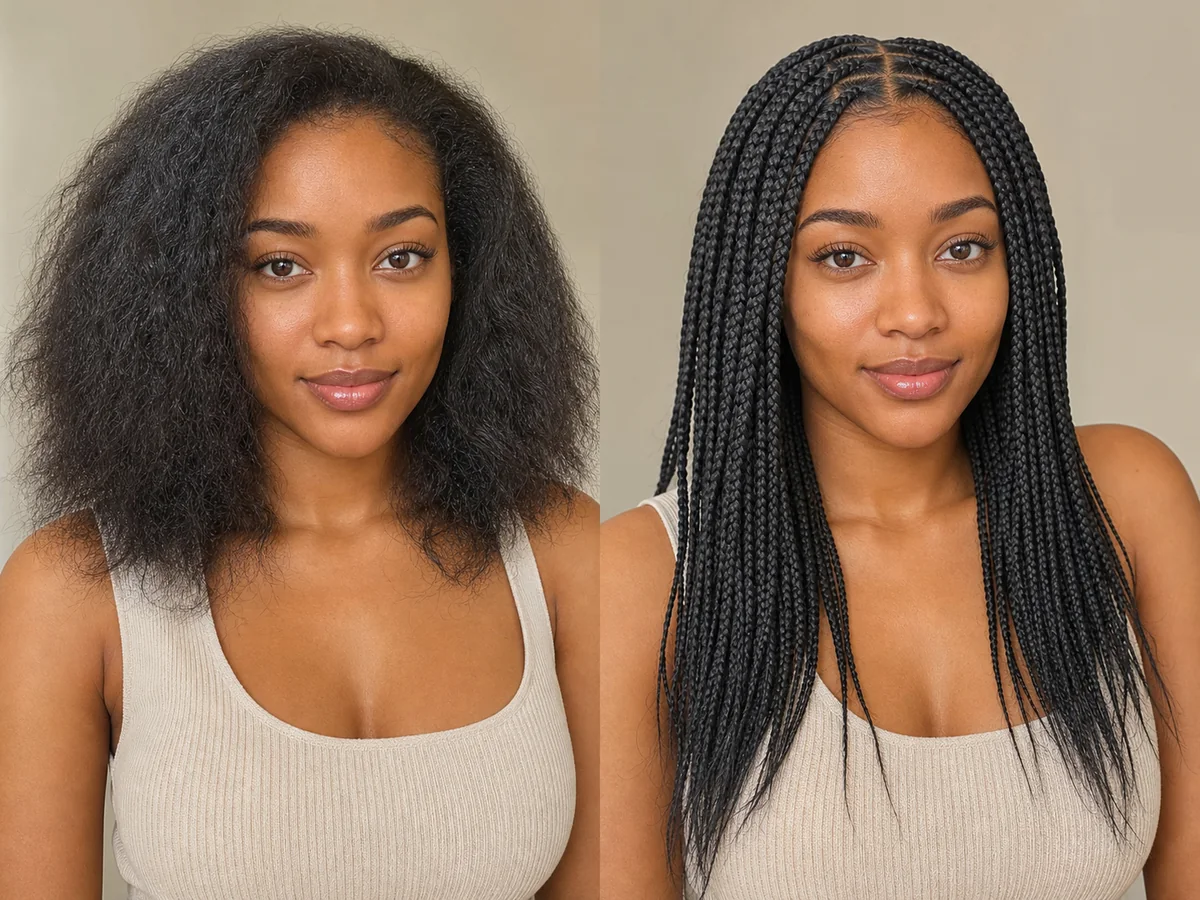
Braids vary widely in size, placement, length, pattern, and tension. An AI preview is best used to explore the broad visual direction before discussing safe, practical execution.
Explore this look →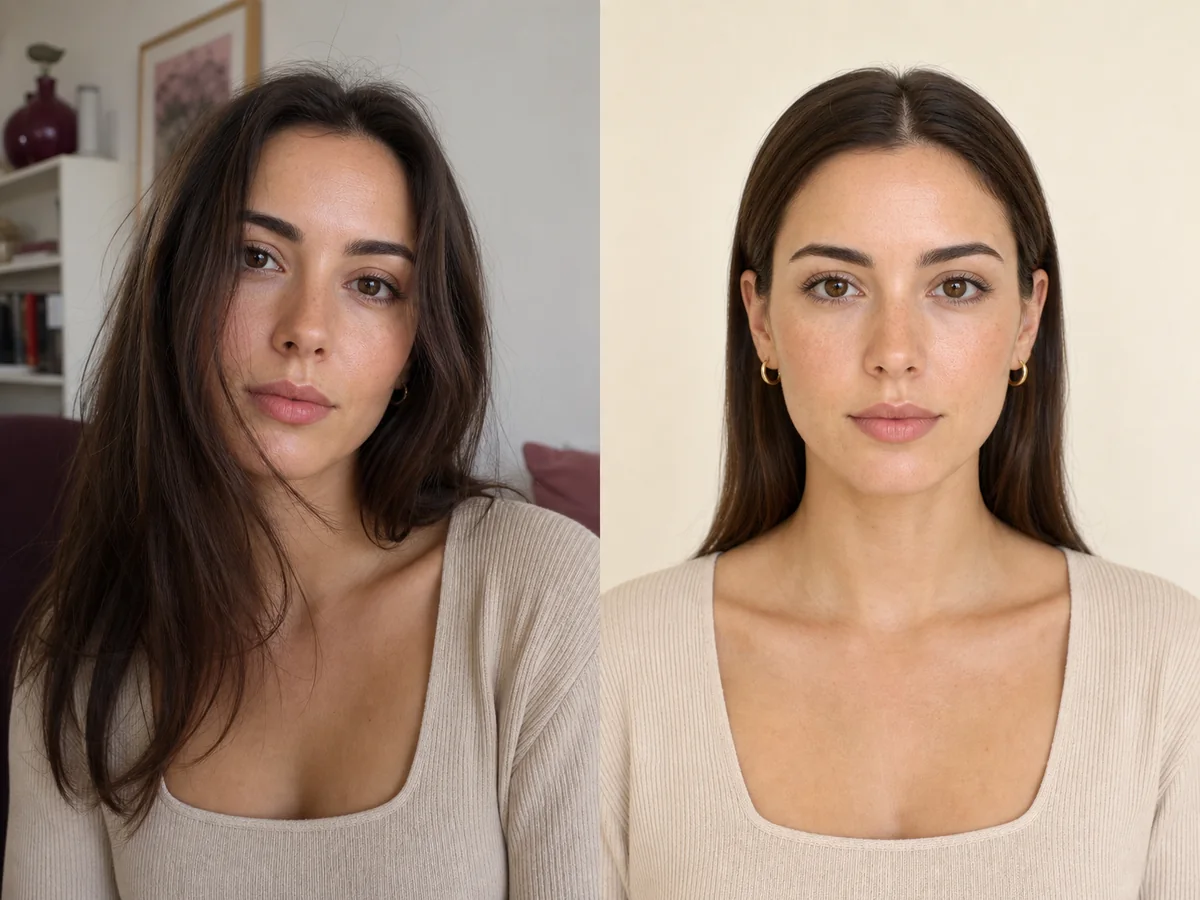
The input photo controls how clearly an AI system can understand your face, hairline, current hair, and camera perspective. A simple neutral image usually produces a more useful comparison than a dramatic selfie.
Explore this look →Take the next step
Open Glowify on Android, compare the result, and bring the useful details to your stylist or barber.