
Where a preview helps
- Choosing a lighter or deeper overall direction
- Comparing warm, neutral, or cool versions at similar intensity
- Preparing questions about roots and maintenance
Side-by-side hairstyle decision guide
Blonde reflects more light and usually lowers the depth around the face; brunette creates a deeper frame and often stronger contrast. Neither family is one shade, so compare similar undertones before deciding whether lightness or depth is the real preference.
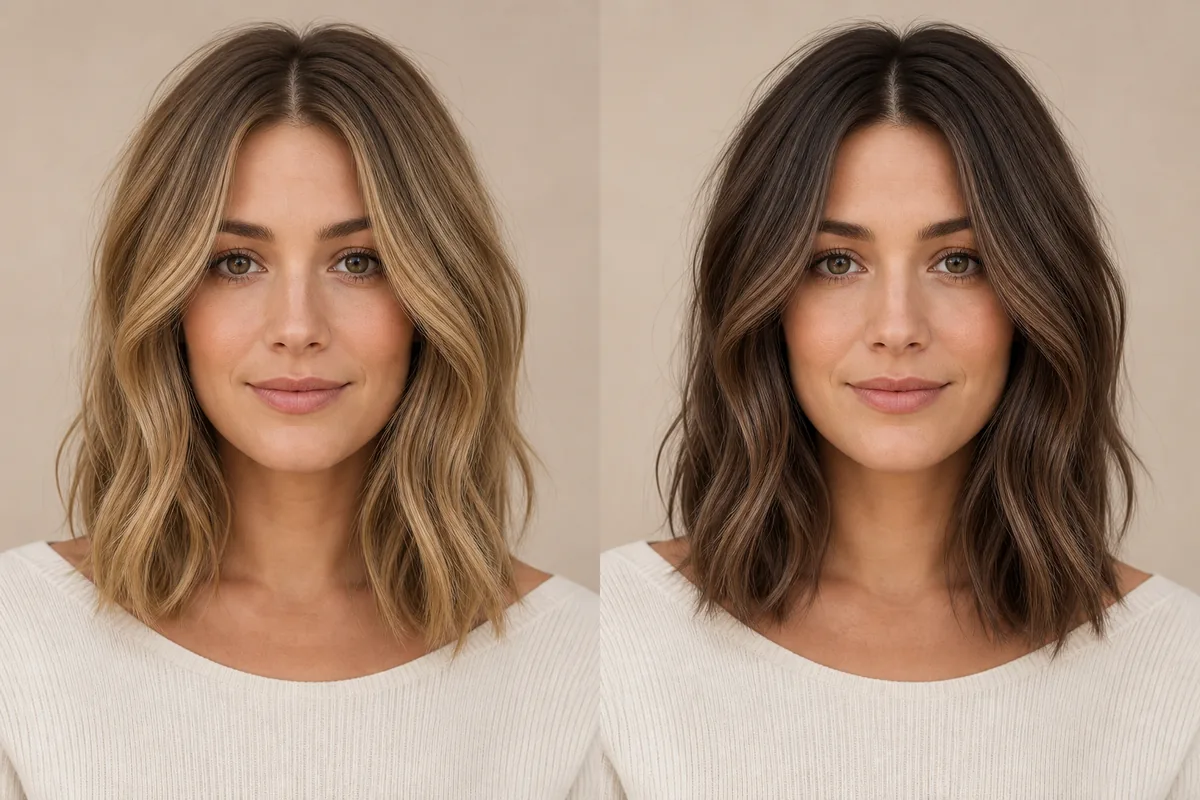 BlondeBrunette
Before the appointment
Use neutral daylight and keep the haircut unchanged. Look at the brows, eyes, skin, roots, and how much contrast feels comfortable. A preview cannot show lift limits, porosity, previous dye, or the sessions required to reach a safe real result.
| Decision point | Blonde | Brunette |
|---|---|---|
| Depth | Lighter overall | Medium to deep |
| Facial frame | Softer light contrast | Stronger depth contrast |
| Salon question | Safe lift and toner | Depth, deposit, and richness |
| Root plan | Regrowth or shadow root | Root match or dimensional blend |
What to tell your stylist or barber
Bring an unfiltered preview and disclose every previous color service. Ask what depth and undertone are achievable, how many sessions may be needed, and what root plan matches your maintenance budget.
Photo setup
Use indirect daylight without colored walls or beauty filters. Include roots and ends so the colorist can see the current starting point in addition to the target image.
In the Android app
Use a front-facing photo with your face and hairline visible in even light.
Choose a haircut, hairstyle, or hair color and let Glowify create the preview.
Keep favorite before-and-after results as a starting point for your salon or barber conversation.
Common questions
It can help you compare visual contrast, but suitability is personal. Starting color, condition, maintenance, and safe salon options also matter.
Compare undertones within each family after choosing broad depth. A colorist can then adjust warmth or coolness to the achievable formula and your preference.
Displays, lighting, porosity, starting pigment, previous dye, lift, toner, and finish all change real color. Treat the image as a direction, not a formula.
Nearby options
Use the alternatives below to isolate the detail that matters most to your decision.
Blonde is a family of tones rather than one color. Warm honey, neutral beige, ash, golden, and icy blondes can create very different contrast against the same face.
Explore this look →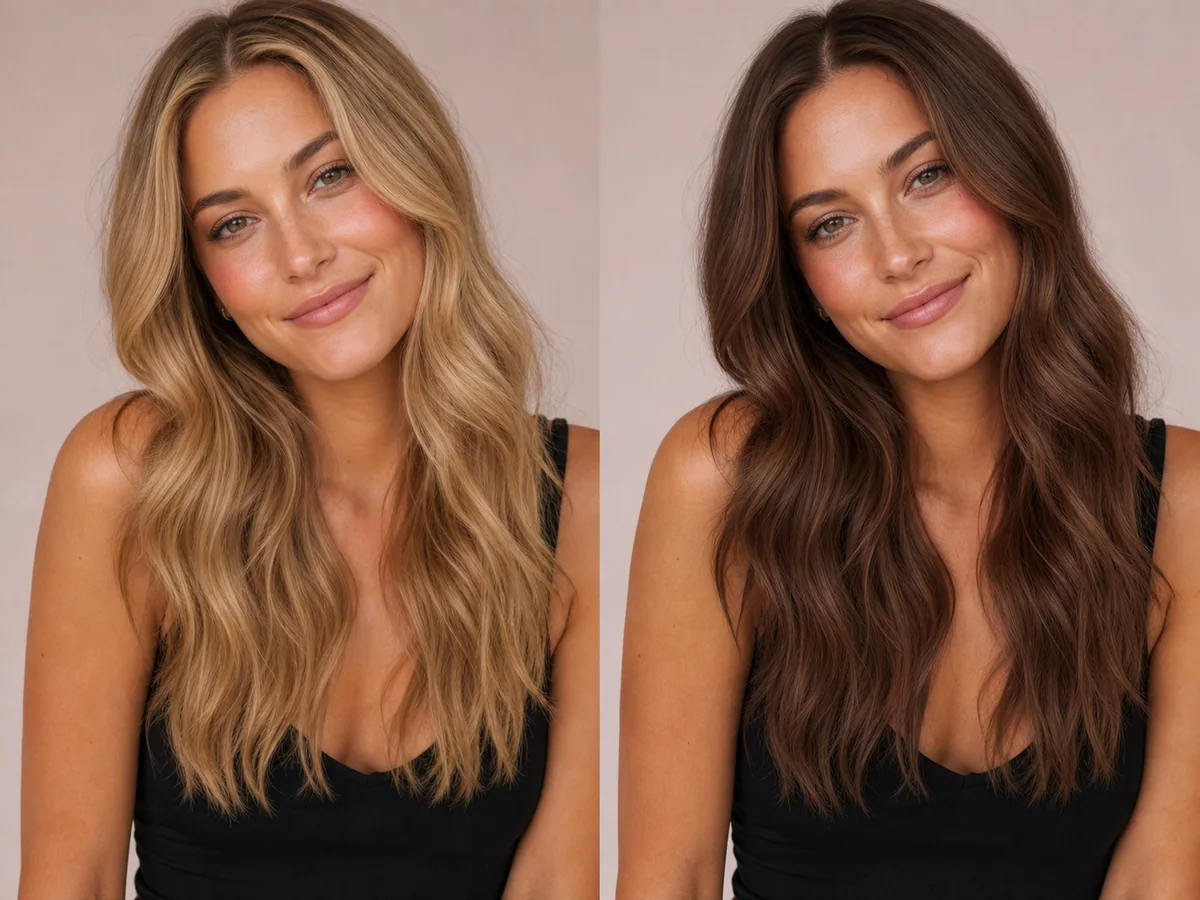
Brunette shades can look soft and dimensional or deep and high-contrast. The useful decision is not simply “brown,” but the depth, warmth, and amount of variation through the hair.
Explore this look →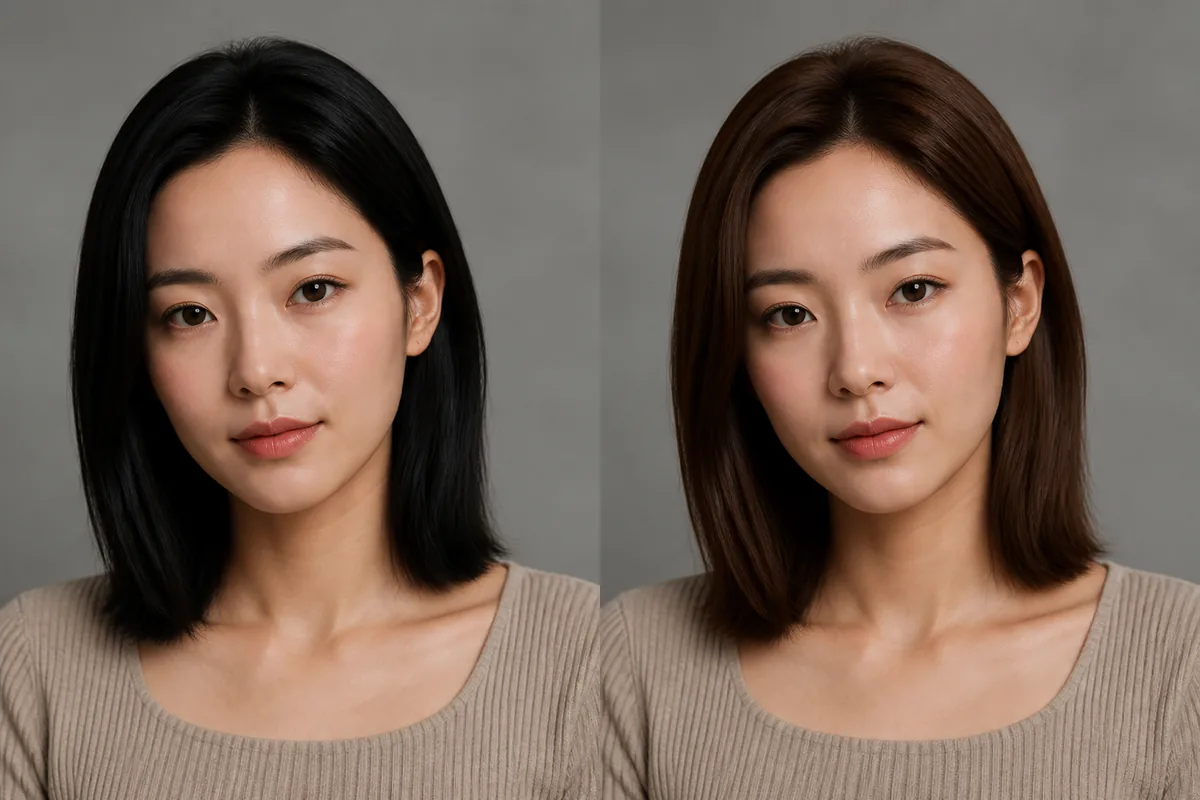
Black hair creates the deepest frame and can read as neutral, cool, or softly warm under light. Brunette preserves more visible brown reflection and a wider range of medium-to-deep levels. The difference can be subtle on screen but strong near the face.
Explore this look →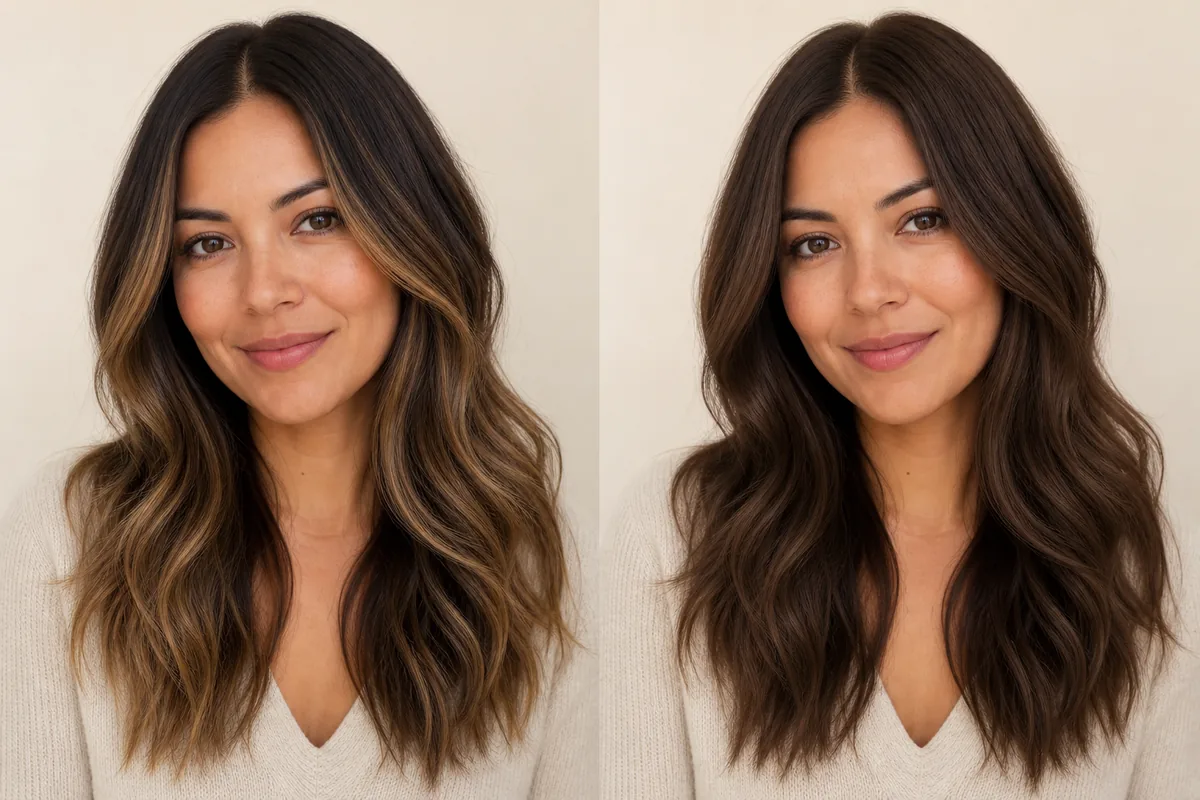
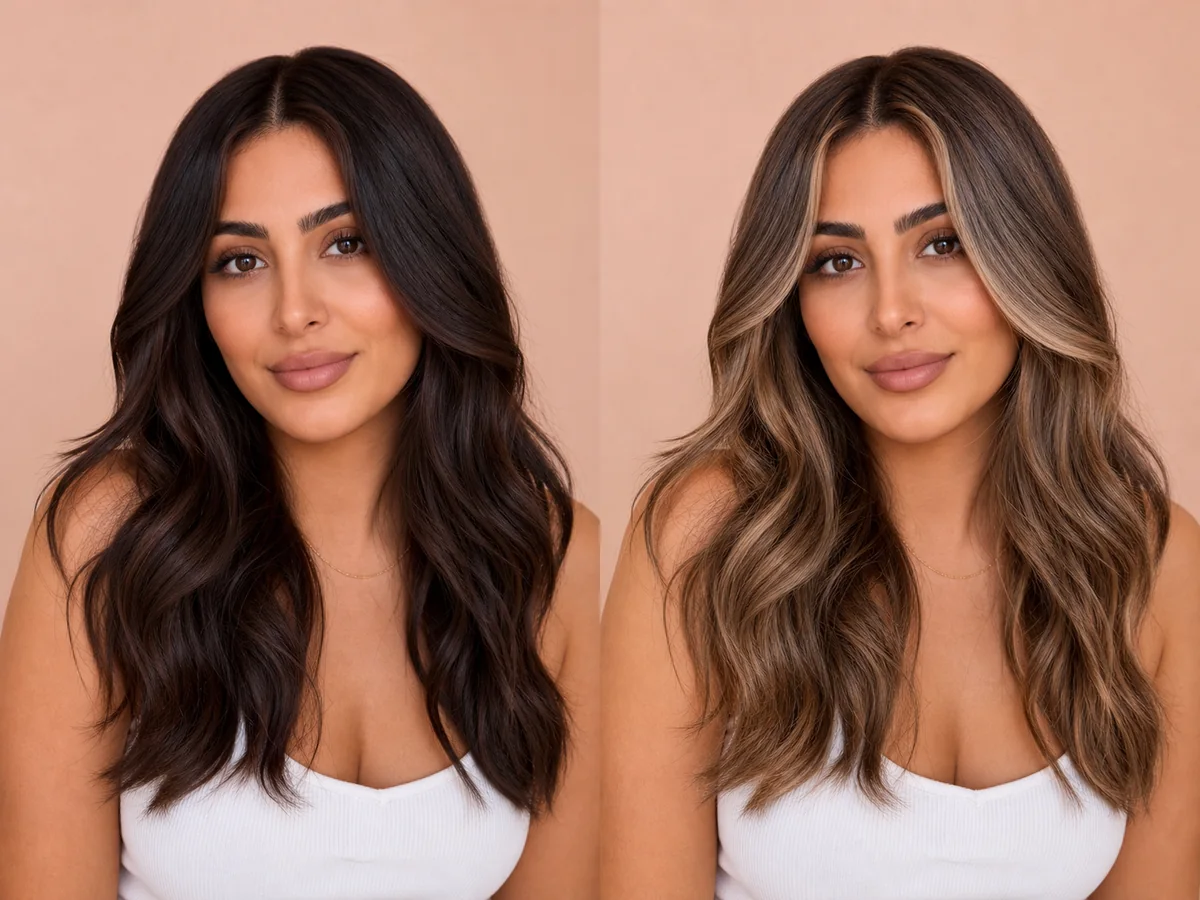
Balayage places selected lighter or different-toned pieces through the hair, usually preserving depth at the root. Full color changes the overall field more consistently. The decision is about placement and contrast as much as the chosen shade.
Explore this look →Take the next step
Open Glowify on Android, compare the result, and bring the useful details to your stylist or barber.