
Where a preview helps
- Clarifying preferred loc size and overall length
- Comparing center, side, and less-defined parting directions
- Preparing visual questions for a consultation with a loctician
Hairstyle preview for a specific plan
Locs vary widely in size, length, parting, density, and maturity. A useful preview should help you describe the visual direction you like; it should not suggest that every reference can be reproduced immediately from every starting texture or hair history.
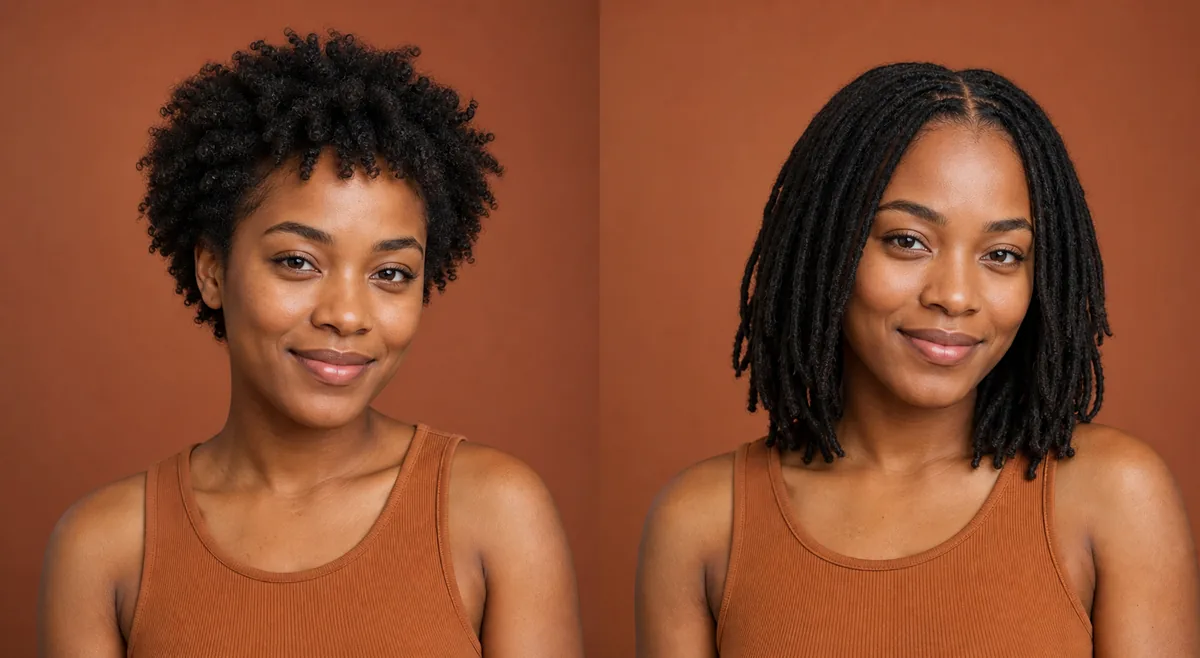 OriginalPreview
Before the appointment
First compare broad choices such as shoulder length versus shorter locs, medium versus smaller sections, and center versus side parting. The AI image is illustrative. An experienced loctician needs to examine density, scalp, existing length, maintenance goals, and the chosen starting method before recommending a practical plan.
What to tell your stylist or barber
Describe what you like about the reference—size, length, fullness, parting, or front shape—without treating the generated image as an installation plan. Ask a loctician what is suitable for your hair and how the appearance may change as the locs mature.
Photo setup
Choose a sharp portrait with the full hairline, crown, and sides visible. Even light and a plain background make the proposed parting and outline easier to see; keep filters and artificial blur turned off.
In the Android app
Use a front-facing photo with your face and hairline visible in even light.
Choose a haircut, hairstyle, or hair color and let Glowify create the preview.
Keep favorite before-and-after results as a starting point for your salon or barber conversation.
Common questions
It can help you compare appearance, but it cannot assess density, scalp condition, sectioning, or the starting method. Confirm those decisions with an experienced loctician.
Generated images often resemble an established look. Real locs change through their early and mature stages, and their fullness, length, and texture reflect the starting hair and maintenance process.
Many people and professionals prefer “locs,” though search language varies. In a consultation, focus on the exact size, parting, length, and visual references you want to discuss.
Nearby options
Use the alternatives below to isolate the detail that matters most to your decision.
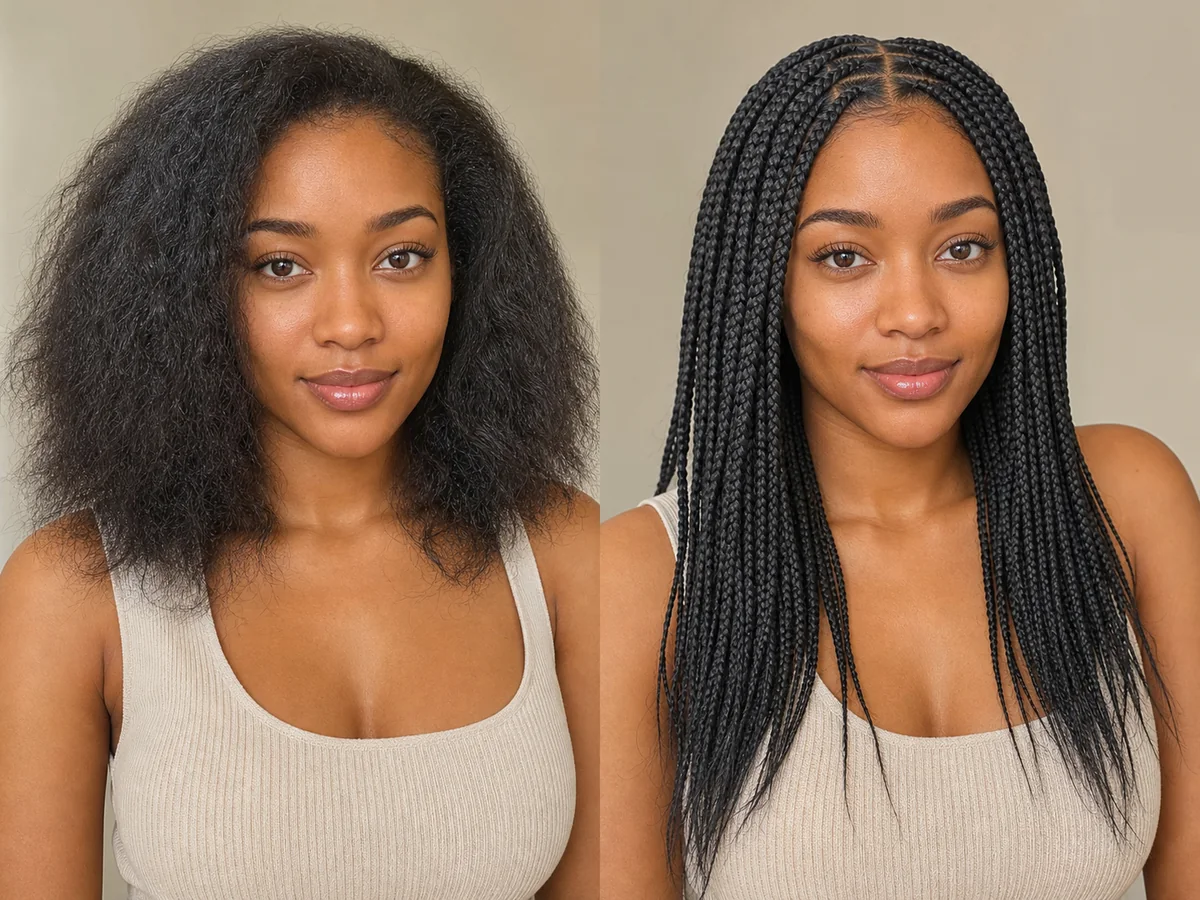
Braids vary widely in size, placement, length, pattern, and tension. An AI preview is best used to explore the broad visual direction before discussing safe, practical execution.
Explore this look →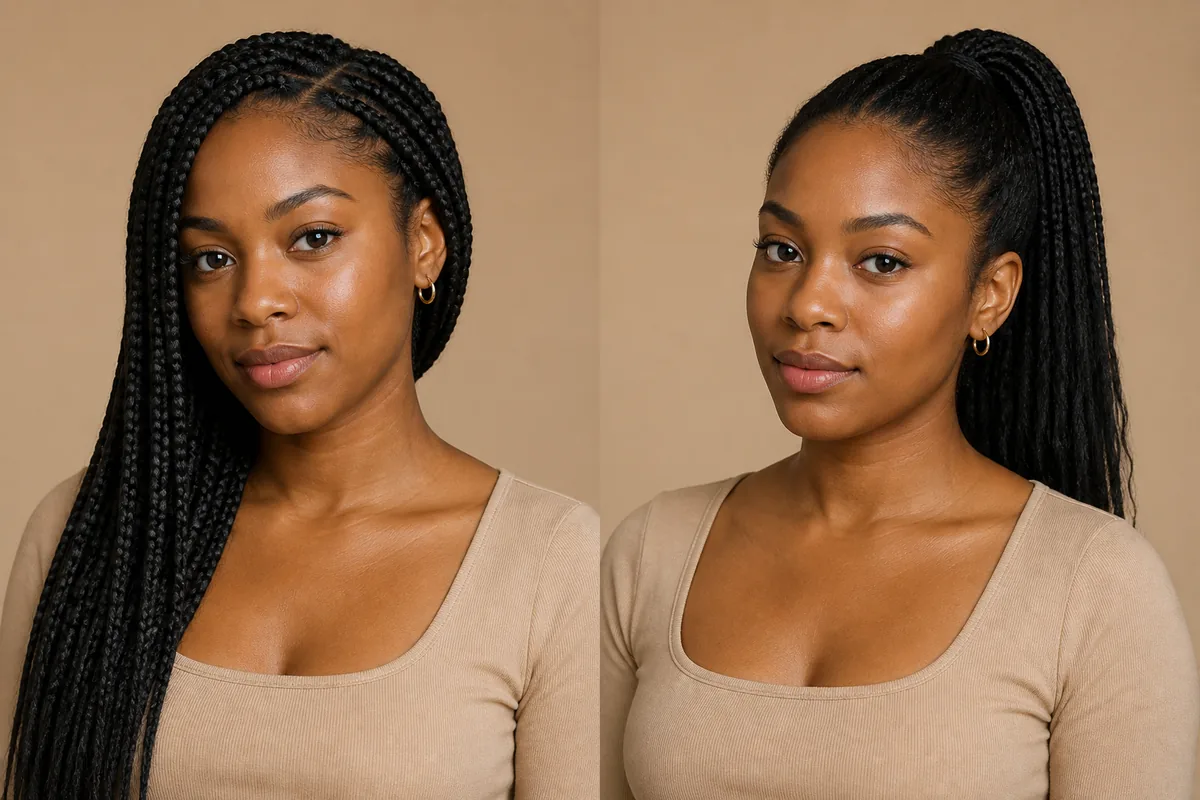
Braids can become the complete installed style, while a ponytail describes where loose hair or braids are gathered. The visual comparison is useful, but the practical decision also involves installation time, weight, tension, duration, and how often you want to restyle the hair.
Explore this look →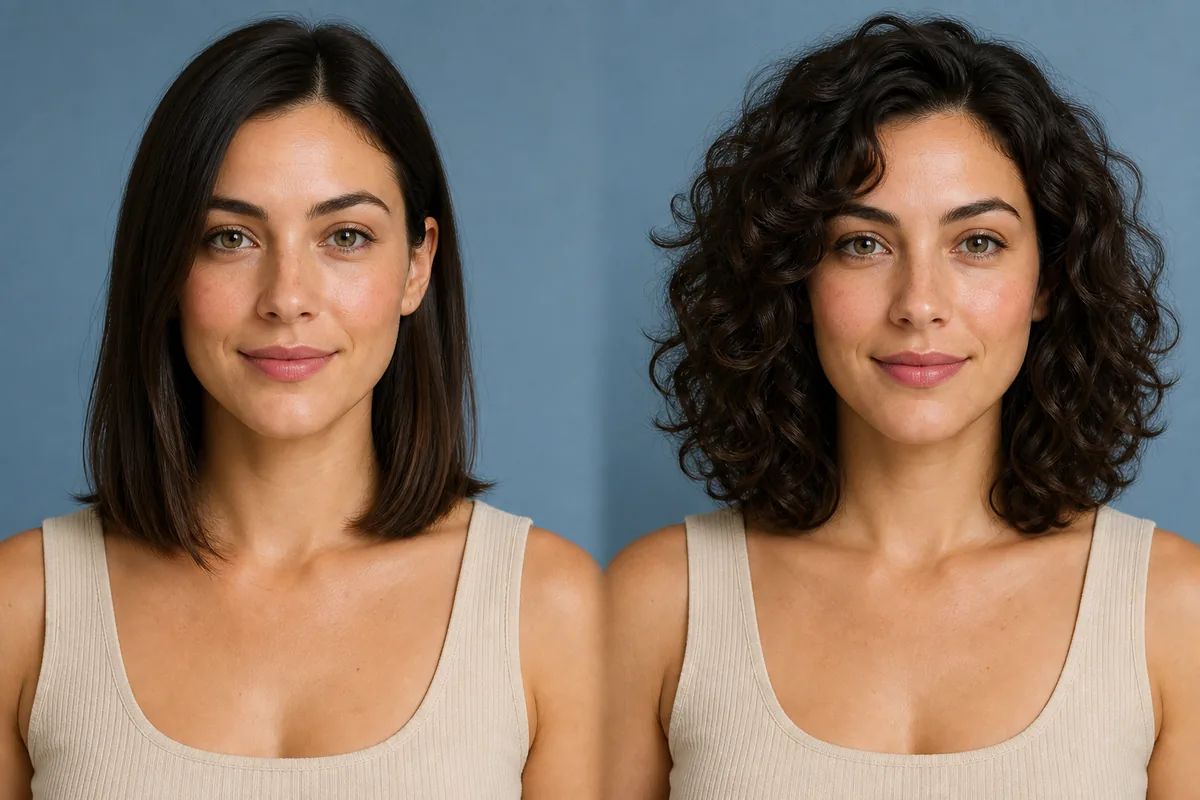
Curly hair forms visible loops or spirals, while wavy hair follows looser bends. When previewing curls, pay attention to where the shape expands, how much the dry length appears to shorten, and whether the front remains open or falls toward the face.
Explore this look →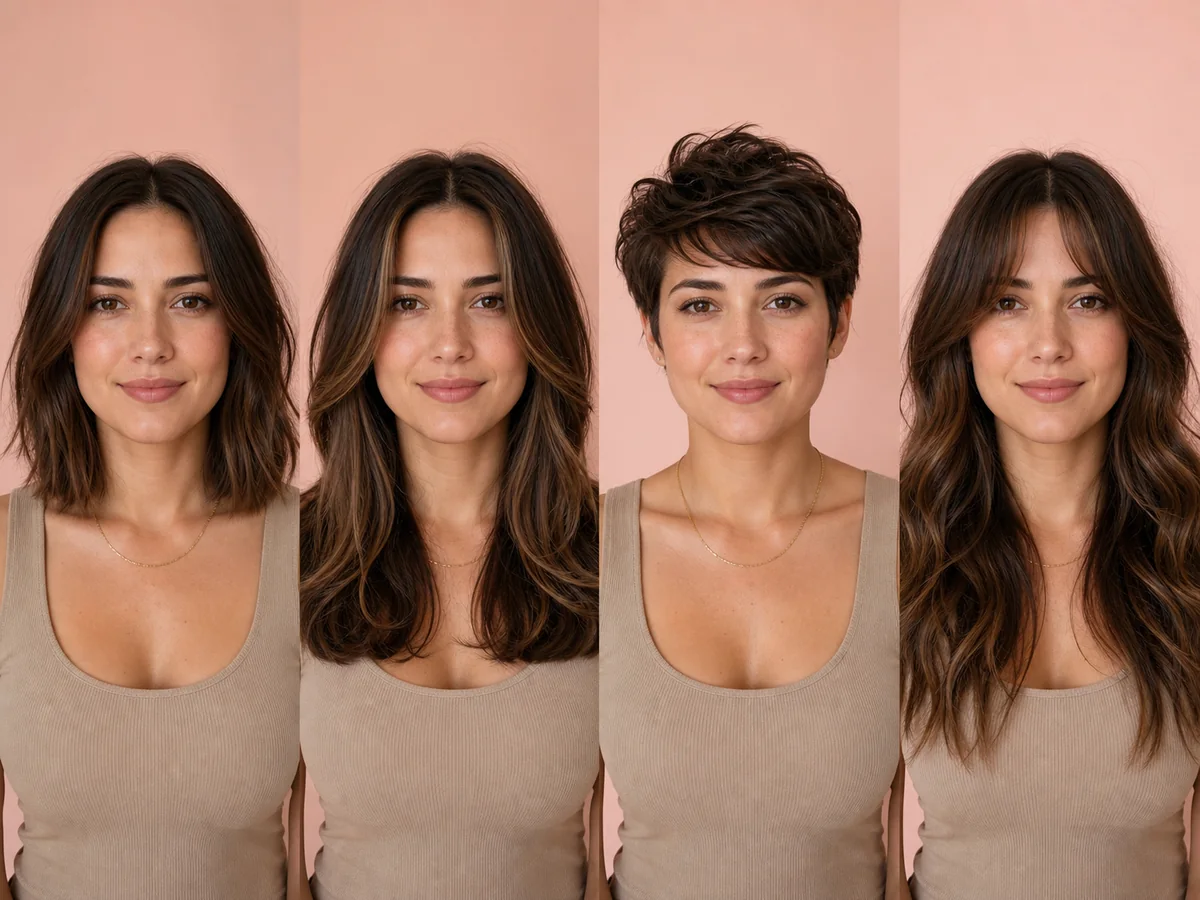
A useful hairstyle decision balances how the cut looks with how it behaves in everyday life. Start with the silhouette you enjoy, then filter it through texture, growth patterns, maintenance, and professional advice.
Explore this look →Take the next step
Open Glowify on Android, compare the result, and bring the useful details to your stylist or barber.