
Where a preview helps
- Comparing warm and cool blonde directions
- Testing overall brightness near the face
- Preparing a visual reference for a color consultation
Virtual hair color preview
Blonde is a family of tones rather than one color. Warm honey, neutral beige, ash, golden, and icy blondes can create very different contrast against the same face.
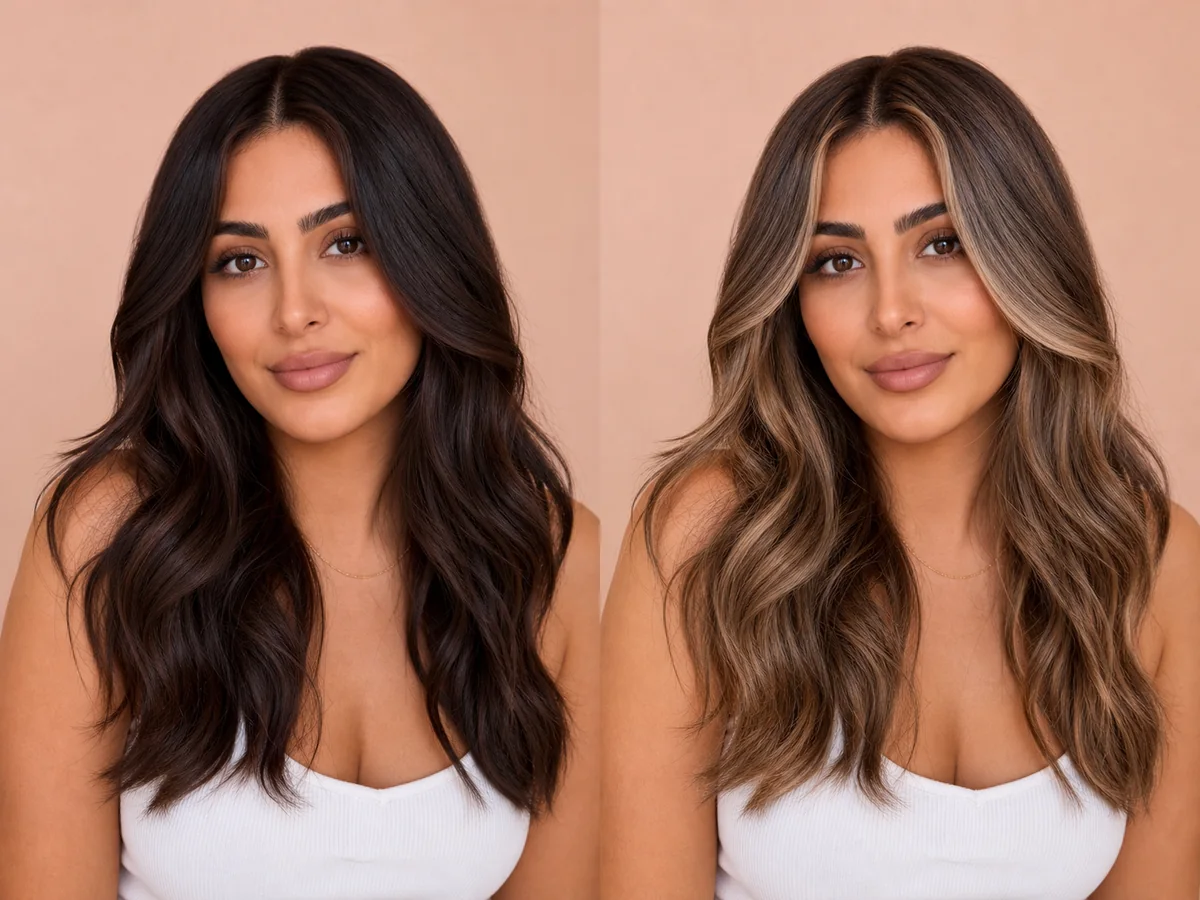 OriginalPreview
Before the appointment
A useful preview helps you compare brightness, warmth, root depth, and placement. A colorist must still account for your starting level, condition, previous color, and realistic lifting process.
What to tell your stylist or barber
Bring the preview as a direction, then ask which level and tone are safely achievable from your current color and how many sessions may be required.
Photo setup
Use a photo taken in neutral daylight or soft white light. Avoid colored room lighting and strong filters, because they can make both your skin tone and starting hair color difficult to read.
In the Android app
Use a front-facing photo with your face and hairline visible in even light.
Choose a haircut, hairstyle, or hair color and let Glowify create the preview.
Keep favorite before-and-after results as a starting point for your salon or barber conversation.
Common questions
Yes. Open Glowify on Android, choose a clear front-facing photo, and select a blonde hair preview. The app creates an AI image intended to help you explore the direction before making a real change.
Treat it as a visual reference rather than a guarantee. Screens and AI previews cannot reproduce the exact lift, undertone, porosity, or salon formula that determines a real blonde result. Your starting hair, texture, density, stylist technique, lighting, and aftercare all affect the real result.
Use a photo taken in neutral daylight or soft white light. Avoid colored room lighting and strong filters, because they can make both your skin tone and starting hair color difficult to read.
Nearby options
Use the alternatives below to isolate the detail that matters most to your decision.
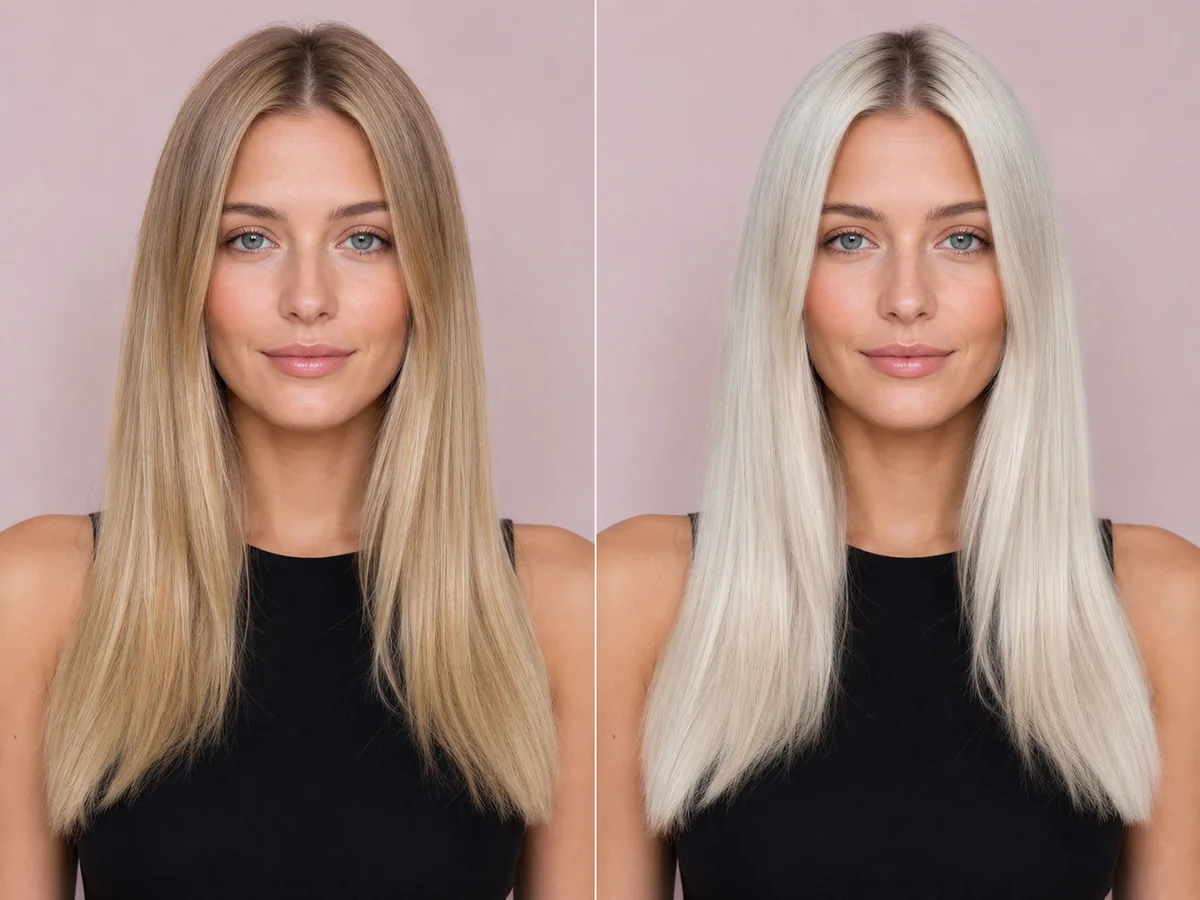
Platinum blonde removes much of the visible warmth and creates a bright, high-impact frame. It is also one of the most technically demanding color directions to achieve and maintain.
Explore this look →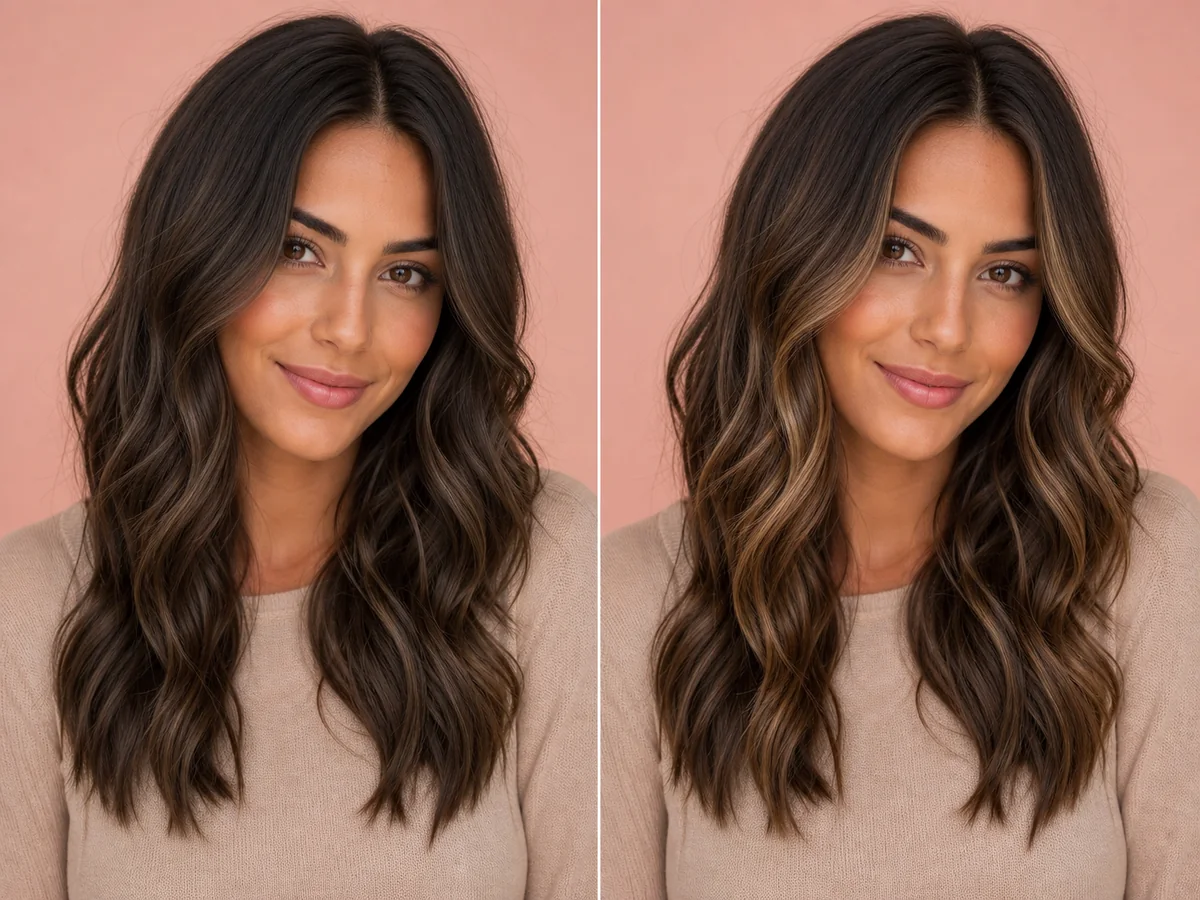
Balayage is a placement approach, not one fixed color. The amount of brightness near the face, depth at the root, and contrast through the ends determine the overall effect.
Explore this look →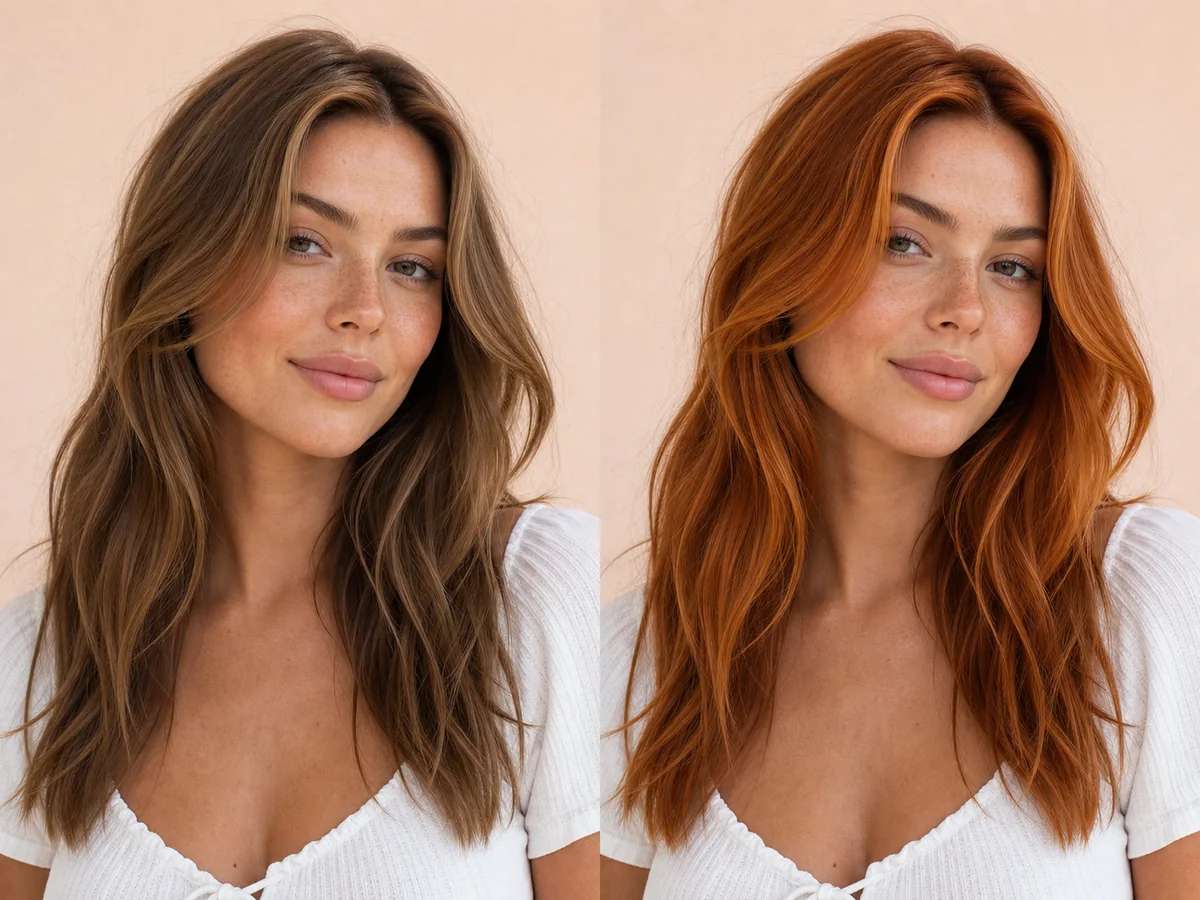
Copper sits between golden orange and red, with versions ranging from soft strawberry copper to saturated penny tones. Small shifts in depth can make the result feel natural or statement-making.
Explore this look →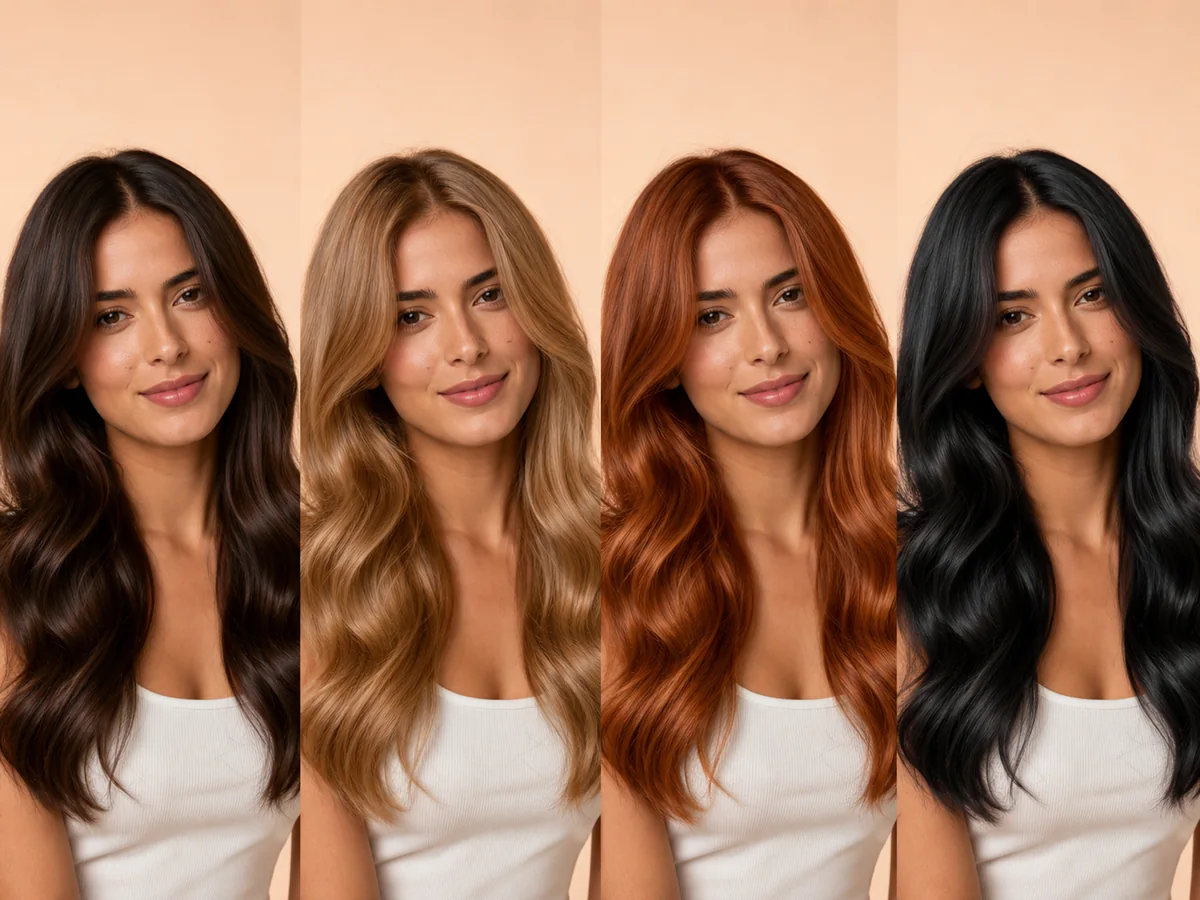
The most flattering color is not determined by one skin-tone chart. Personal style, contrast preference, eye color, maintenance budget, starting hair, and hair condition all matter.
Explore this look →Take the next step
Open Glowify on Android, compare the result, and bring the useful details to your stylist or barber.