
Hairstyles
Hairstyle Ideas to Preview on Your Photo
Explore bobs, pixies, bangs, layers, waves, and more. Learn what changes, what to ask a stylist, and preview each look in Glowify.
Explore on your photo
Choose a direction to preview
Each page explains the visual change, practical considerations, and what to discuss with a stylist or barber.
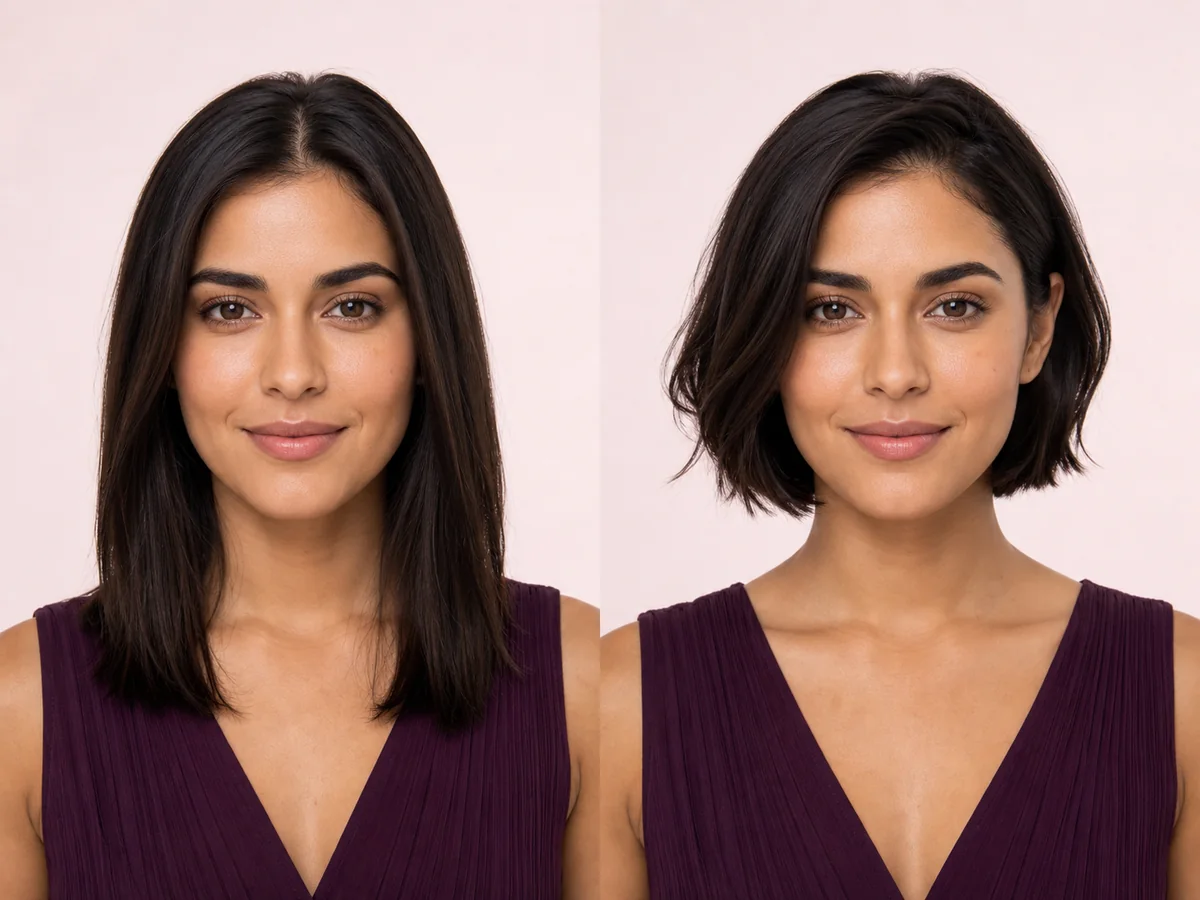
Bob Haircut
A bob changes the outline around your jaw and neck, so even a small shift in length can feel dramatic. Preview the silhouette on your own face before deciding where the line should fall.
Explore this look →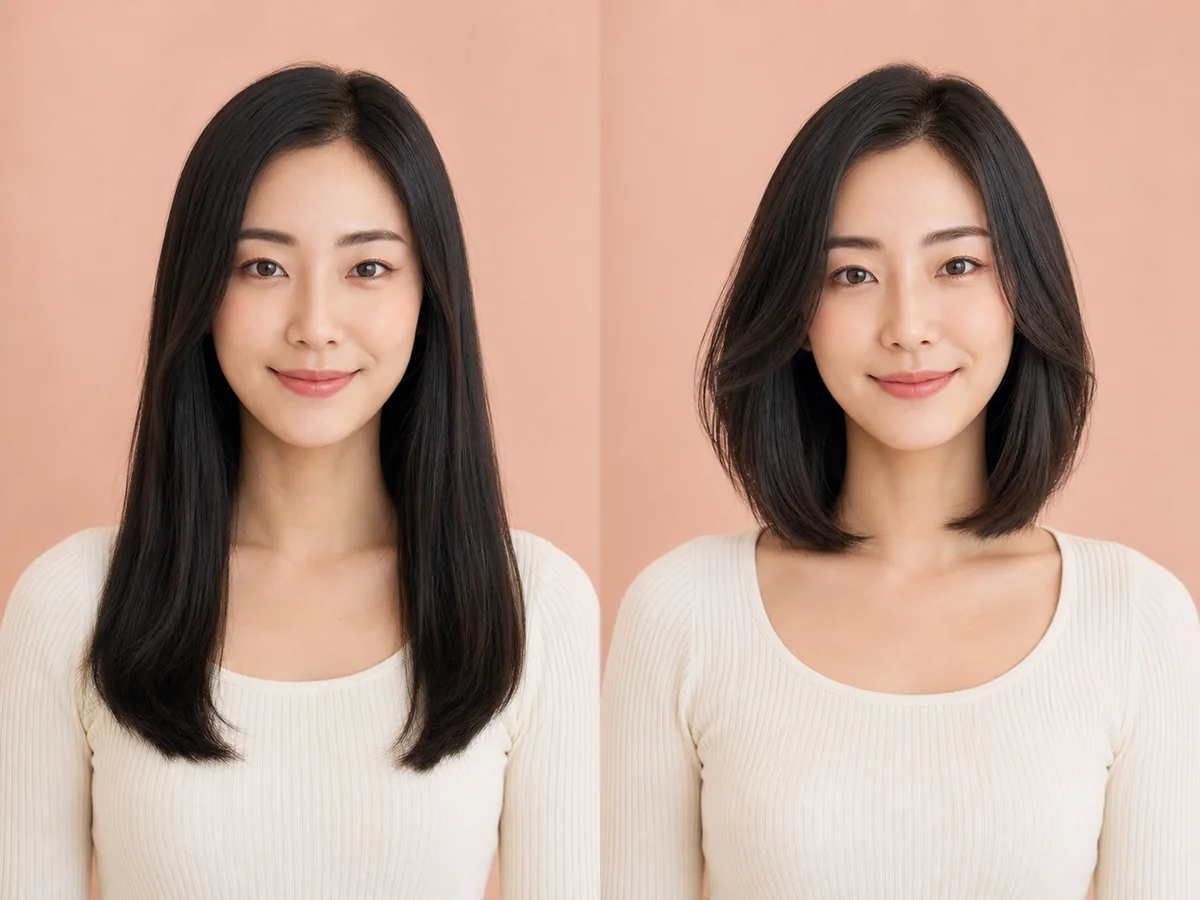
Long Bob
A long bob—or lob—is a lower-commitment route into shorter hair. It keeps enough length for many ponytails while introducing a stronger, lighter outline around the shoulders.
Explore this look →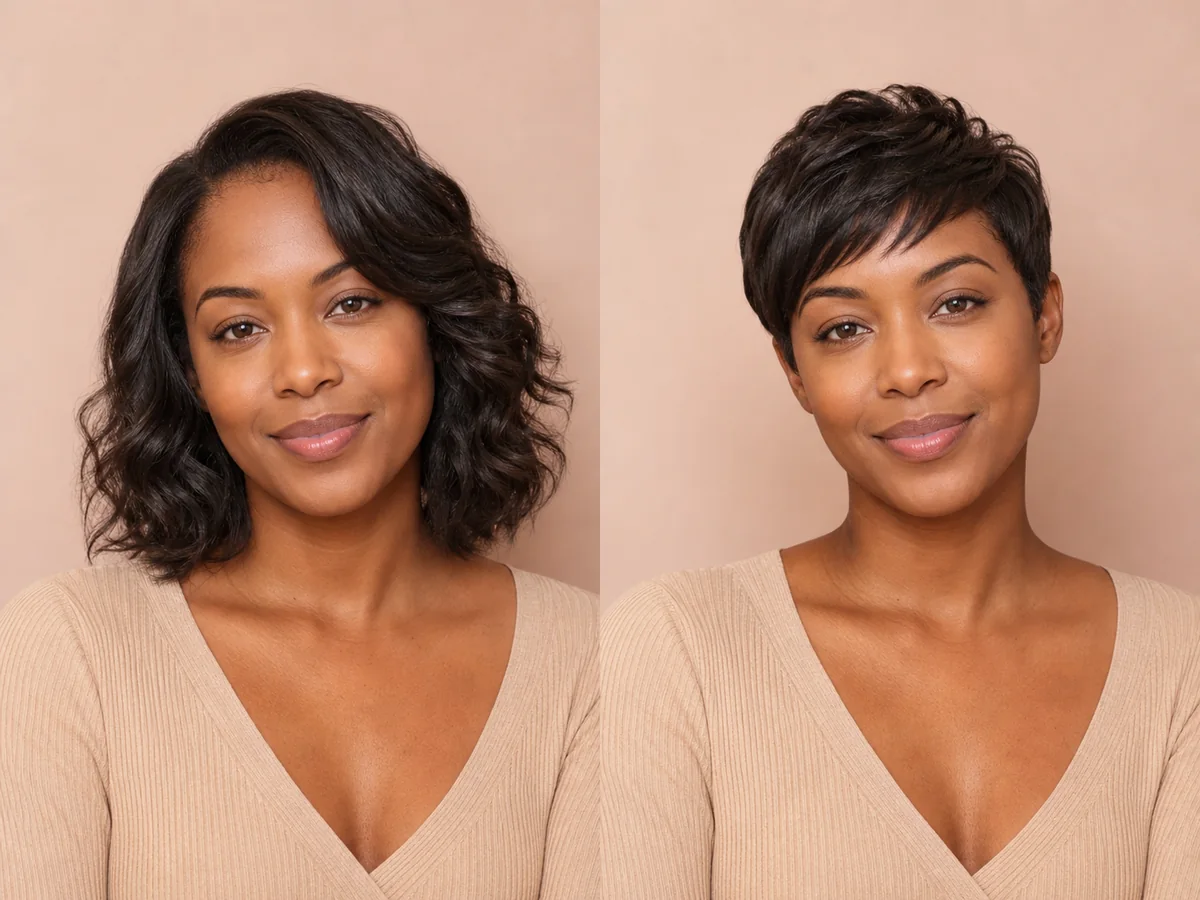
Pixie Cut
A pixie exposes more of the forehead, ears, cheekbones, and neck than most cuts. Previewing those proportions can make a major haircut decision feel more concrete.
Explore this look →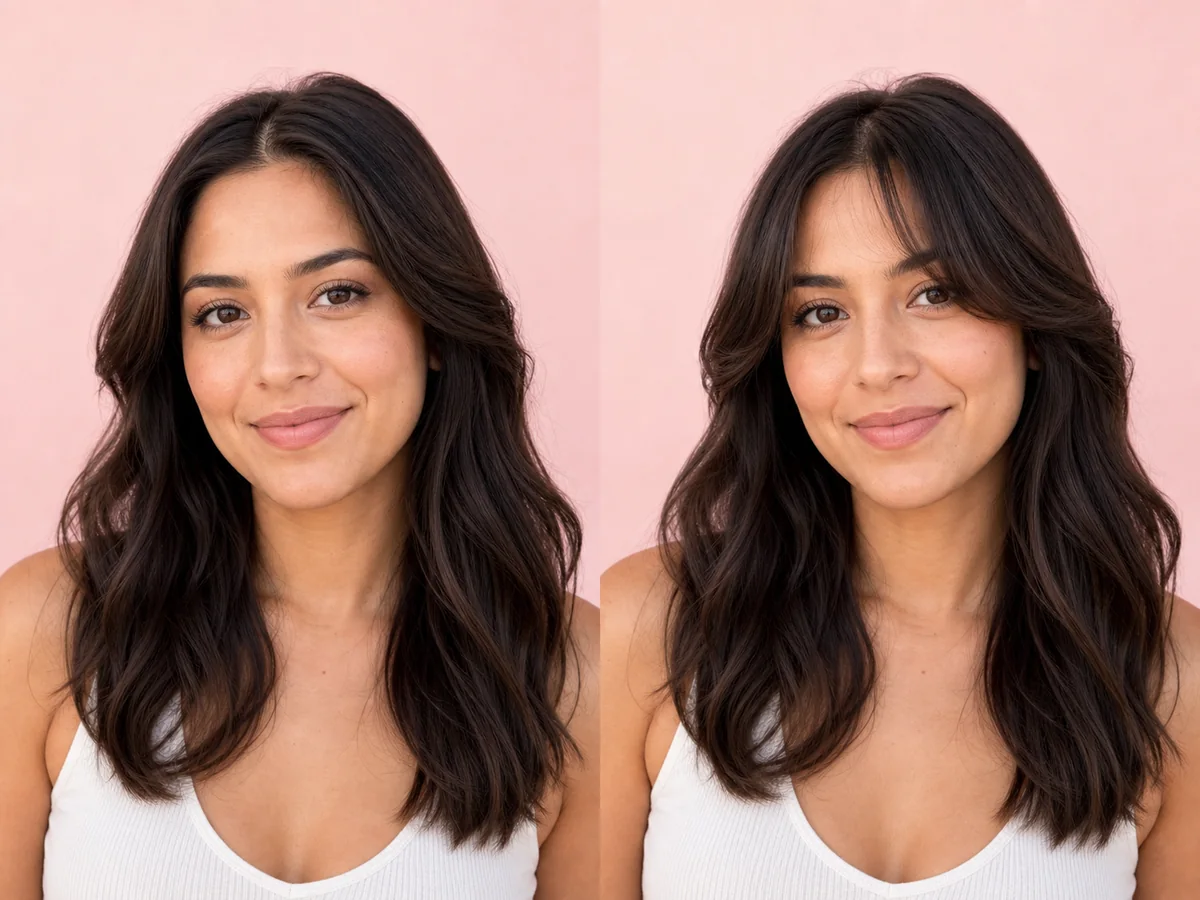
Curtain Bangs
Curtain bangs change the visual frame around the eyes and cheekbones without fully covering the forehead. Their length and opening determine whether they feel airy, dramatic, or blended.
Explore this look →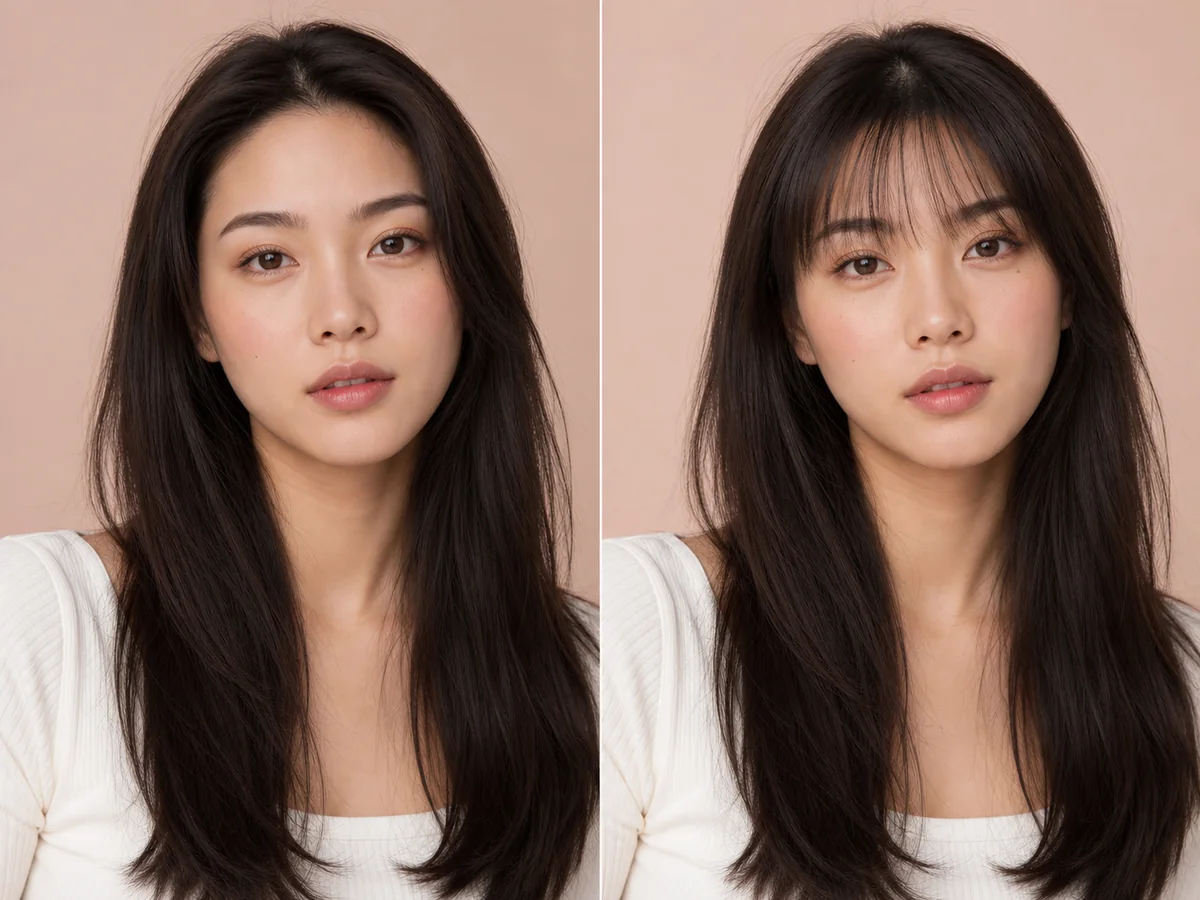
Wispy Bangs
Wispy bangs create a lighter veil across the forehead than a blunt fringe. The amount of separation matters: a few fine pieces feel subtle, while fuller wisps create a more noticeable frame.
Explore this look →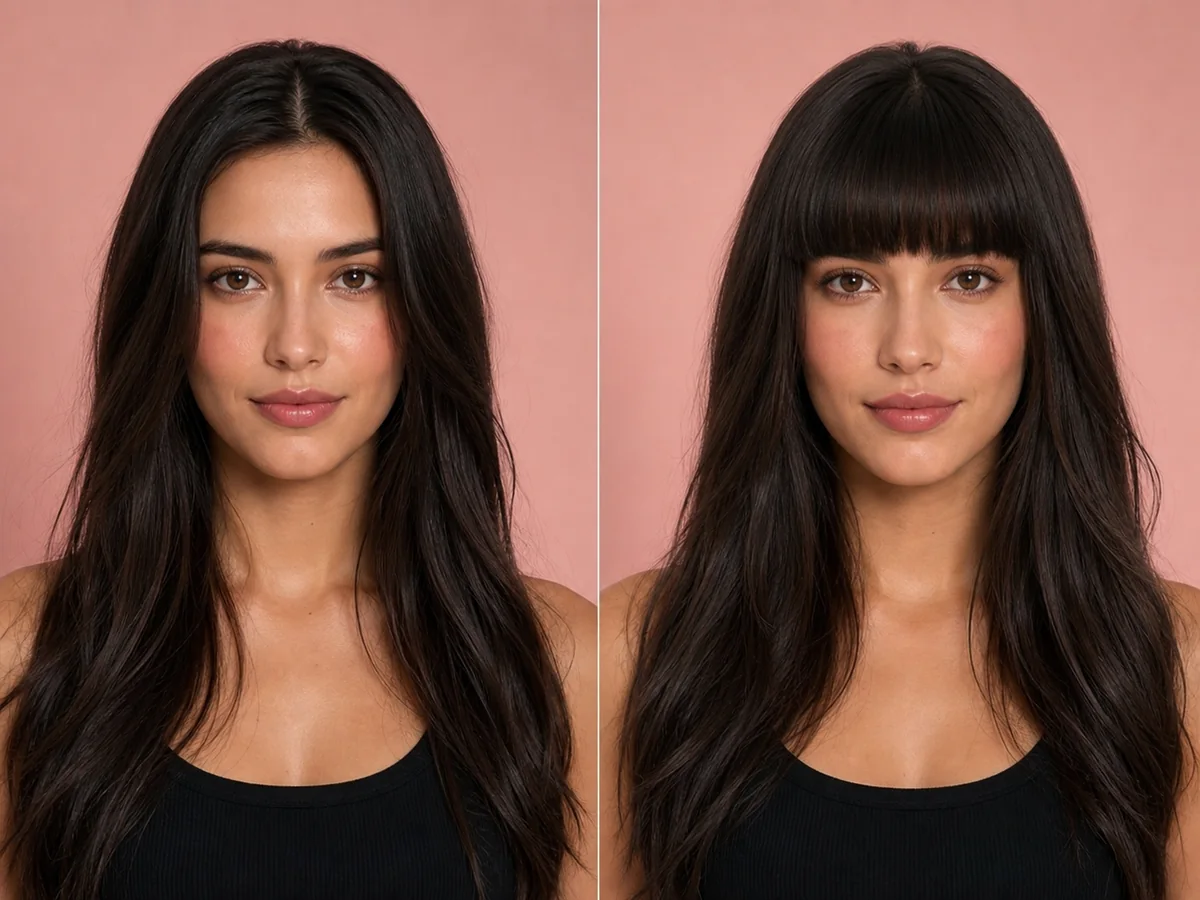
Blunt Bangs
Blunt bangs create a deliberate horizontal line and bring attention to the eyes. Because the change is immediate and difficult to hide, a preview is especially useful before the first cut.
Explore this look →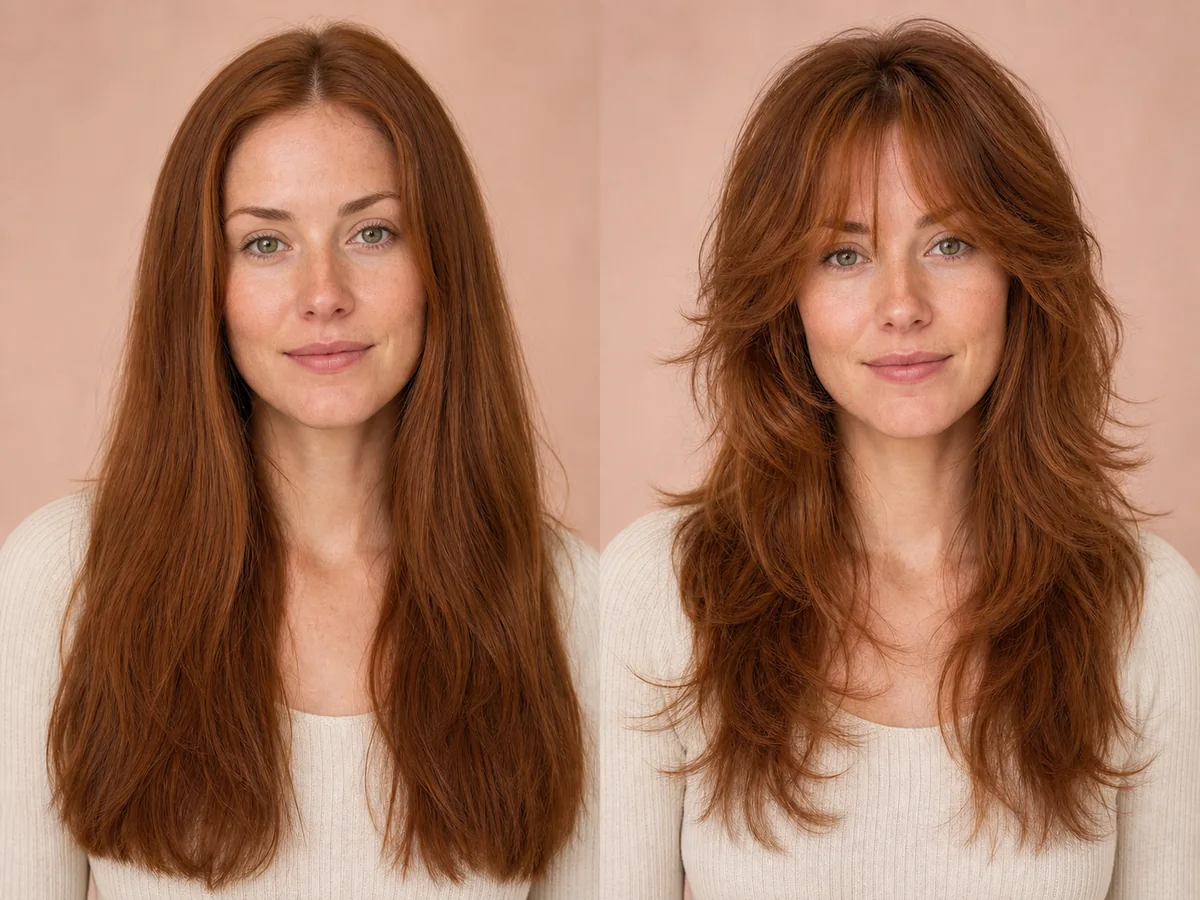
Wolf Cut
A wolf cut combines shorter, energetic layers through the crown with longer, lighter pieces below. Previewing the contrast helps you decide how dramatic the shape should be.
Explore this look →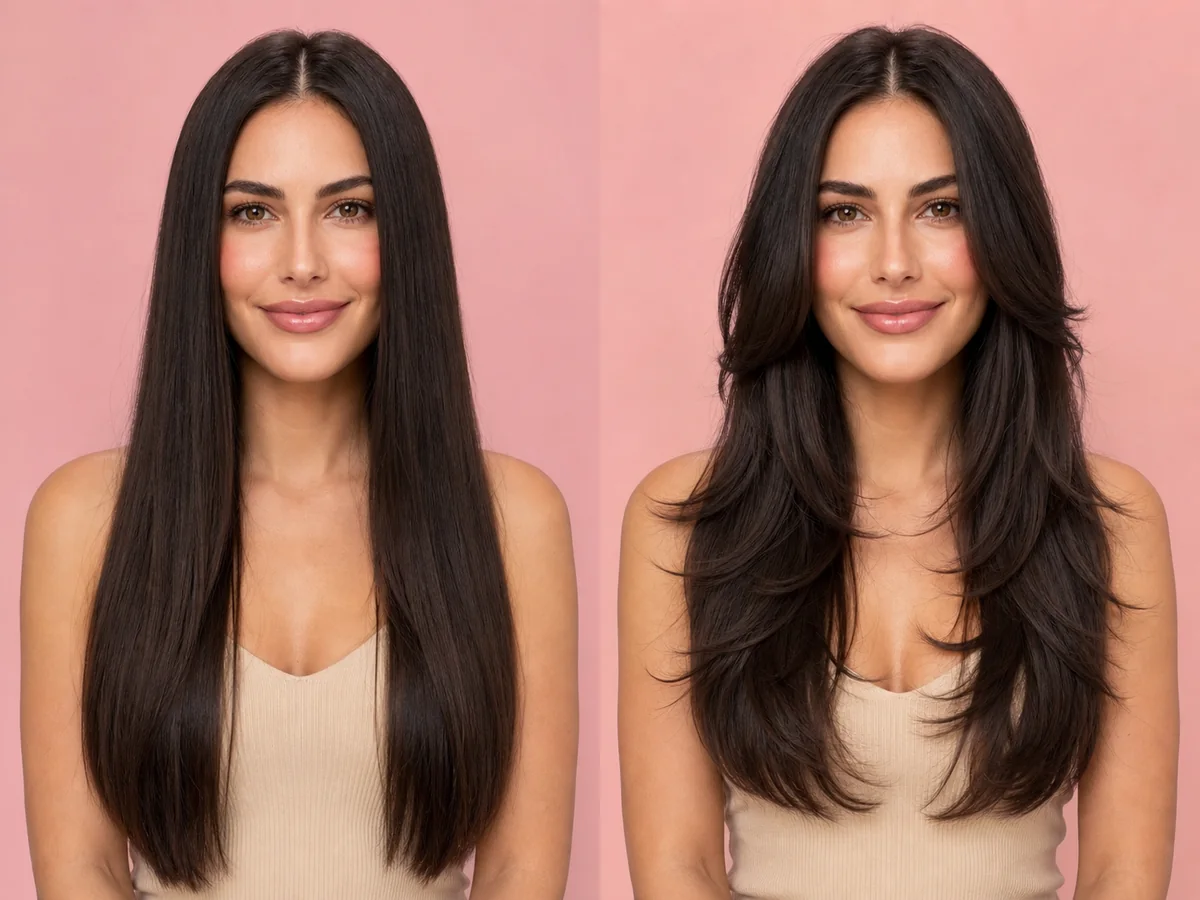
Layered Hair
Layers can remove weight, add movement, create volume, or soften the frame around your face. The most useful preview focuses on where the shortest pieces begin and how much length remains.
Explore this look →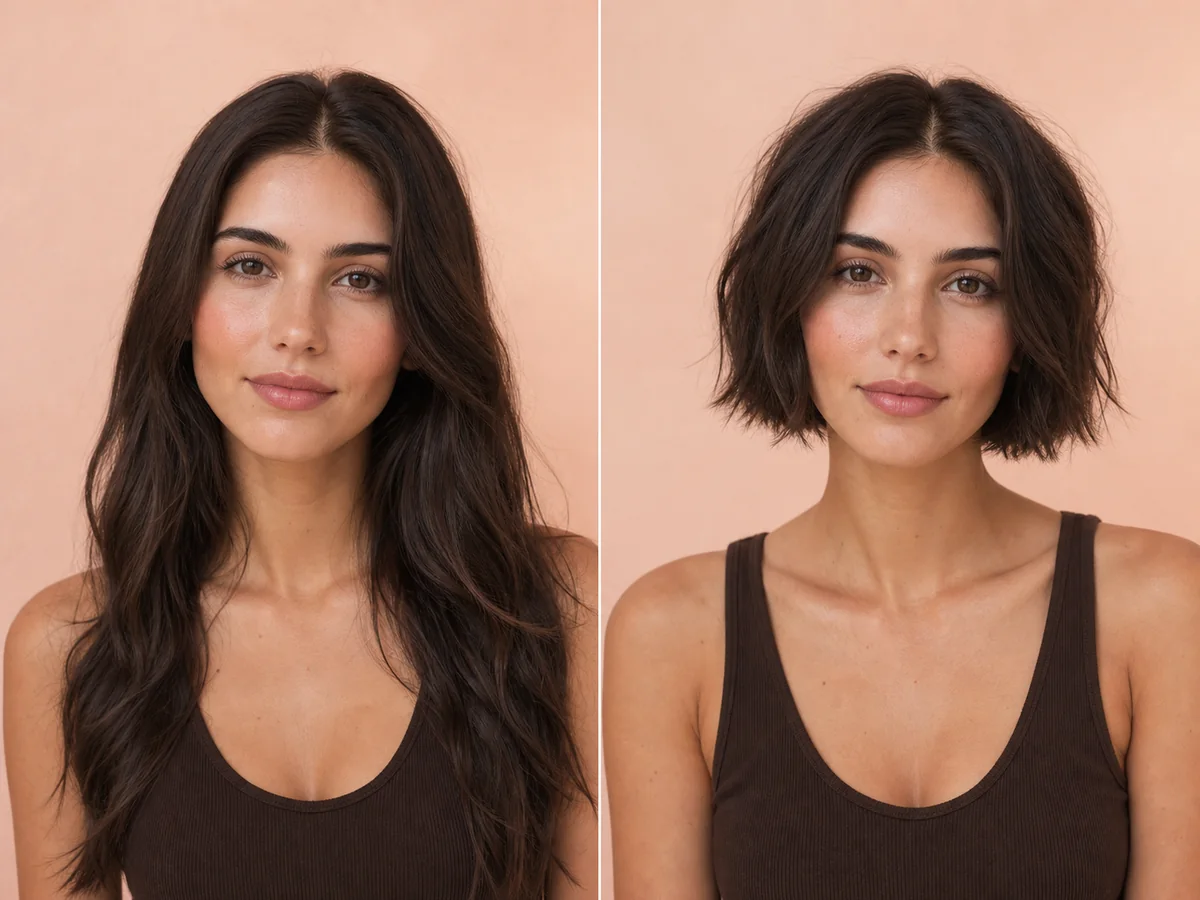
Short Hair
“Short hair” can mean a jaw-length bob, a cropped pixie, or anything between. Start by previewing the overall proportion, then narrow the decision to a specific outline and fringe.
Explore this look →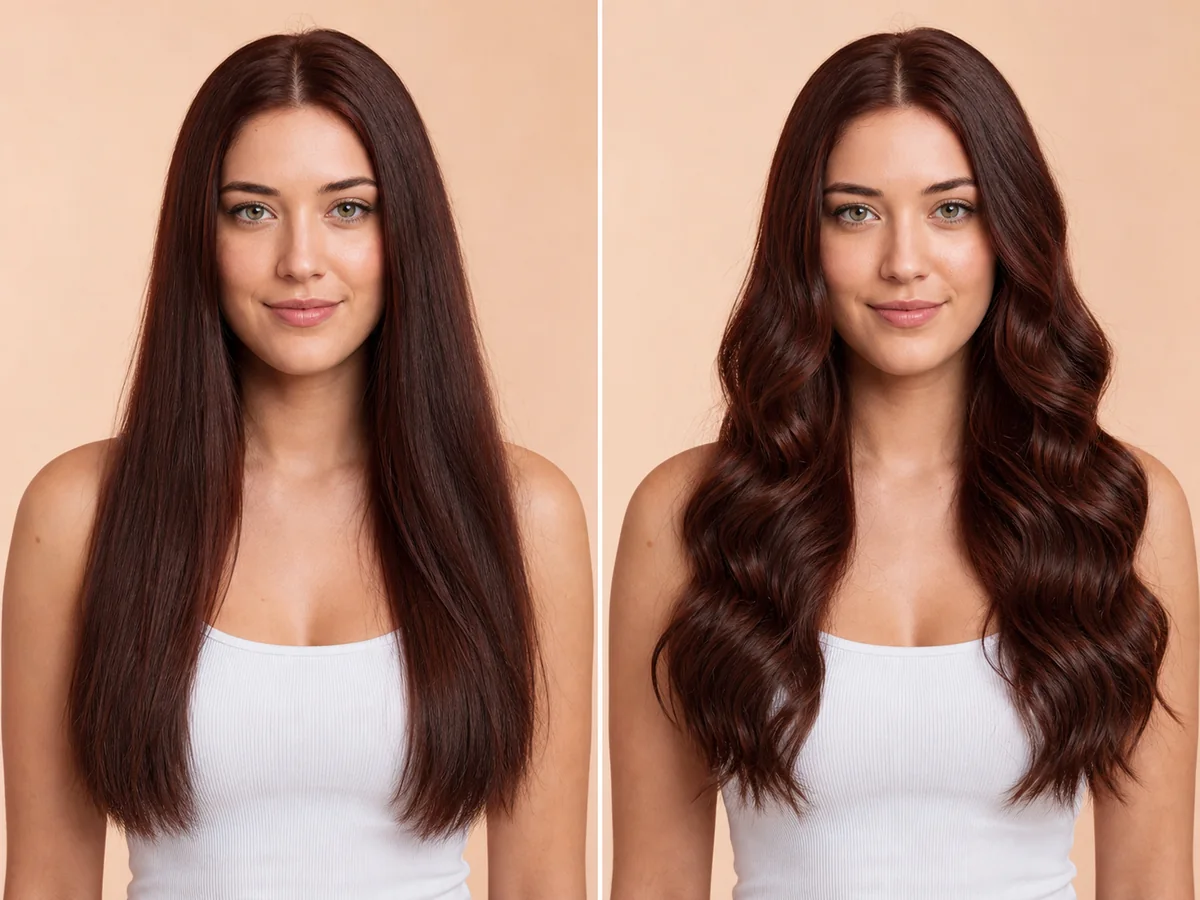
Long Wavy Hair
Long waves add width, movement, and a softer outline around the shoulders. A preview can help you compare wave size, volume, parting, and the placement of face-framing pieces.
Explore this look →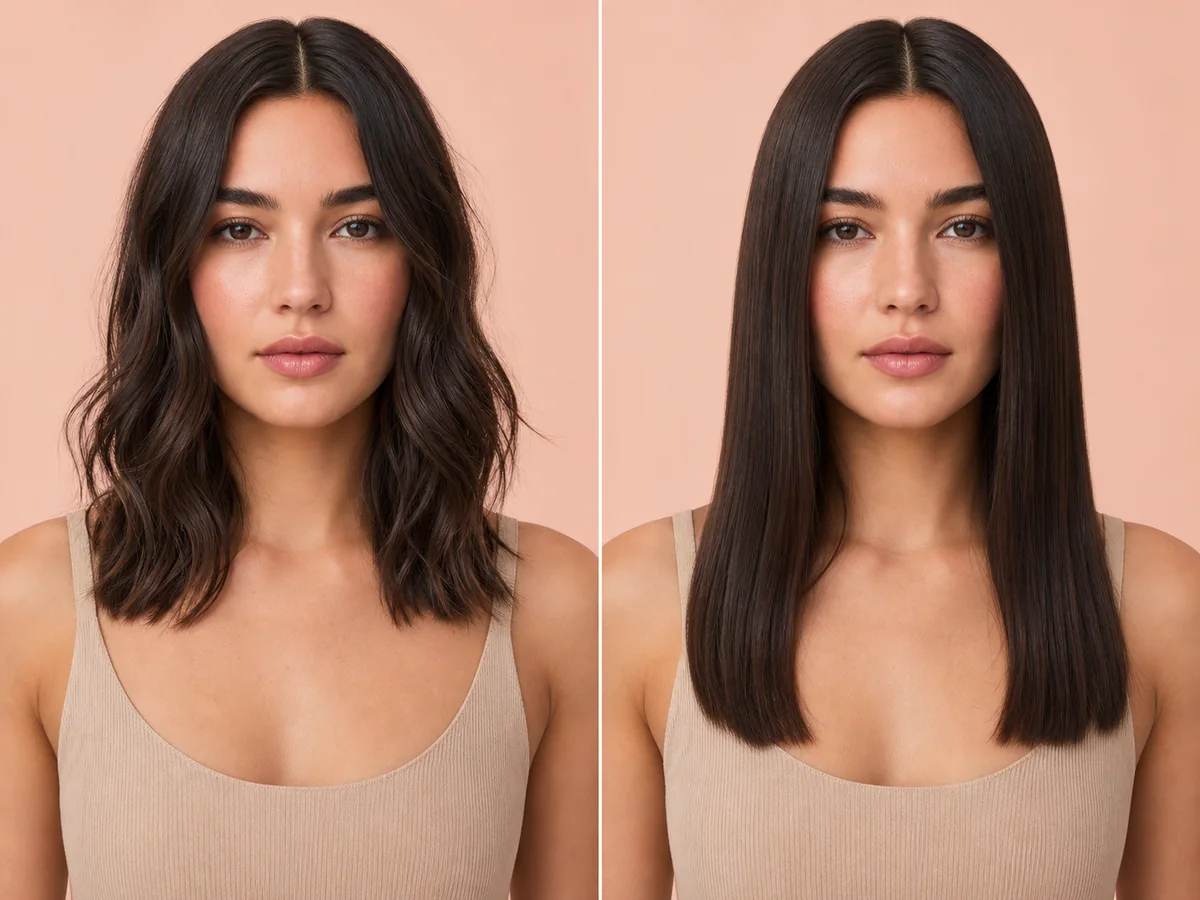
Straight Hair
A straighter finish reveals the haircut perimeter and length more clearly than a curled or waved style. Previewing it can help separate the haircut decision from the styling finish.
Explore this look →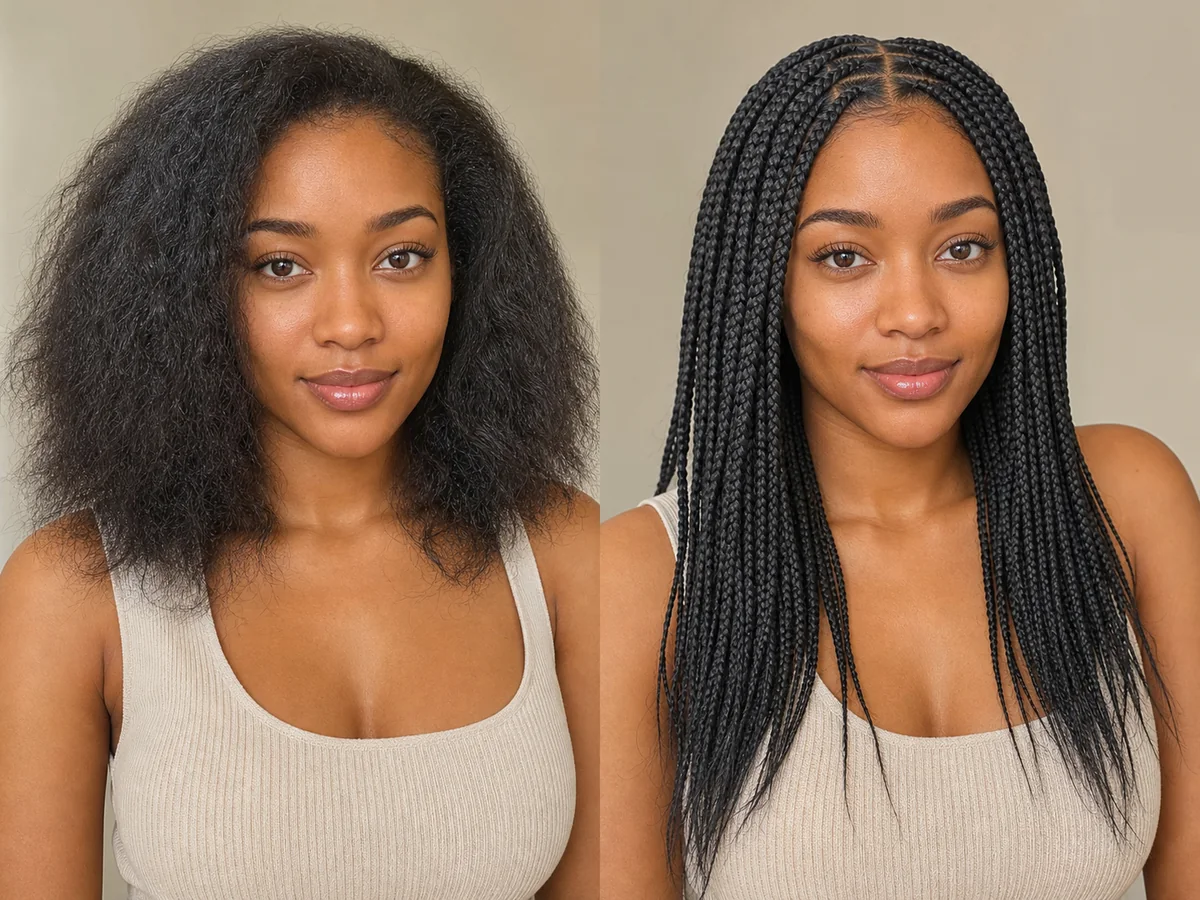
Braids
Braids vary widely in size, placement, length, pattern, and tension. An AI preview is best used to explore the broad visual direction before discussing safe, practical execution.
Explore this look →Ready to see the change on your own face?
Open Glowify on Android, choose a clear photo, and compare hairstyles or colors before making the real change.