
Where a preview helps
- Trying shorter hair while keeping styling flexibility
- Reducing heavy or tired ends
- Comparing blunt and softly layered finishes
Virtual hairstyle preview
A long bob—or lob—is a lower-commitment route into shorter hair. It keeps enough length for many ponytails while introducing a stronger, lighter outline around the shoulders.
 OriginalPreview
Before the appointment
Most lobs sit between the base of the neck and collarbone. The style can be blunt, softly layered, straight, wavy, center-parted, or side-parted without losing its core shape.
What to tell your stylist or barber
Ask for a collarbone-skimming lob with a perimeter that stays visually full, then choose subtle face-framing or internal layers based on your density.
Photo setup
Use a sharp, front-facing photo in even light. Keep your whole face visible, remove hats and sunglasses, and move loose hair away from the eyes and forehead when possible.
In the Android app
Use a front-facing photo with your face and hairline visible in even light.
Choose a haircut, hairstyle, or hair color and let Glowify create the preview.
Keep favorite before-and-after results as a starting point for your salon or barber conversation.
Common questions
Yes. Open Glowify on Android, choose a clear front-facing photo, and select a long bob preview. The app creates an AI image intended to help you explore the direction before making a real change.
Treat it as a visual reference rather than a guarantee. An AI preview shows the proposed outline, while the real result depends on where the hair meets your shoulders and how it contracts when dry. Your starting hair, texture, density, stylist technique, lighting, and aftercare all affect the real result.
Use a sharp, front-facing photo in even light. Keep your whole face visible, remove hats and sunglasses, and move loose hair away from the eyes and forehead when possible.
Nearby options
Use the alternatives below to isolate the detail that matters most to your decision.
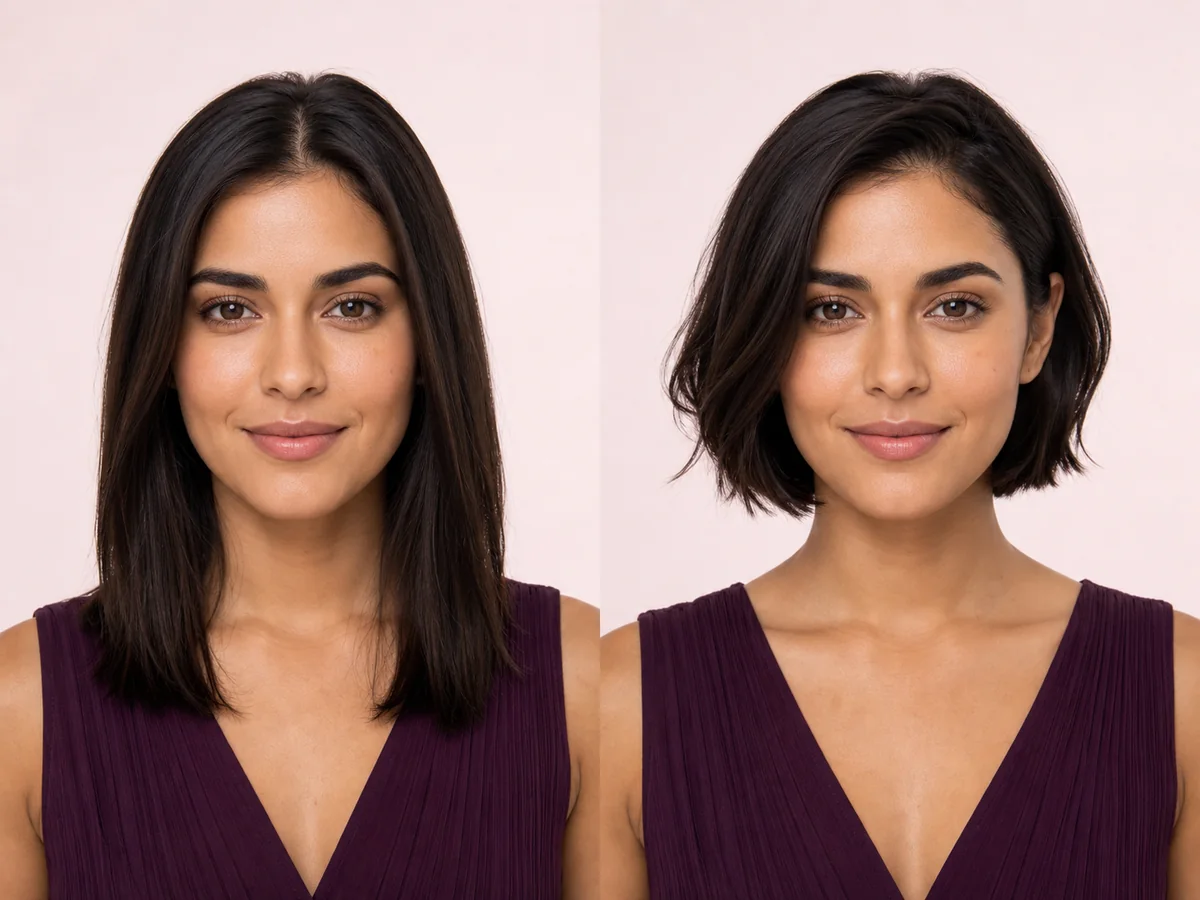
A bob changes the outline around your jaw and neck, so even a small shift in length can feel dramatic. Preview the silhouette on your own face before deciding where the line should fall.
Explore this look →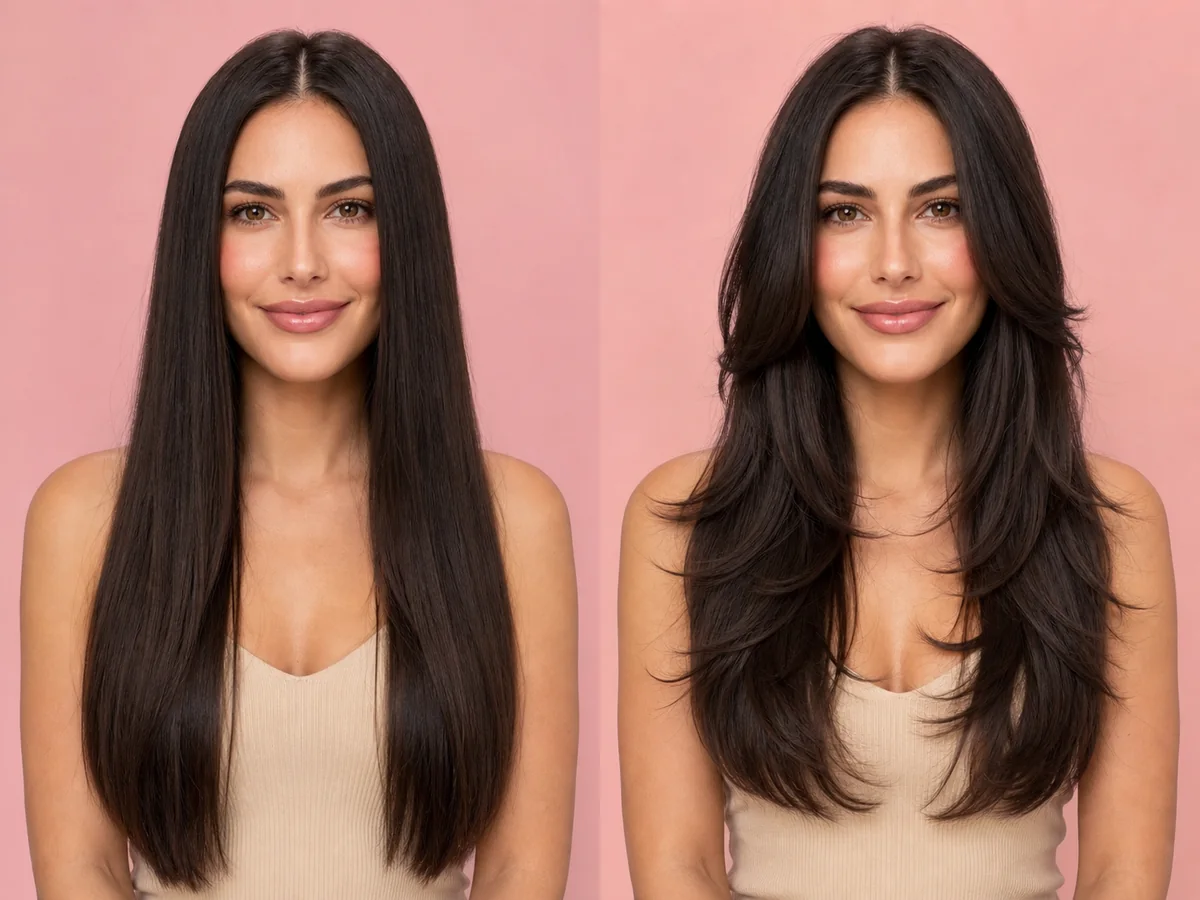
Layers can remove weight, add movement, create volume, or soften the frame around your face. The most useful preview focuses on where the shortest pieces begin and how much length remains.
Explore this look →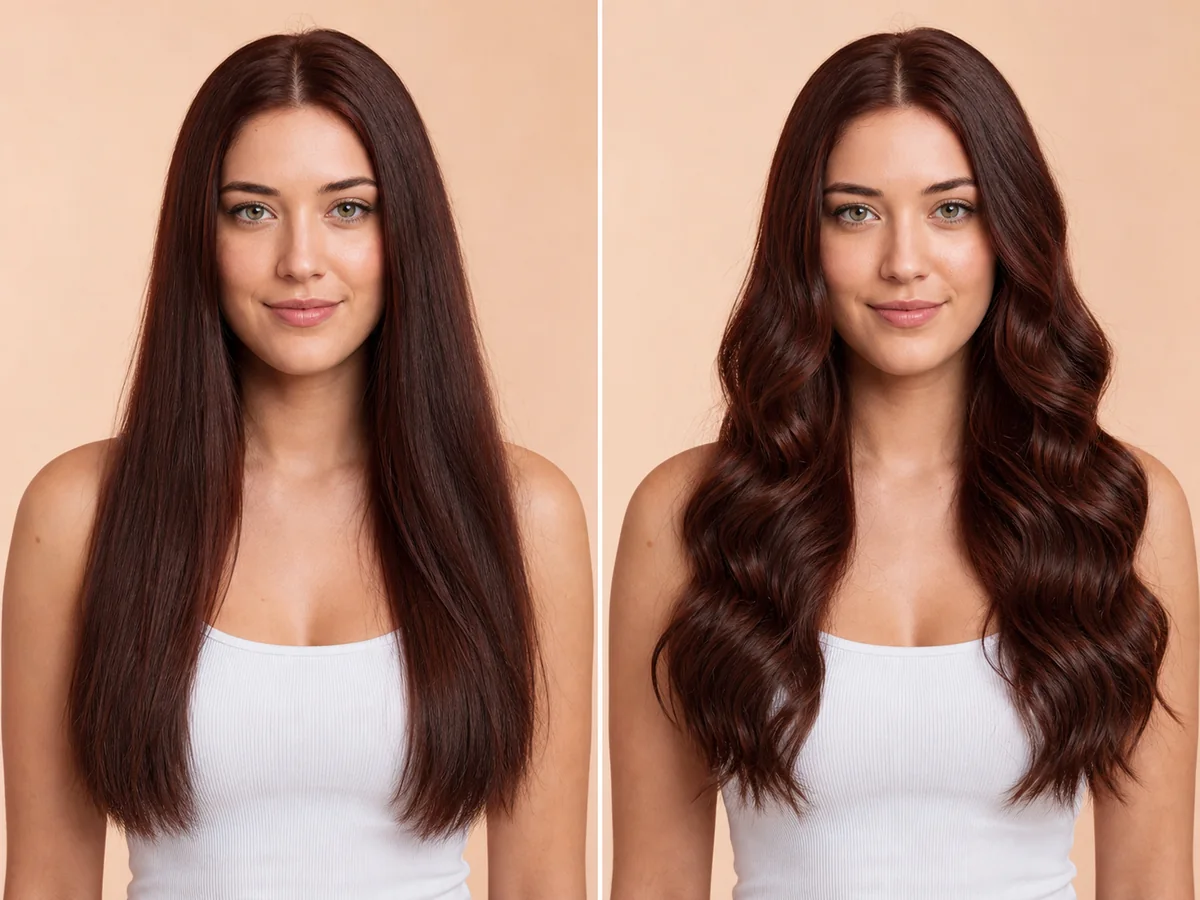
Long waves add width, movement, and a softer outline around the shoulders. A preview can help you compare wave size, volume, parting, and the placement of face-framing pieces.
Explore this look →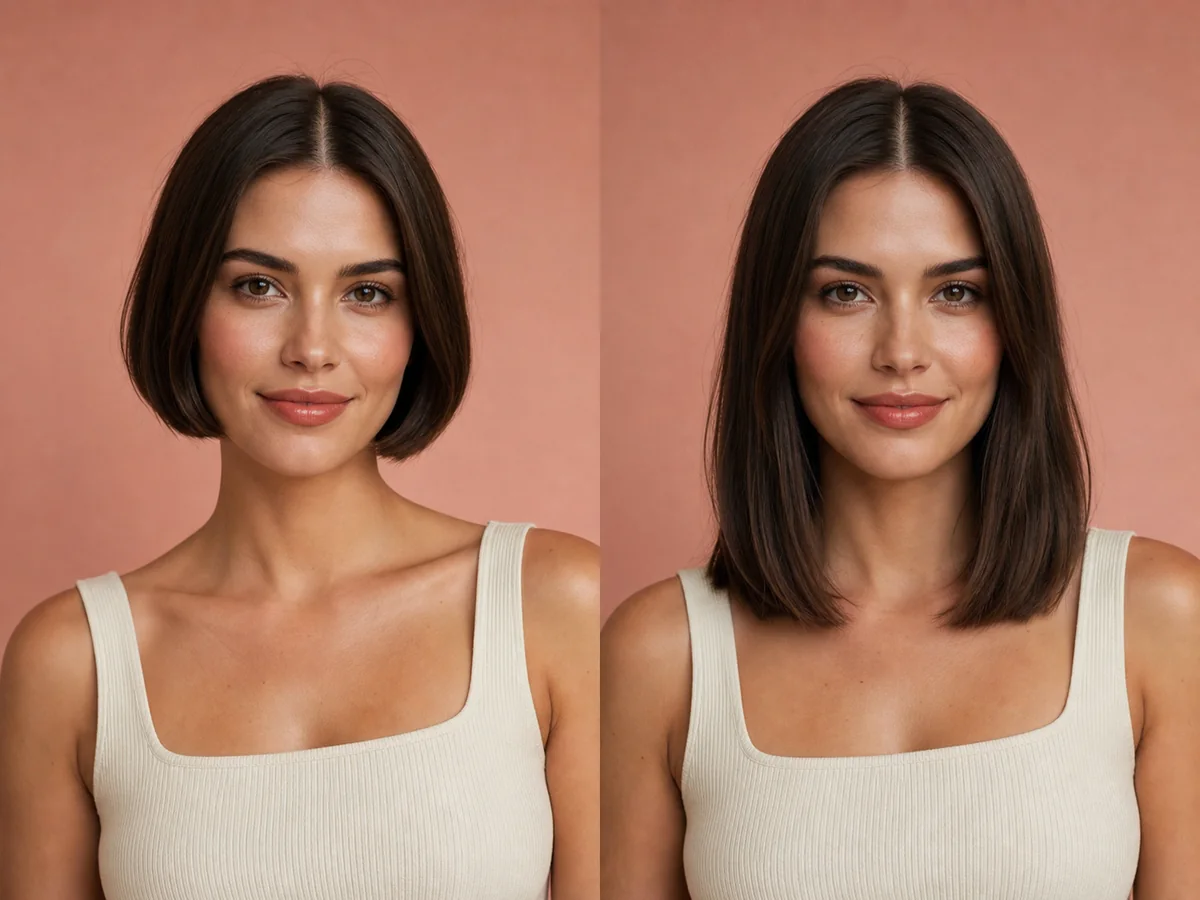
A bob can be adjusted to almost any personal style, but its length has a strong effect on the jaw, neck, and shoulder line. Preview several reference points instead of judging one generic bob.
Explore this look →Take the next step
Open Glowify on Android, compare the result, and bring the useful details to your stylist or barber.