
Where a preview helps
- Exploring lighter forehead coverage
- Adding softness without a heavy fringe
- Testing a fringe that can blend into layers
Virtual hairstyle preview
Wispy bangs create a lighter veil across the forehead than a blunt fringe. The amount of separation matters: a few fine pieces feel subtle, while fuller wisps create a more noticeable frame.
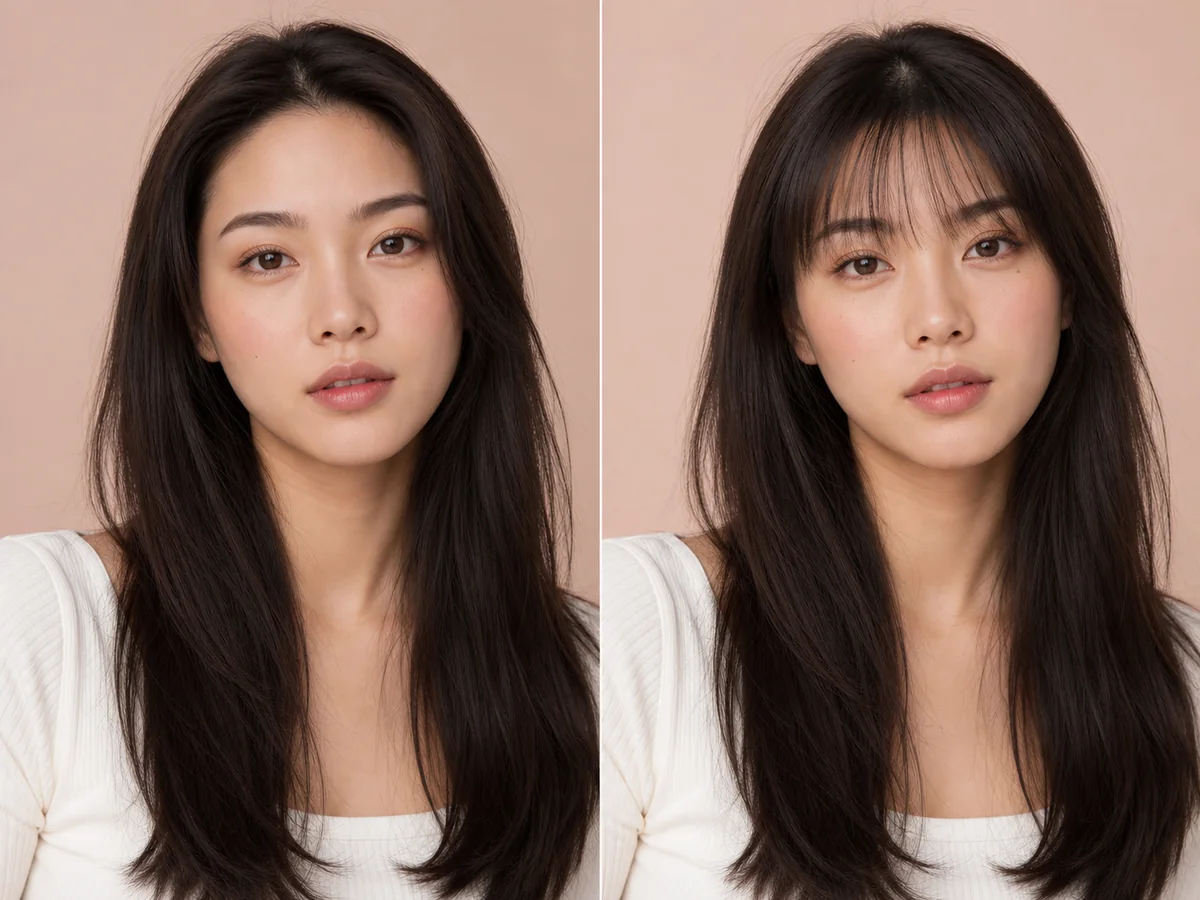 OriginalPreview
Before the appointment
This fringe is usually cut with lower density and visible separation between strands. It can sit near the brows, skim the lashes, or sweep slightly to one side.
What to tell your stylist or barber
Ask for low-density fringe with soft, separated ends and enough side length to blend into the rest of the haircut.
Photo setup
Use a photo with the full forehead and eyebrows visible. Move existing bangs away from the face so the AI preview has a clean area to work with.
In the Android app
Use a front-facing photo with your face and hairline visible in even light.
Choose a haircut, hairstyle, or hair color and let Glowify create the preview.
Keep favorite before-and-after results as a starting point for your salon or barber conversation.
Common questions
Yes. Open Glowify on Android, choose a clear front-facing photo, and select a wispy bangs preview. The app creates an AI image intended to help you explore the direction before making a real change.
Treat it as a visual reference rather than a guarantee. The preview illustrates density and placement, but real wispy texture depends on strand thickness, humidity, and how the fringe is dried. Your starting hair, texture, density, stylist technique, lighting, and aftercare all affect the real result.
Use a photo with the full forehead and eyebrows visible. Move existing bangs away from the face so the AI preview has a clean area to work with.
Nearby options
Use the alternatives below to isolate the detail that matters most to your decision.
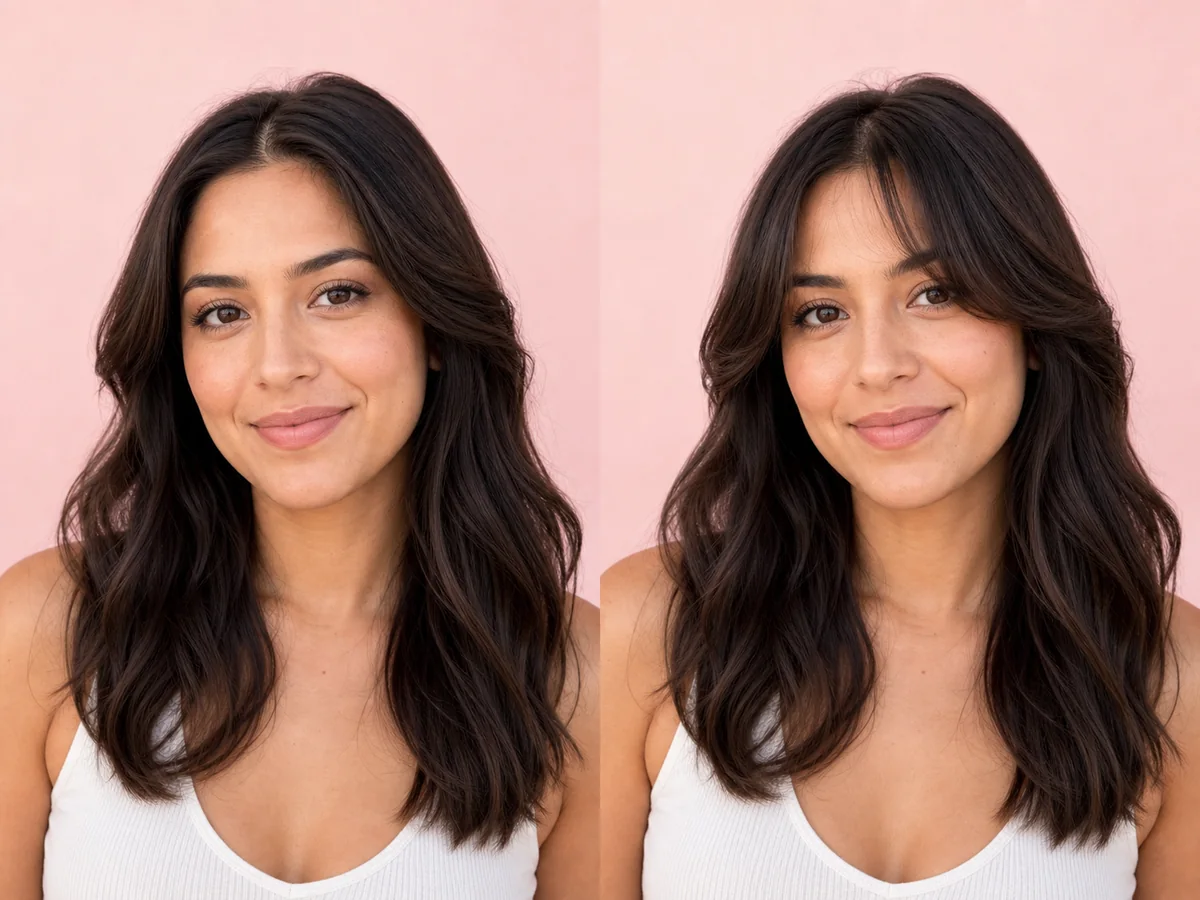
Curtain bangs change the visual frame around the eyes and cheekbones without fully covering the forehead. Their length and opening determine whether they feel airy, dramatic, or blended.
Explore this look →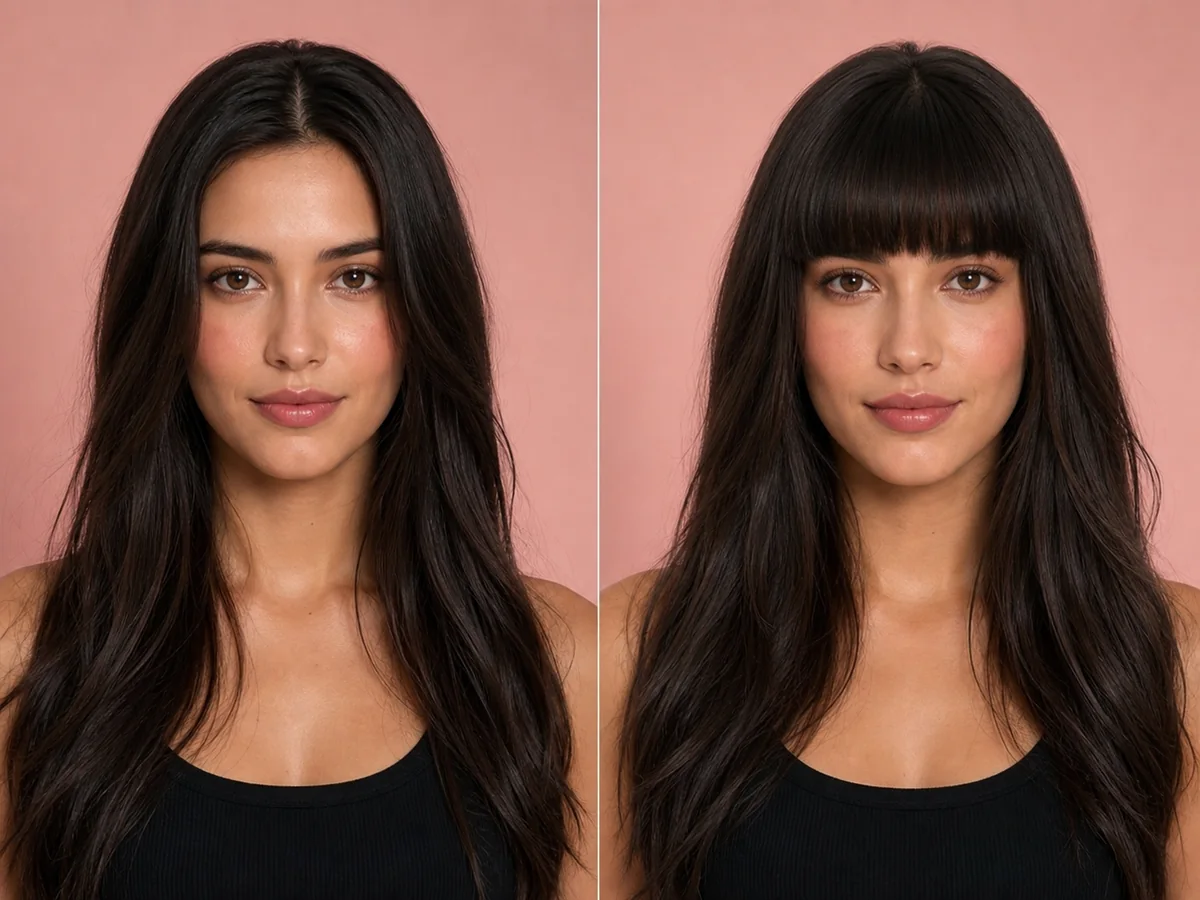
Blunt bangs create a deliberate horizontal line and bring attention to the eyes. Because the change is immediate and difficult to hide, a preview is especially useful before the first cut.
Explore this look →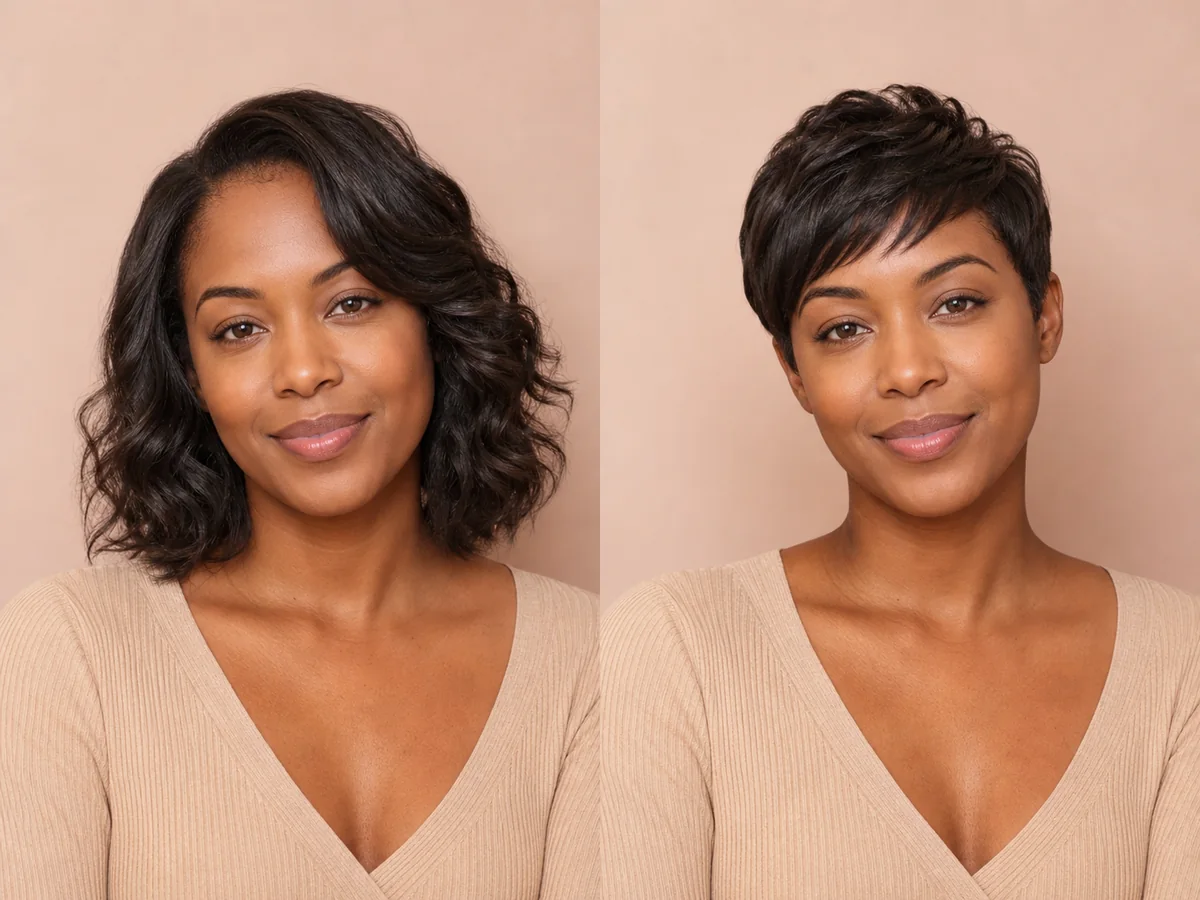
A pixie exposes more of the forehead, ears, cheekbones, and neck than most cuts. Previewing those proportions can make a major haircut decision feel more concrete.
Explore this look →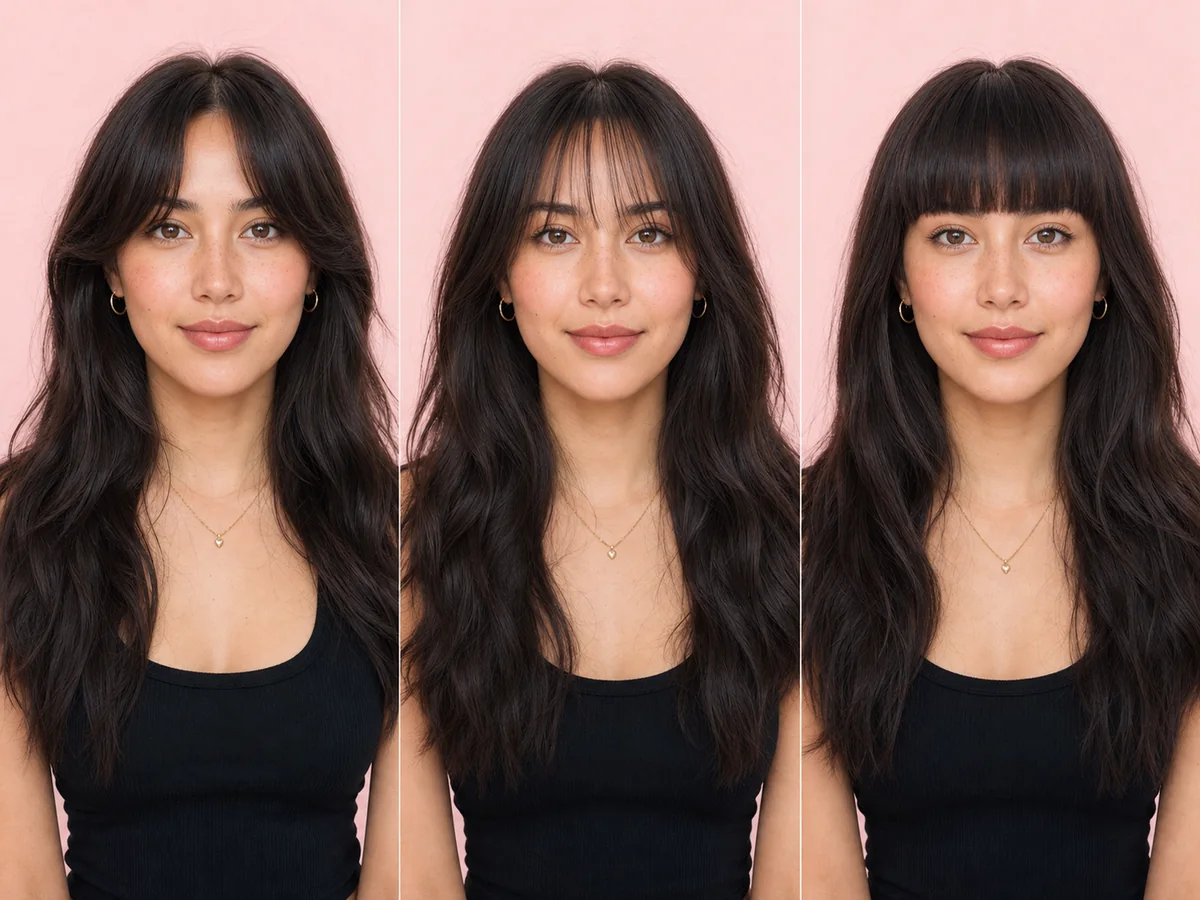
Bangs can transform the frame around the eyes and forehead, but “bangs” includes several very different shapes. Preview the density, length, and opening before choosing one.
Explore this look →Take the next step
Open Glowify on Android, compare the result, and bring the useful details to your stylist or barber.