
Where a preview helps
- Comparing haircut outlines clearly
- Testing center and side parts
- Planning a smooth styling reference
Virtual hairstyle preview
A straighter finish reveals the haircut perimeter and length more clearly than a curled or waved style. Previewing it can help separate the haircut decision from the styling finish.
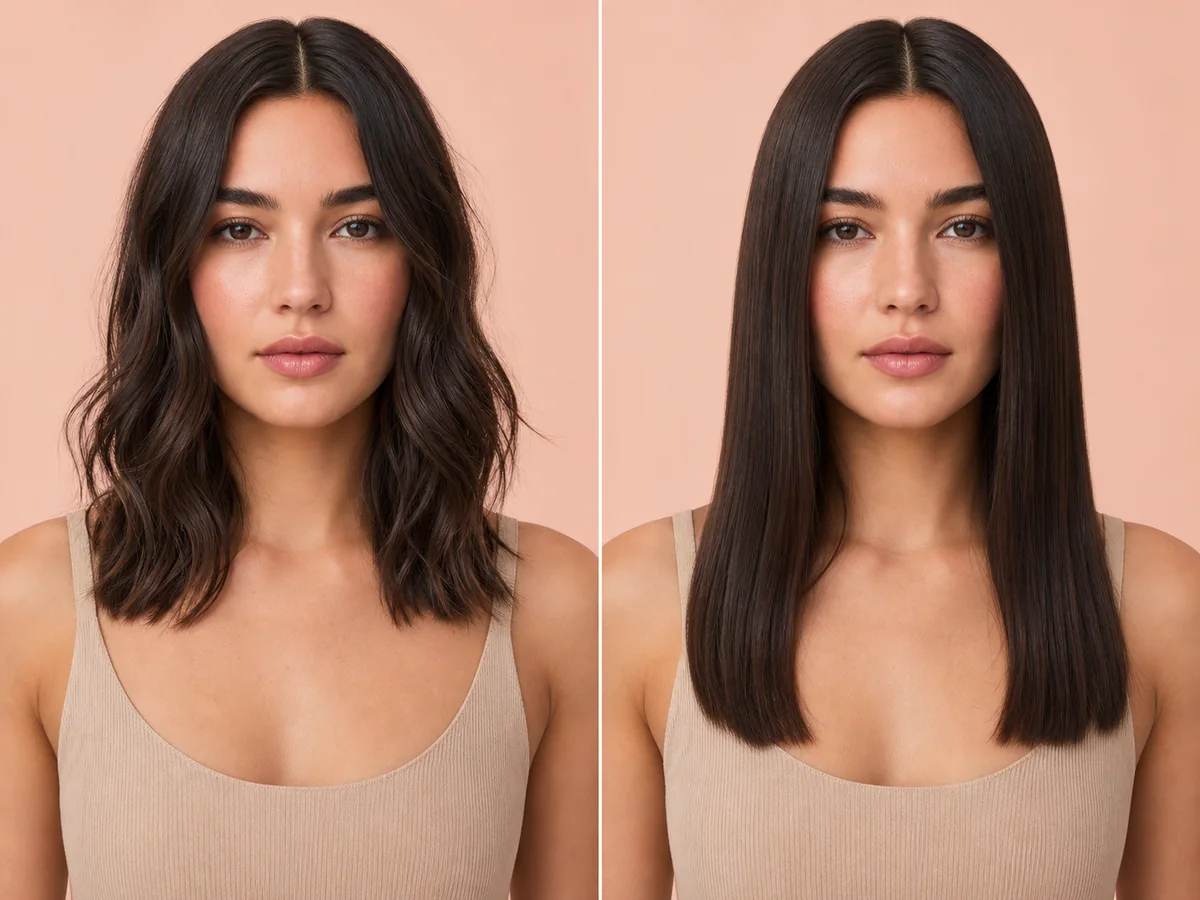 OriginalPreview
Before the appointment
Straight hair can look glassy and compact, soft and natural, or full with a curved blowout. Parting, root lift, and end shape keep the result from being a single generic look.
What to tell your stylist or barber
Show both the cut and finish you want. Ask which result is realistic through cutting alone and which requires blow-drying, hot tools, or a professional texture service.
Photo setup
Use a sharp, front-facing photo in even light. Keep your whole face visible, remove hats and sunglasses, and move loose hair away from the eyes and forehead when possible.
In the Android app
Use a front-facing photo with your face and hairline visible in even light.
Choose a haircut, hairstyle, or hair color and let Glowify create the preview.
Keep favorite before-and-after results as a starting point for your salon or barber conversation.
Common questions
Yes. Open Glowify on Android, choose a clear front-facing photo, and select a straight hair preview. The app creates an AI image intended to help you explore the direction before making a real change.
Treat it as a visual reference rather than a guarantee. The preview represents a styled finish and does not predict the duration, heat requirement, or suitability of a chemical straightening service. Your starting hair, texture, density, stylist technique, lighting, and aftercare all affect the real result.
Use a sharp, front-facing photo in even light. Keep your whole face visible, remove hats and sunglasses, and move loose hair away from the eyes and forehead when possible.
Nearby options
Use the alternatives below to isolate the detail that matters most to your decision.
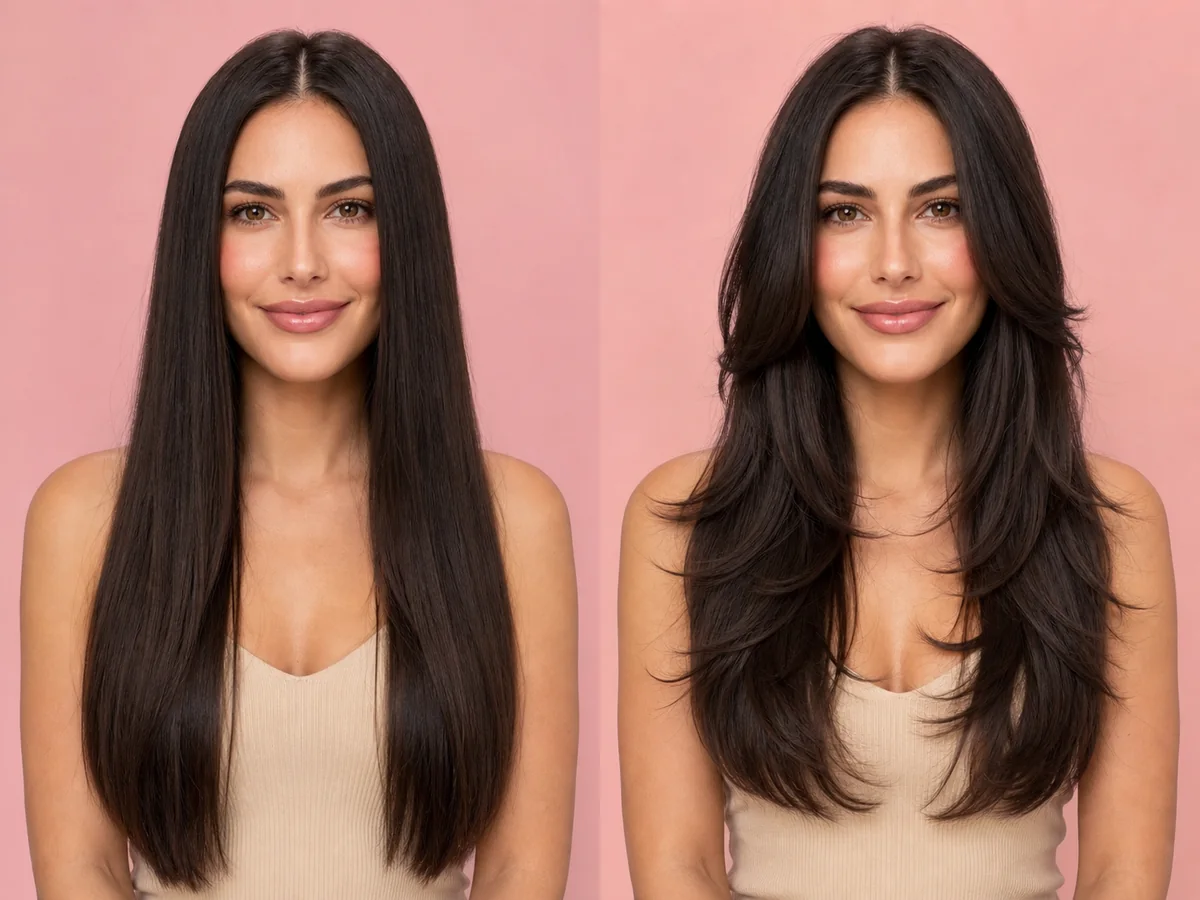
Layers can remove weight, add movement, create volume, or soften the frame around your face. The most useful preview focuses on where the shortest pieces begin and how much length remains.
Explore this look →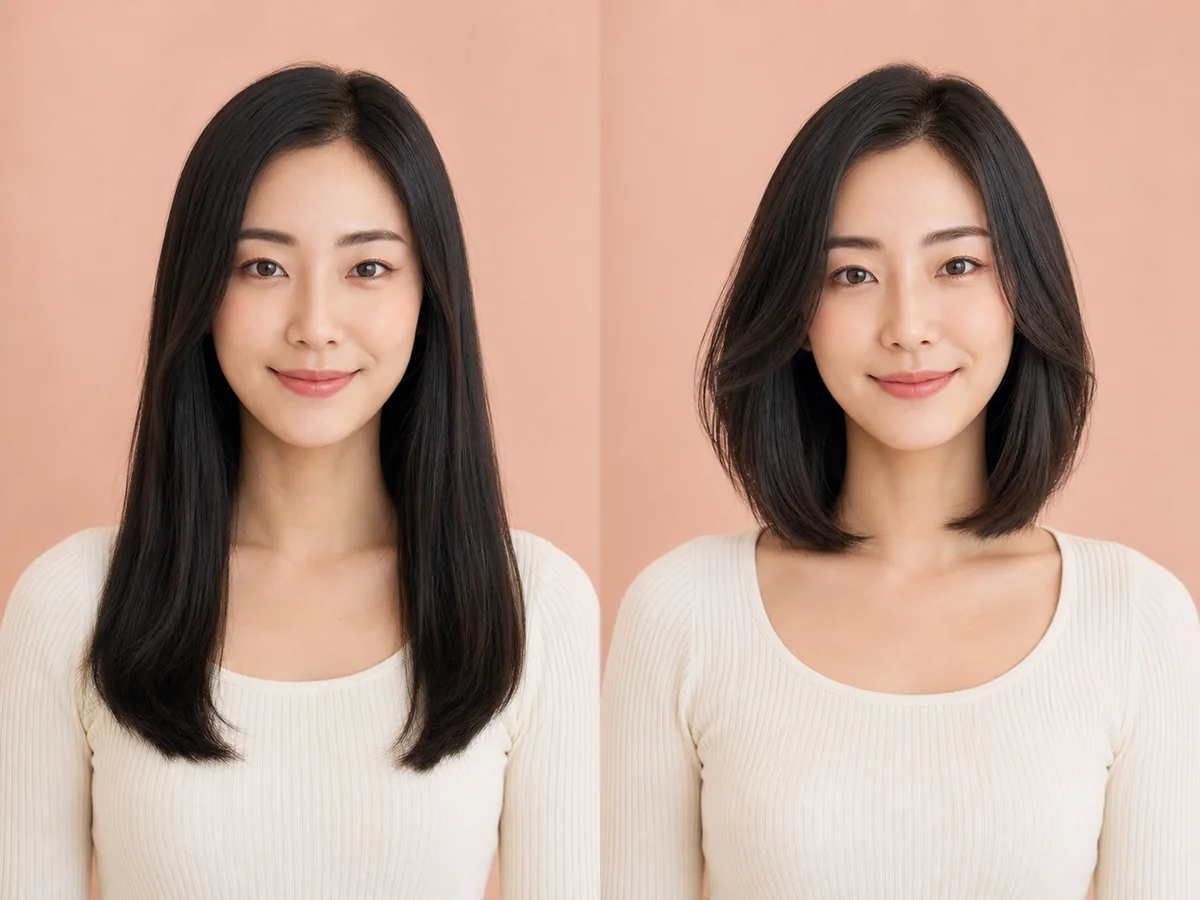
A long bob—or lob—is a lower-commitment route into shorter hair. It keeps enough length for many ponytails while introducing a stronger, lighter outline around the shoulders.
Explore this look →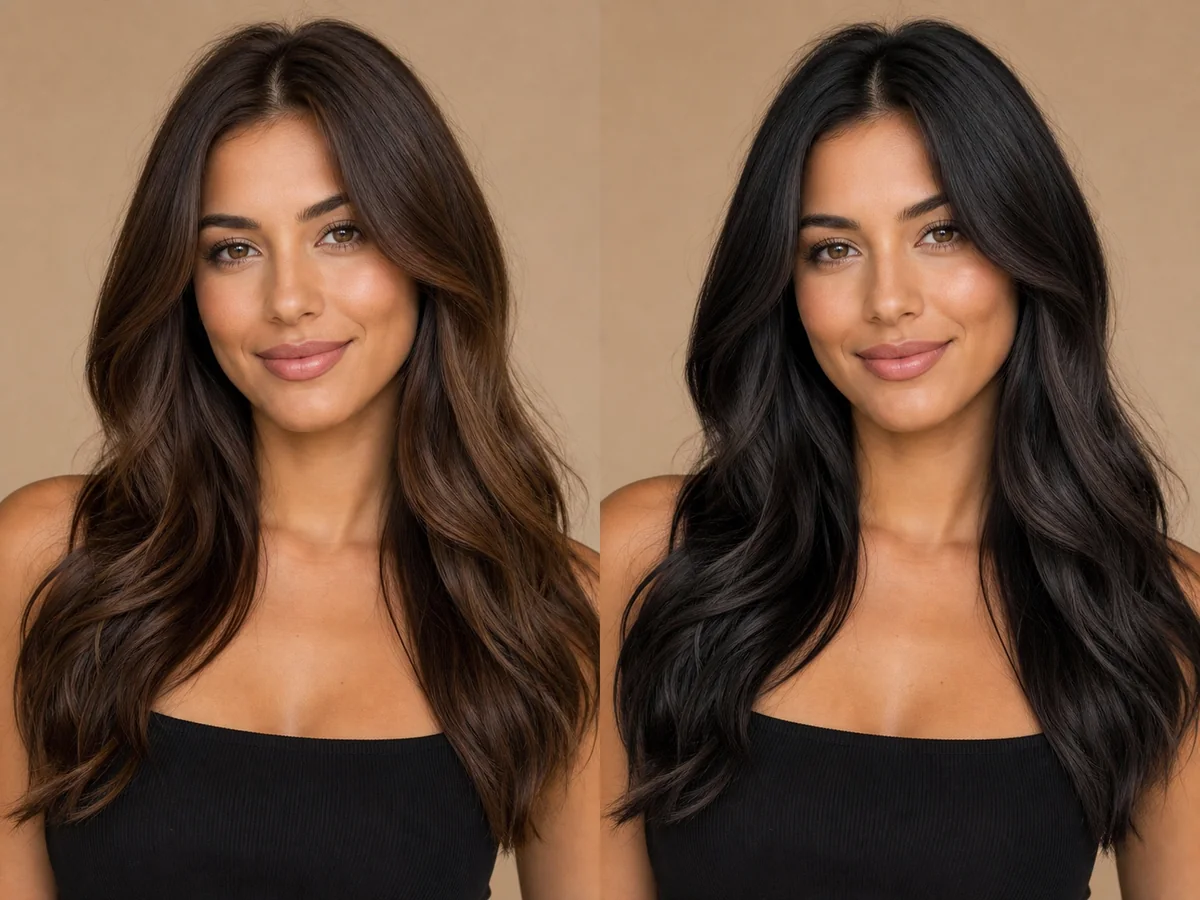
Black hair creates a strong, clean frame and can change the perceived contrast of skin, eyes, brows, and clothing. Soft black and blue-black do not produce the same effect.
Explore this look →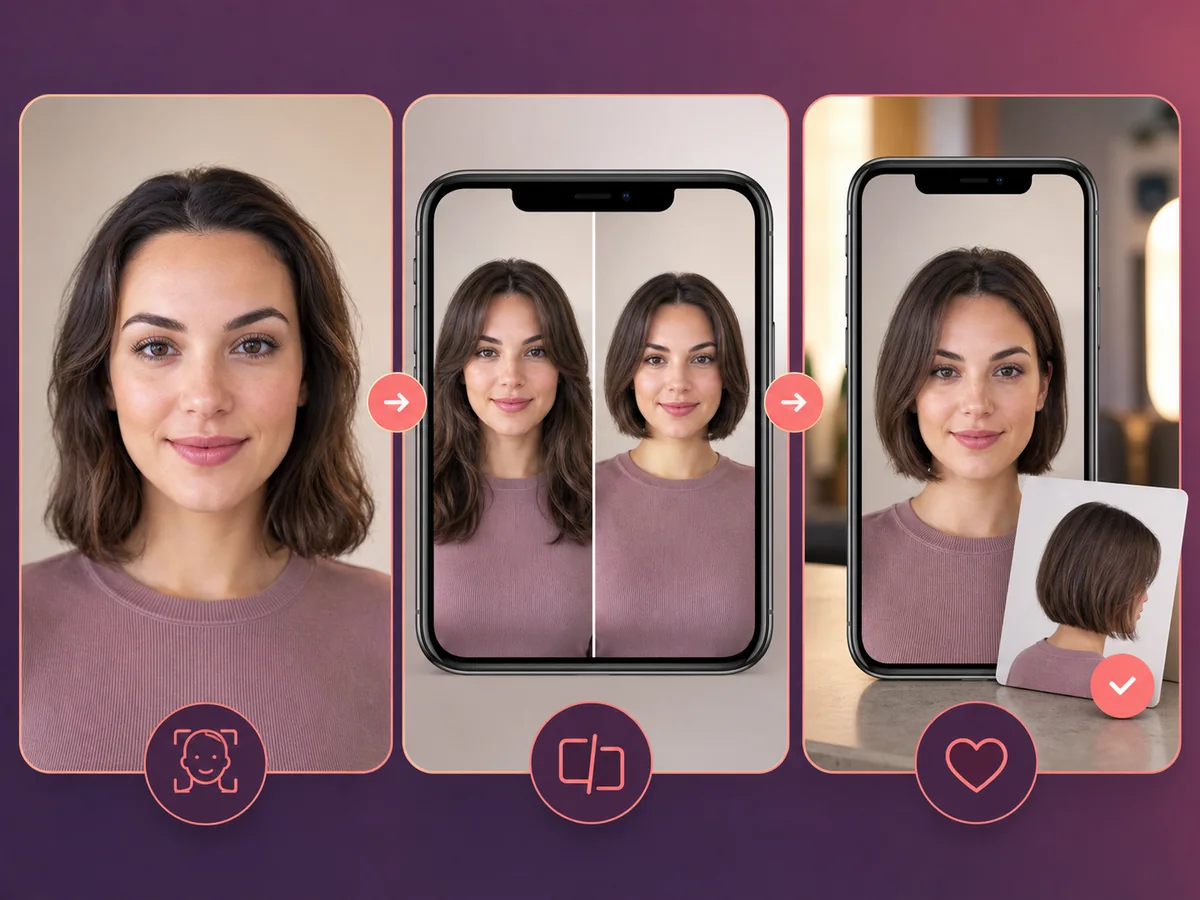
A useful haircut preview is more than a novelty filter. It should preserve your recognizable face, show a plausible silhouette, and help you ask better questions during a real consultation.
Explore this look →Take the next step
Open Glowify on Android, compare the result, and bring the useful details to your stylist or barber.