
Where a preview helps
- Reducing uncertainty before an appointment
- Comparing one change at a time
- Building a useful stylist reference
Glowify hairstyle guide
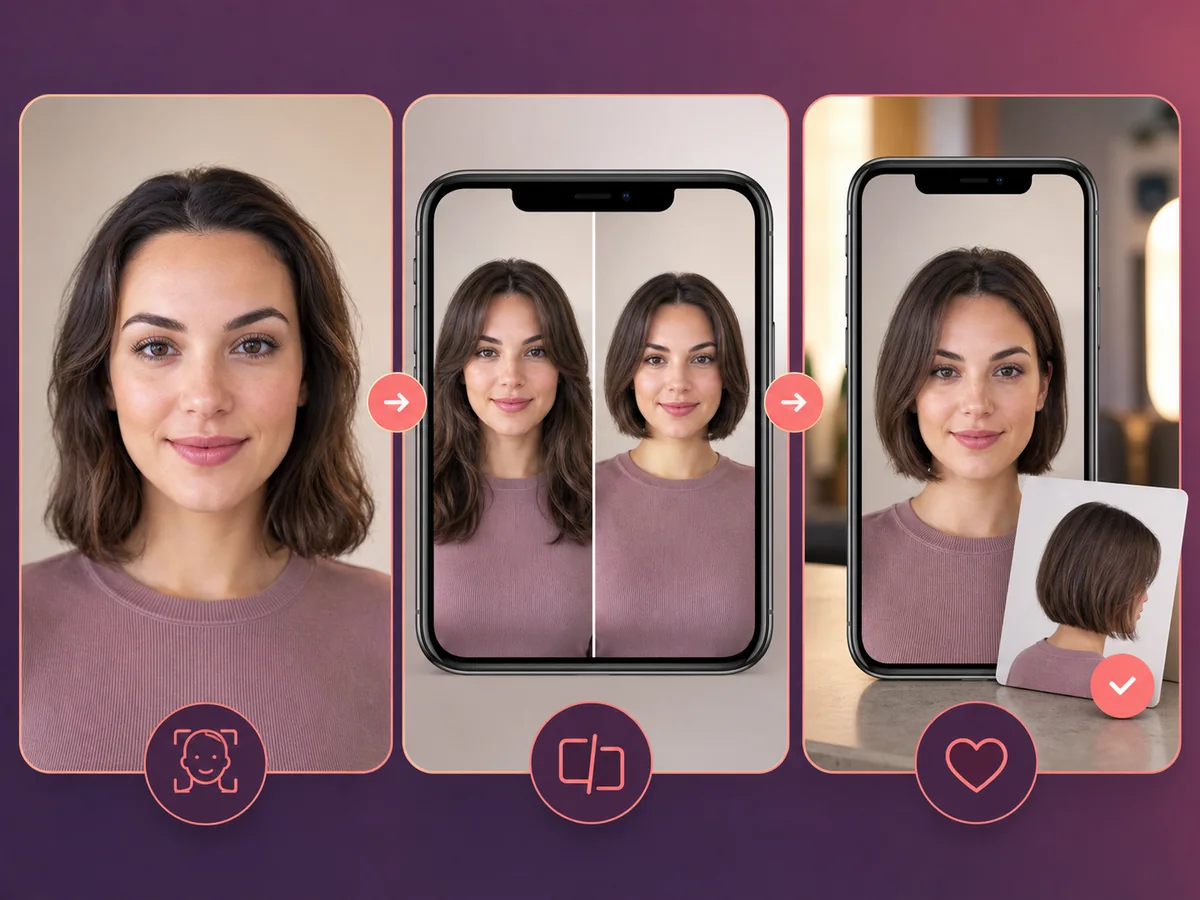
A useful haircut preview is more than a novelty filter. It should preserve your recognizable face, show a plausible silhouette, and help you ask better questions during a real consultation.
 ReferenceOptions
Before the appointment
Start with a neutral selfie, compare one variable at a time, save the strongest and weakest options, and look for repeatable preferences such as length, fringe, volume, and parting.
What to tell your stylist or barber
Bring the image, but also explain what you like about it. A stylist can work with “jaw-length, soft perimeter, open forehead” more reliably than the picture alone.
Photo setup
Use even light, a level front-facing camera, a neutral expression, and a fully visible hairline. Avoid hats, glasses, heavy shadows, and strong filters.
In the Android app
Use a front-facing photo with your face and hairline visible in even light.
Choose a haircut, hairstyle, or hair color and let Glowify create the preview.
Keep favorite before-and-after results as a starting point for your salon or barber conversation.
Common questions
Start with a small set and change one variable at a time. Comparing length first, then fringe or color, makes your preferences easier to understand.
The face should remain recognizable, the hairline should look plausible, and the image should make length, outline, fringe, or color easy to discuss.
No. It is a planning aid. Real outcomes depend on hair texture, density, growth patterns, condition, technique, and styling.
Nearby options
Use the alternatives below to isolate the detail that matters most to your decision.
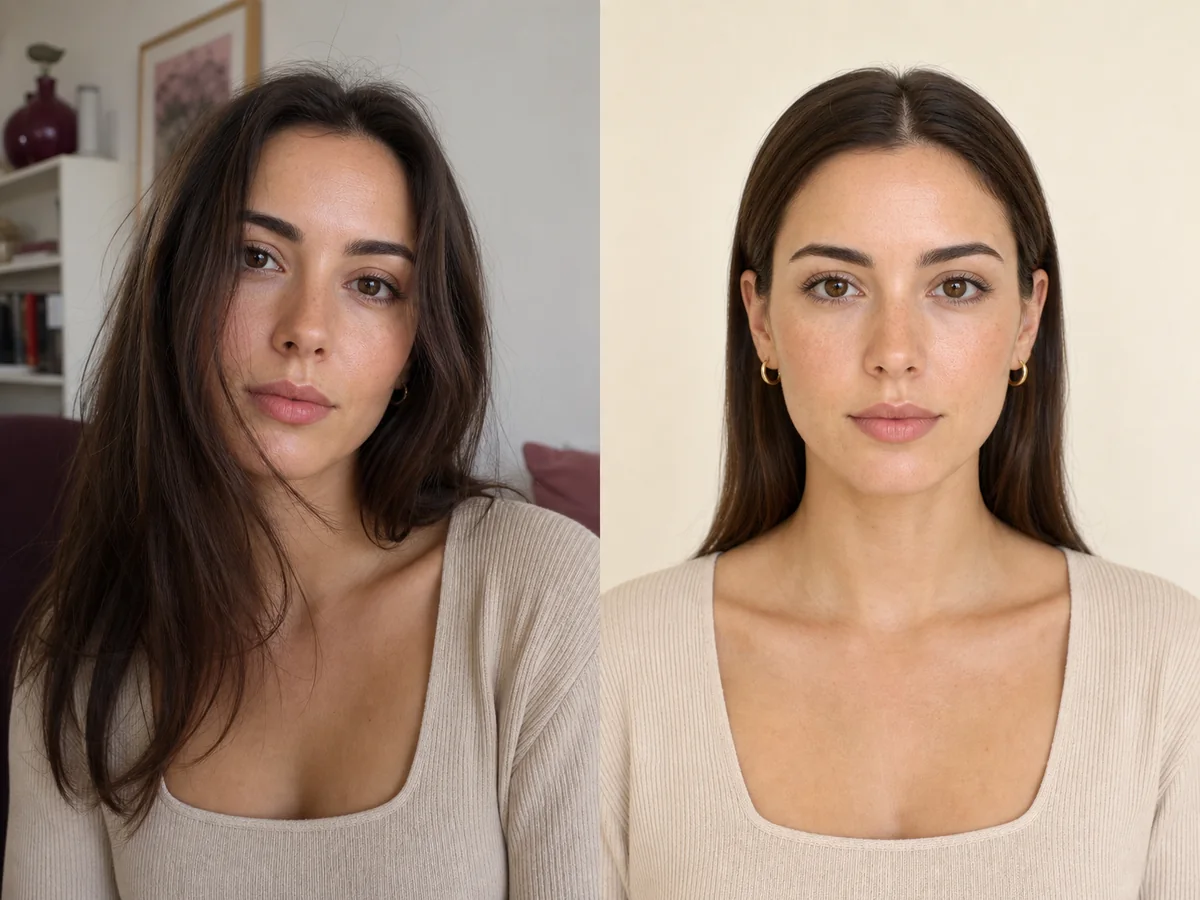
The input photo controls how clearly an AI system can understand your face, hairline, current hair, and camera perspective. A simple neutral image usually produces a more useful comparison than a dramatic selfie.
Explore this look →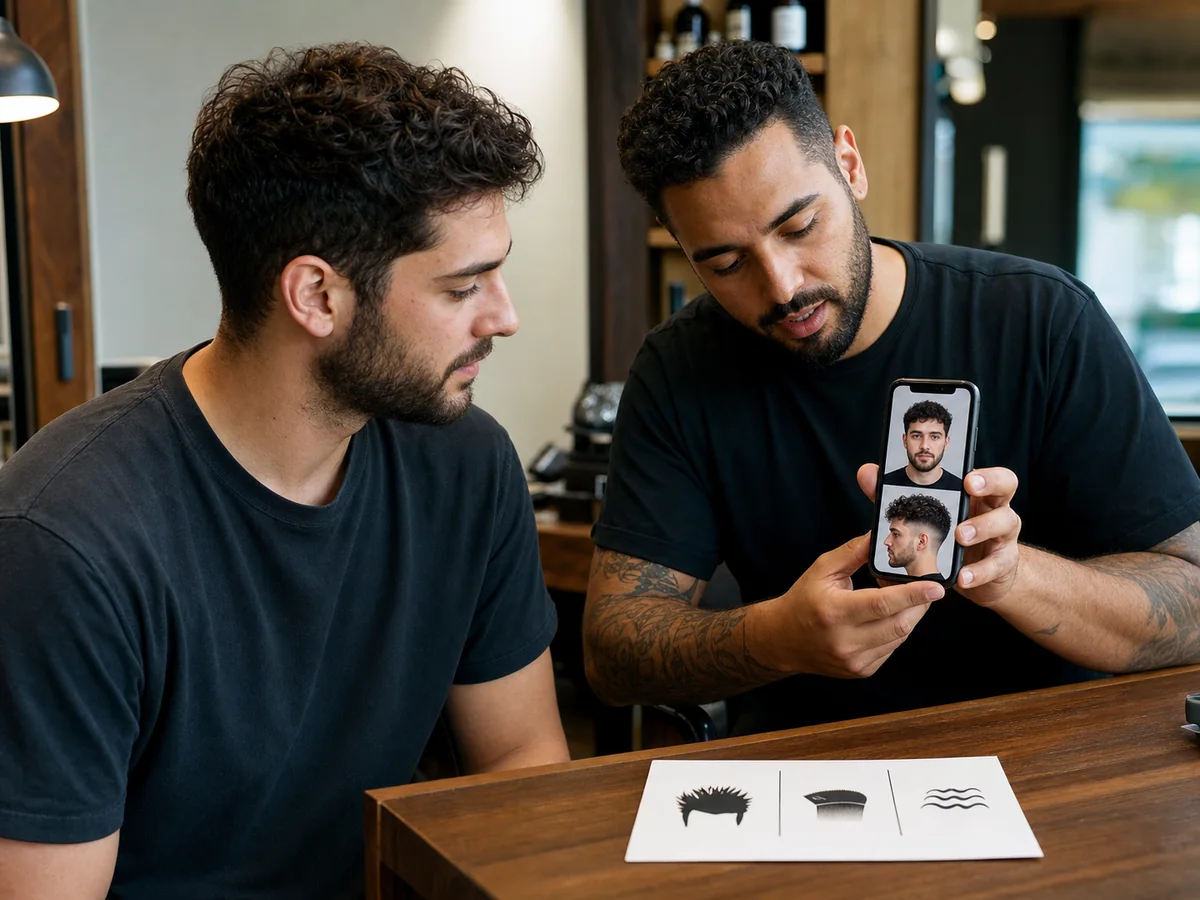
A reference image helps most when you can explain the details you want to keep. The barber also needs permission to adapt those details to your density, growth pattern, head shape, and routine.
Explore this look →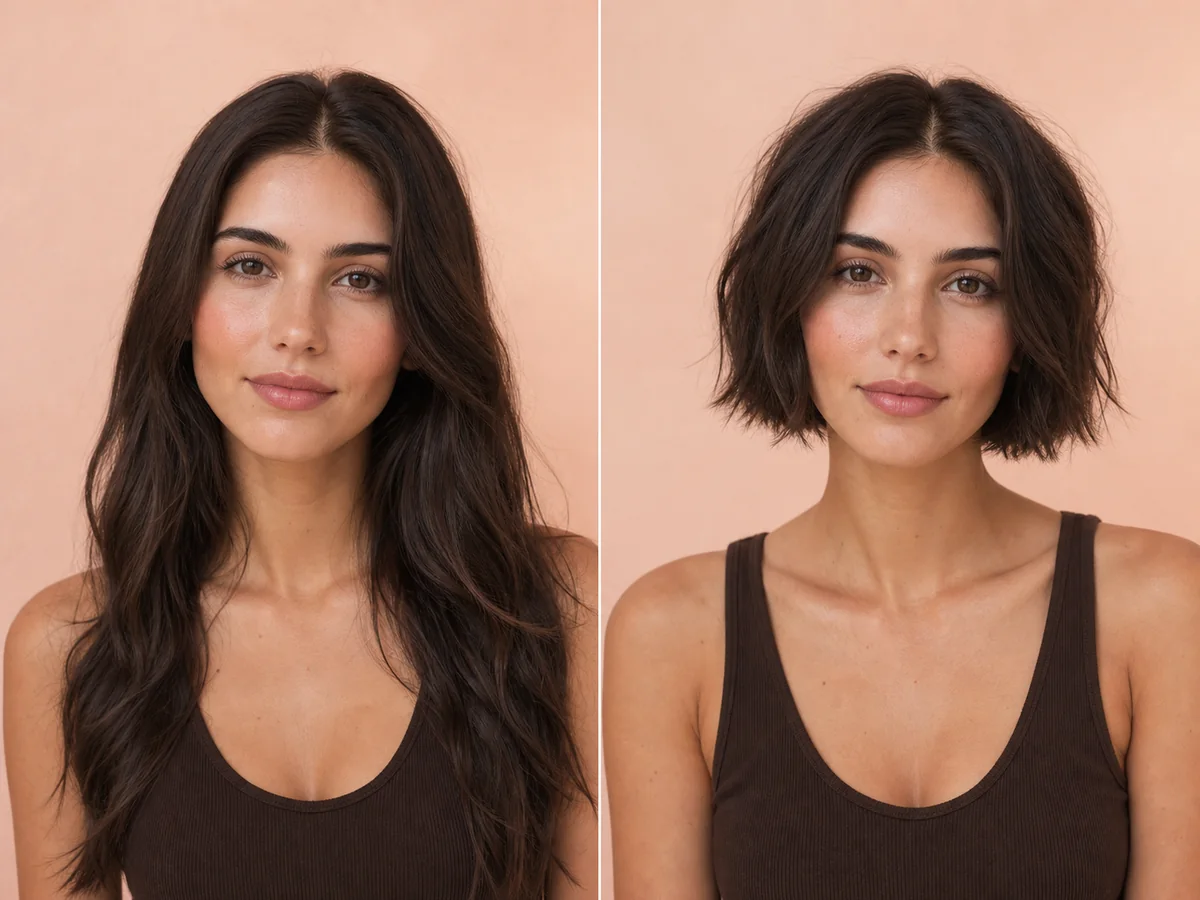
“Short hair” can mean a jaw-length bob, a cropped pixie, or anything between. Start by previewing the overall proportion, then narrow the decision to a specific outline and fringe.
Explore this look →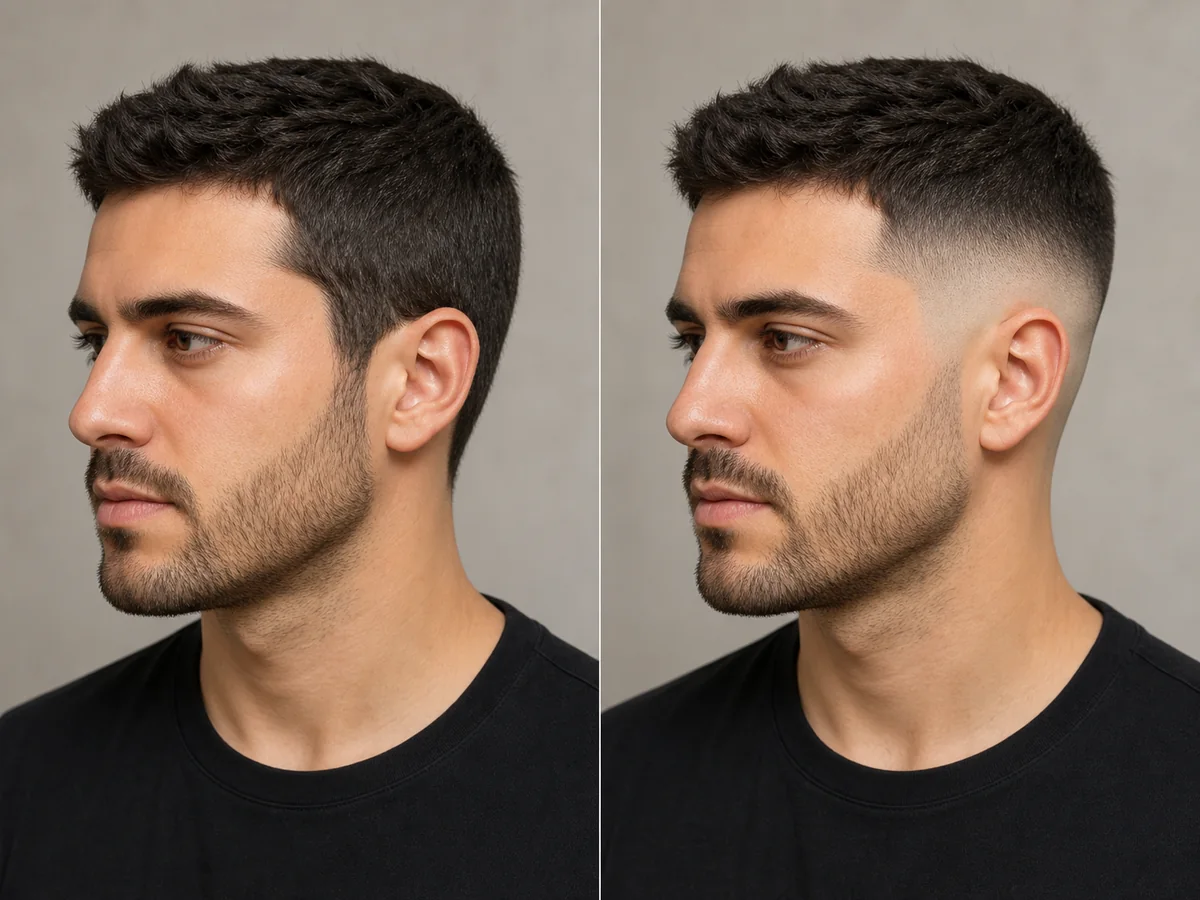
A fade is defined by where the shortest area begins and how quickly it blends into the top. Previewing the contrast can help you discuss low, mid, or high placement more clearly.
Explore this look →Take the next step
Open Glowify on Android, compare the result, and bring the useful details to your stylist or barber.