
Where a preview helps
- Exploring a major length change
- Comparing bob and cropped silhouettes
- Reducing uncertainty before a consultation
Virtual hairstyle preview
“Short hair” can mean a jaw-length bob, a cropped pixie, or anything between. Start by previewing the overall proportion, then narrow the decision to a specific outline and fringe.
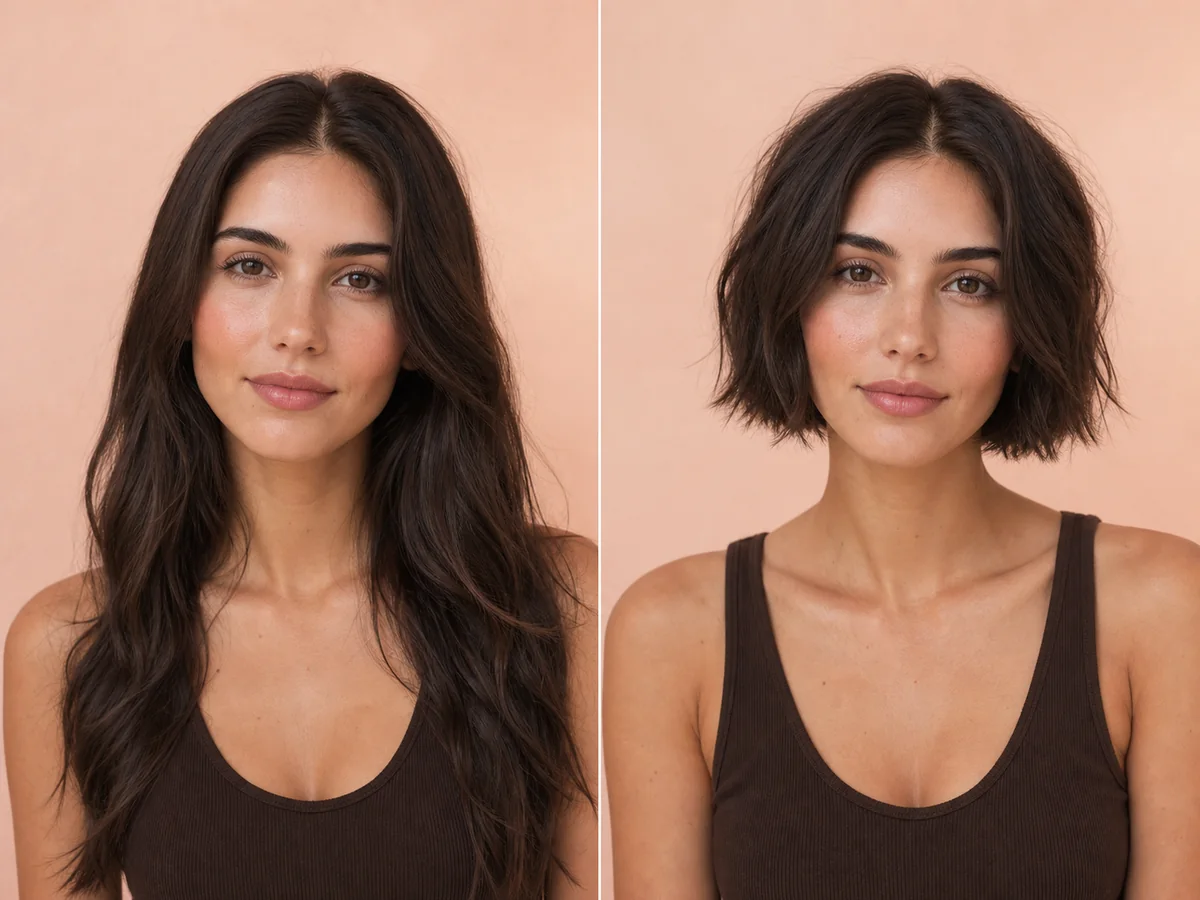 OriginalPreview
Before the appointment
Removing length makes the neckline, jaw, ears, and face-framing more visible. It can also change wash time, styling technique, and how often the shape needs to be trimmed.
What to tell your stylist or barber
Choose a concrete length reference and discuss the neckline, ear area, fringe, and grow-out plan instead of asking only for “short hair.”
Photo setup
Use a sharp, front-facing photo in even light. Keep your whole face visible, remove hats and sunglasses, and move loose hair away from the eyes and forehead when possible.
In the Android app
Use a front-facing photo with your face and hairline visible in even light.
Choose a haircut, hairstyle, or hair color and let Glowify create the preview.
Keep favorite before-and-after results as a starting point for your salon or barber conversation.
Common questions
Yes. Open Glowify on Android, choose a clear front-facing photo, and select a short hair preview. The app creates an AI image intended to help you explore the direction before making a real change.
Treat it as a visual reference rather than a guarantee. The app can compare silhouettes, but a salon consultation is still needed to translate the image into a cut suited to your growth patterns and texture. Your starting hair, texture, density, stylist technique, lighting, and aftercare all affect the real result.
Use a sharp, front-facing photo in even light. Keep your whole face visible, remove hats and sunglasses, and move loose hair away from the eyes and forehead when possible.
Nearby options
Use the alternatives below to isolate the detail that matters most to your decision.
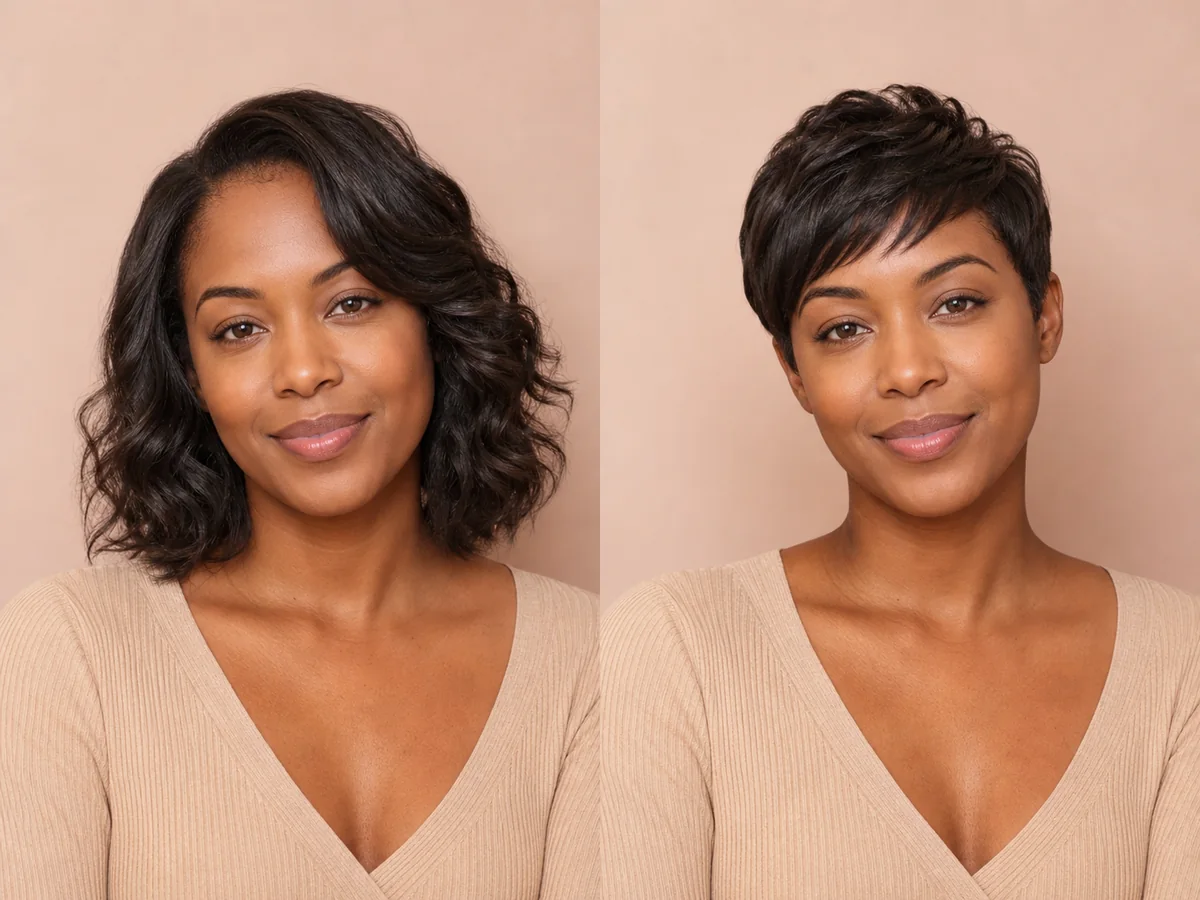
A pixie exposes more of the forehead, ears, cheekbones, and neck than most cuts. Previewing those proportions can make a major haircut decision feel more concrete.
Explore this look →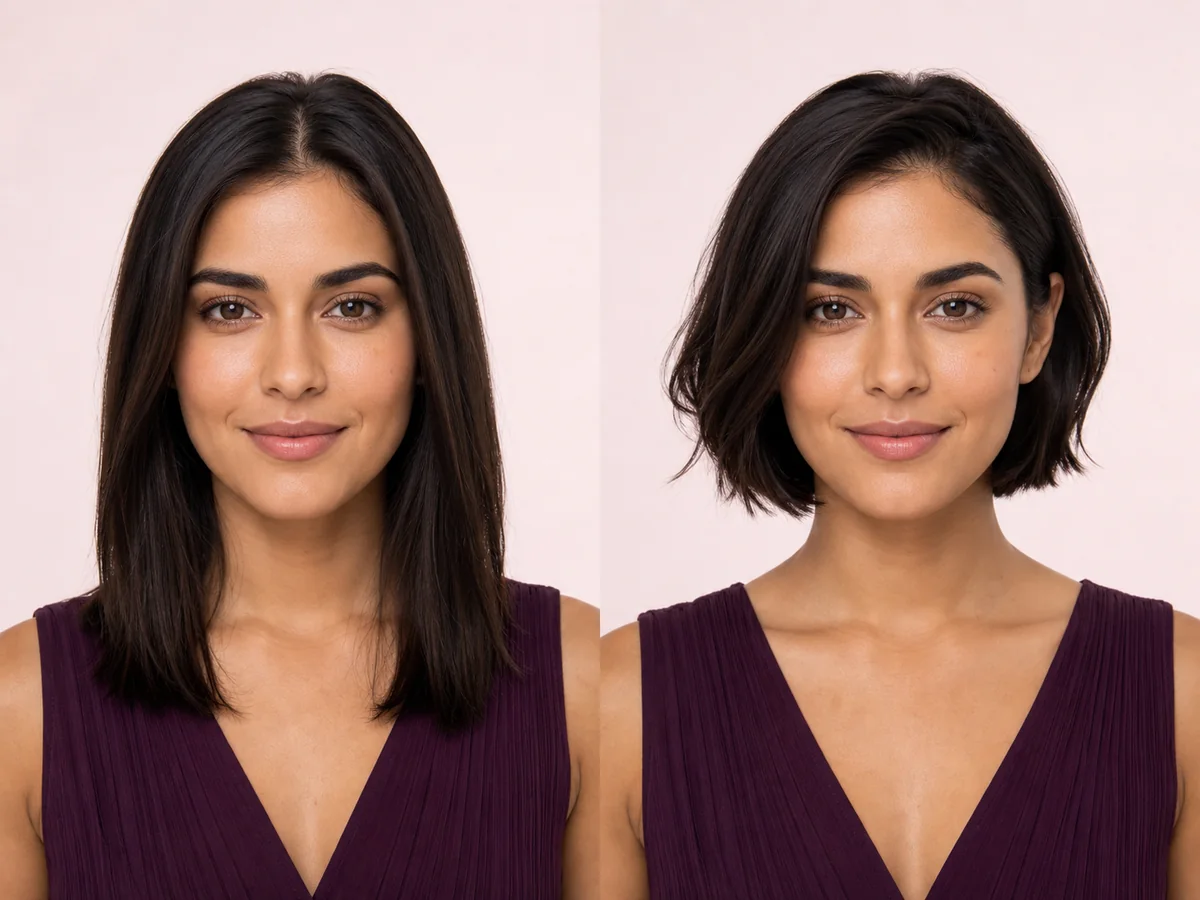
A bob changes the outline around your jaw and neck, so even a small shift in length can feel dramatic. Preview the silhouette on your own face before deciding where the line should fall.
Explore this look →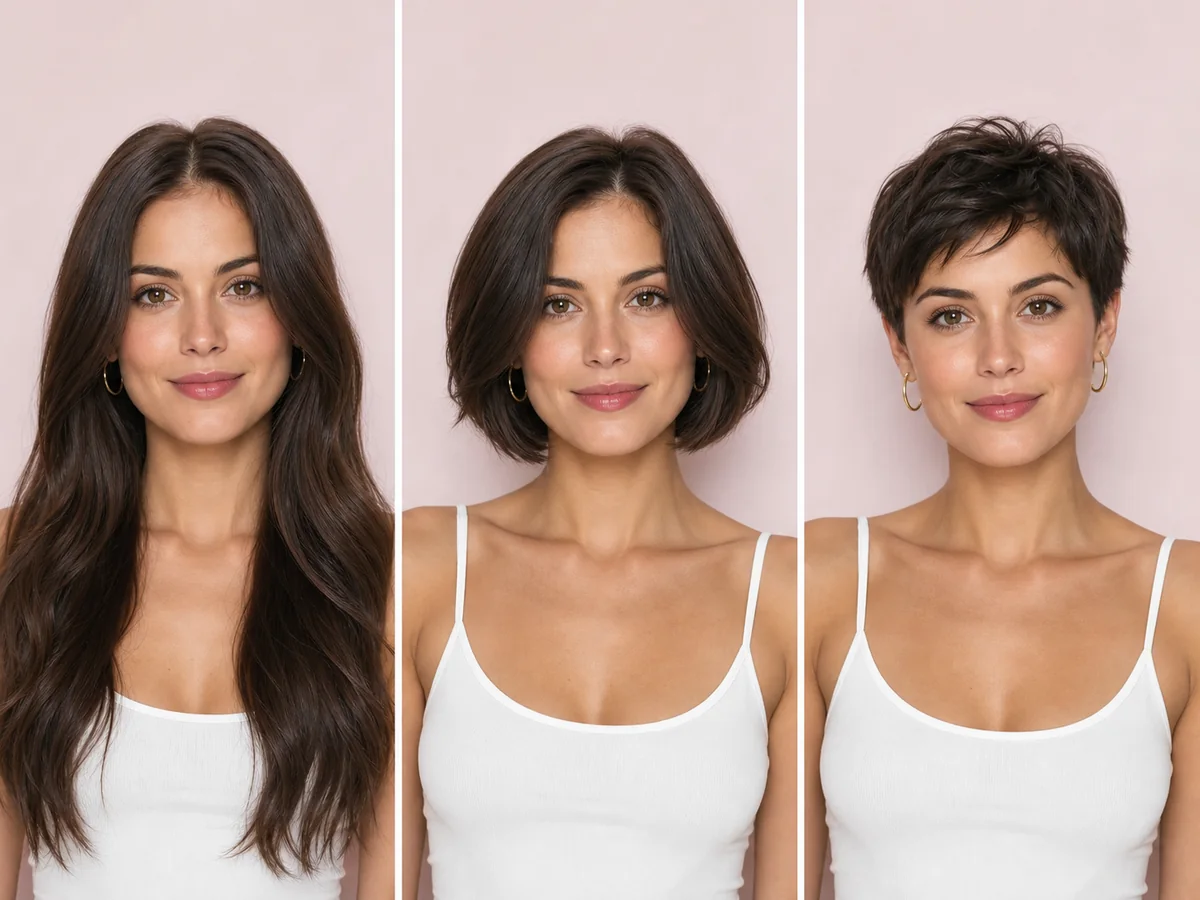
Short hair can suit far more people than rigid face-shape rules suggest. The practical question is which short silhouette matches your features, texture, routine, and willingness to maintain the shape.
Explore this look →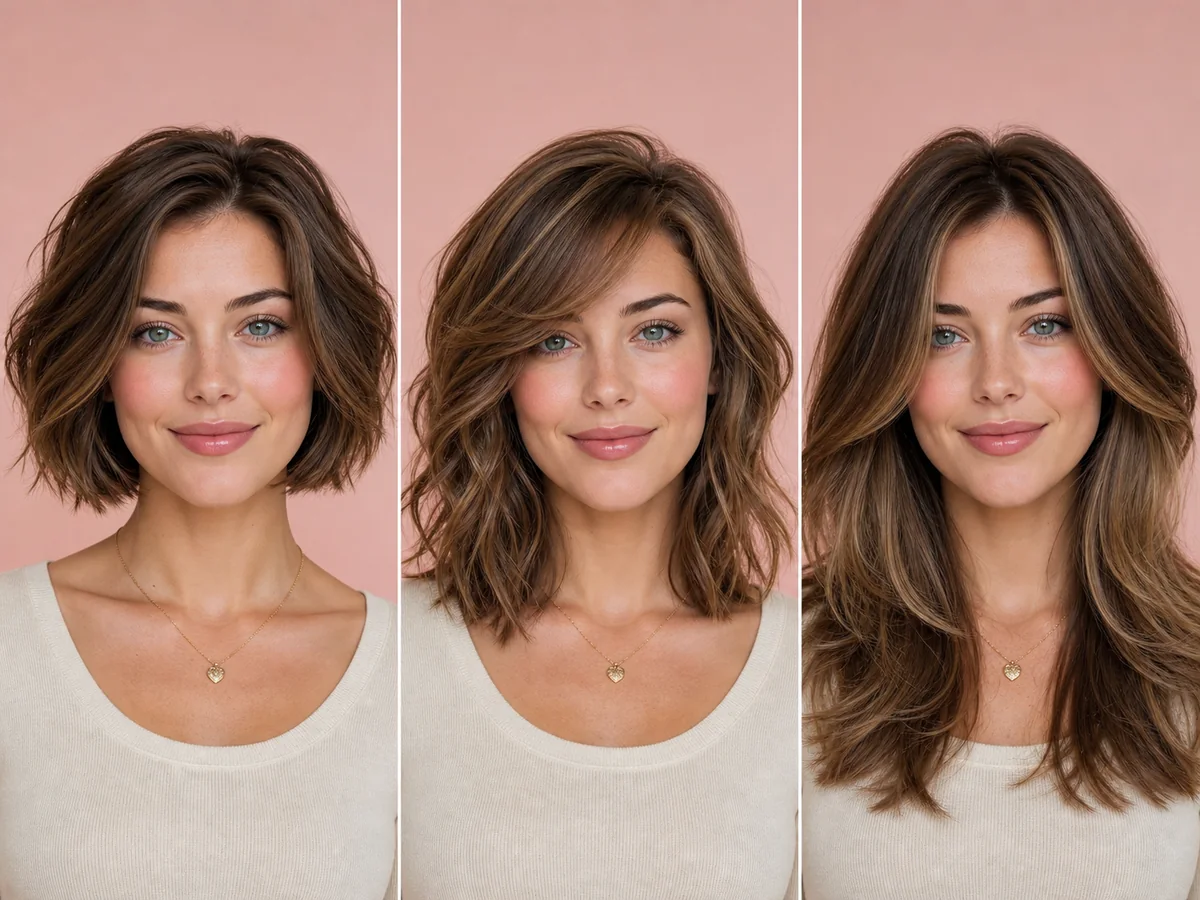
A heart-shaped face is often described as wider through the forehead or cheekbones with a narrower chin. Hairstyle ideas can either emphasize that taper or add visual fullness lower around the face.
Explore this look →Take the next step
Open Glowify on Android, compare the result, and bring the useful details to your stylist or barber.