
Where a preview helps
- Reducing distorted face or hair proportions
- Creating more consistent comparisons
- Keeping the generated result useful as a reference
Glowify hairstyle guide
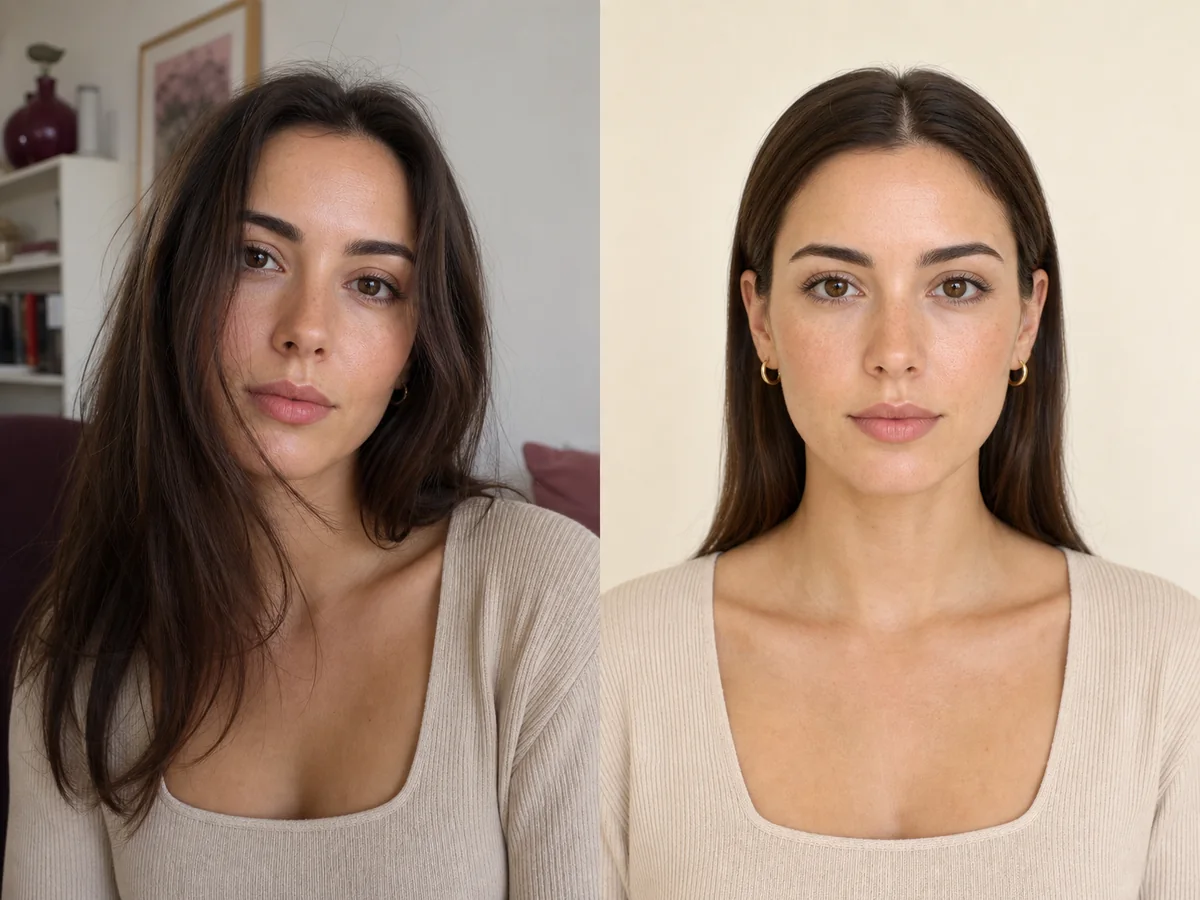
The input photo controls how clearly an AI system can understand your face, hairline, current hair, and camera perspective. A simple neutral image usually produces a more useful comparison than a dramatic selfie.
 ReferenceOptions
Before the appointment
Use even light, keep the camera level and slightly farther away, face forward, and remove anything that hides the hairline or outer face. Avoid portrait effects that blur the edge of the current hair.
What to tell your stylist or barber
A technically clean photo improves the preview, but it does not replace side and back reference images when a stylist needs to understand the complete haircut.
Photo setup
Stand near a window without direct sun, hold the camera at eye level, include the top of the head and shoulders, relax the expression, and keep the background simple.
In the Android app
Use a front-facing photo with your face and hairline visible in even light.
Choose a haircut, hairstyle, or hair color and let Glowify create the preview.
Keep favorite before-and-after results as a starting point for your salon or barber conversation.
Common questions
A front-facing photo is usually the best starting point. Side views can help with additional comparisons, but they hide part of the face and hairline.
Keep the hairline and face visible without creating an unnatural shape. Moving loose pieces aside is useful; a very tight style may change the visible hairline.
Filters can change facial proportions, skin texture, lighting, and hair edges, making it harder to compare only the hairstyle.
Nearby options
Use the alternatives below to isolate the detail that matters most to your decision.
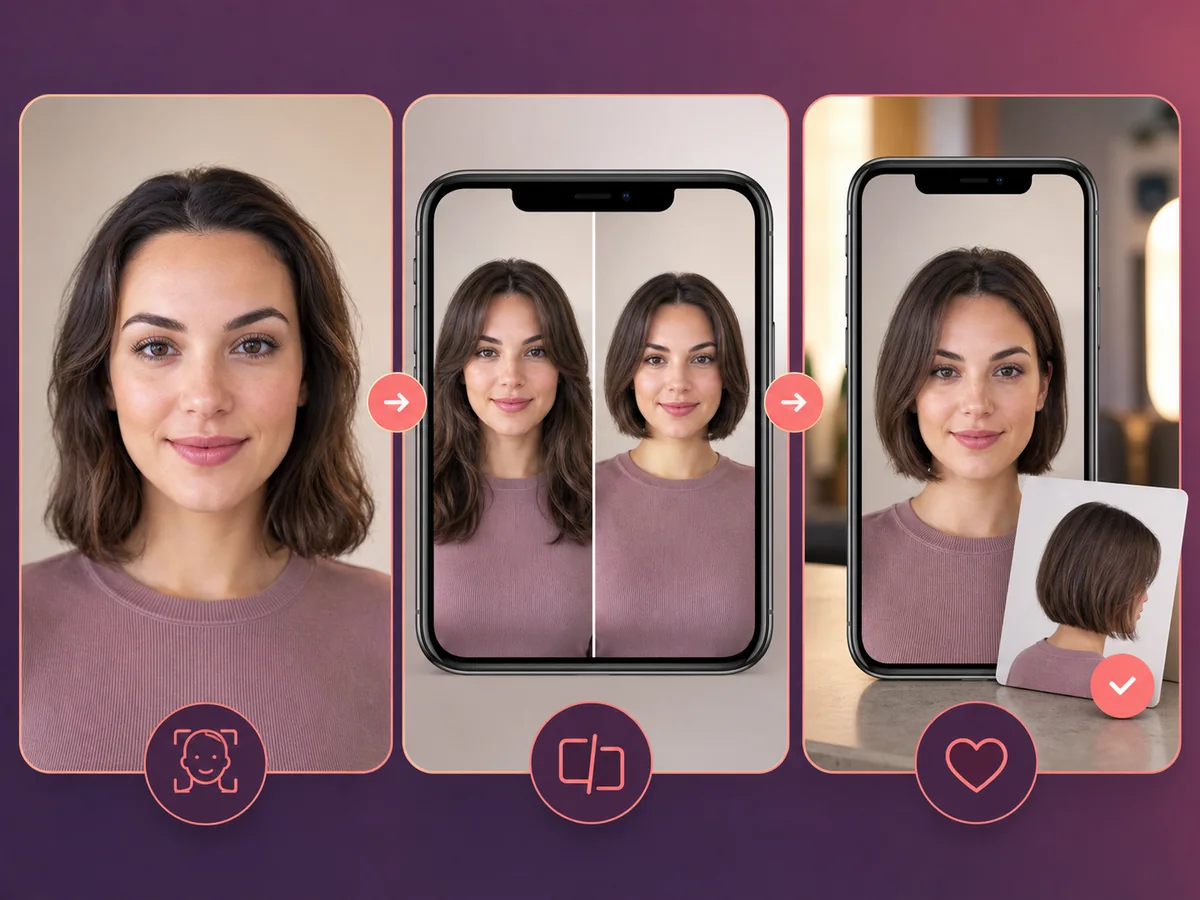
A useful haircut preview is more than a novelty filter. It should preserve your recognizable face, show a plausible silhouette, and help you ask better questions during a real consultation.
Explore this look →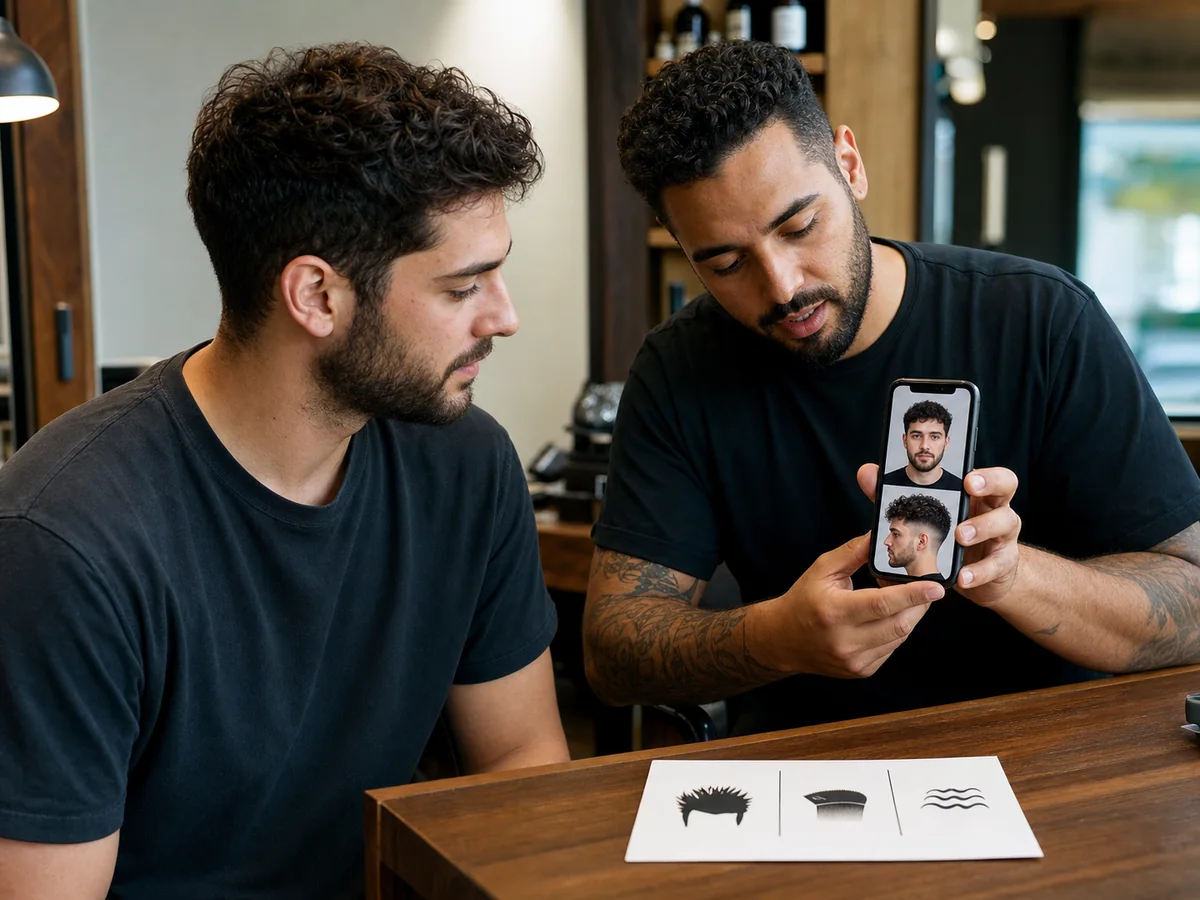
A reference image helps most when you can explain the details you want to keep. The barber also needs permission to adapt those details to your density, growth pattern, head shape, and routine.
Explore this look →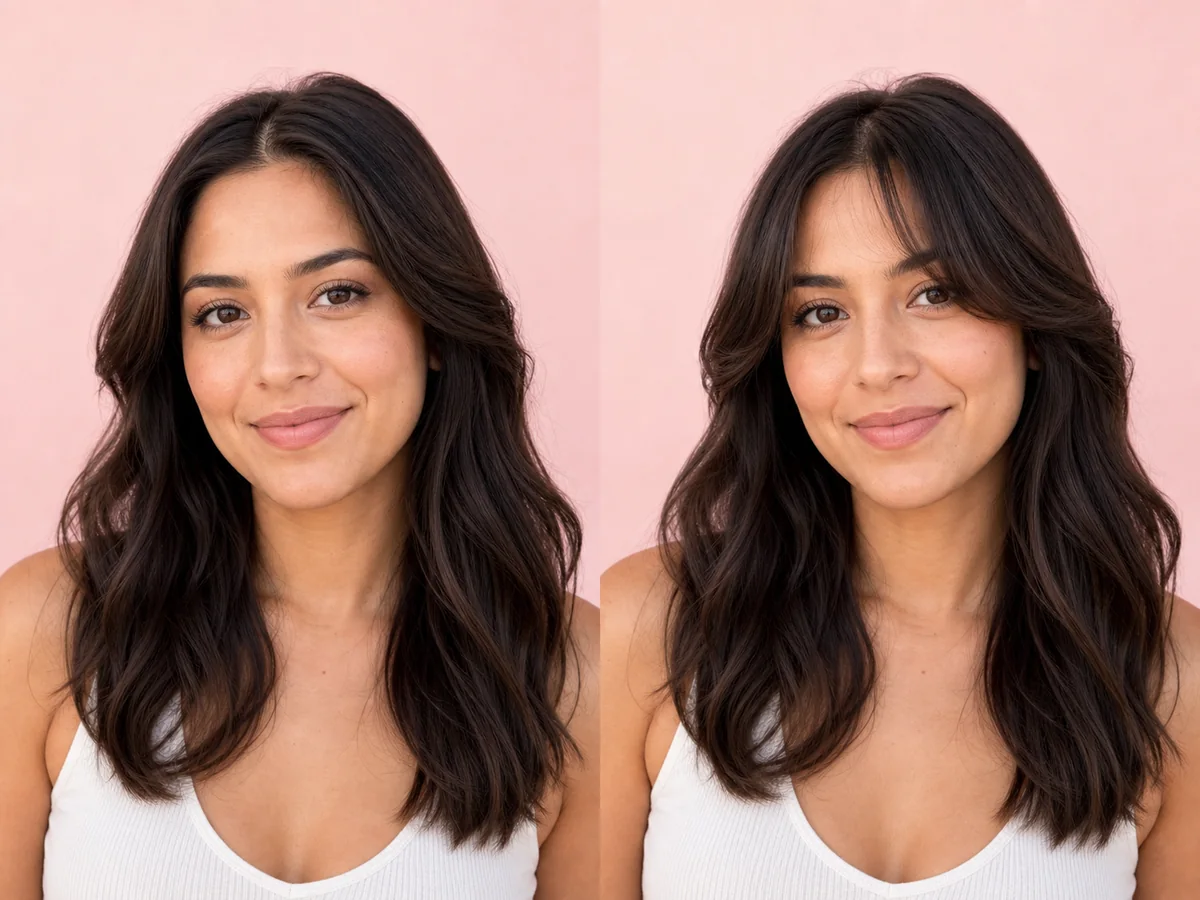
Curtain bangs change the visual frame around the eyes and cheekbones without fully covering the forehead. Their length and opening determine whether they feel airy, dramatic, or blended.
Explore this look →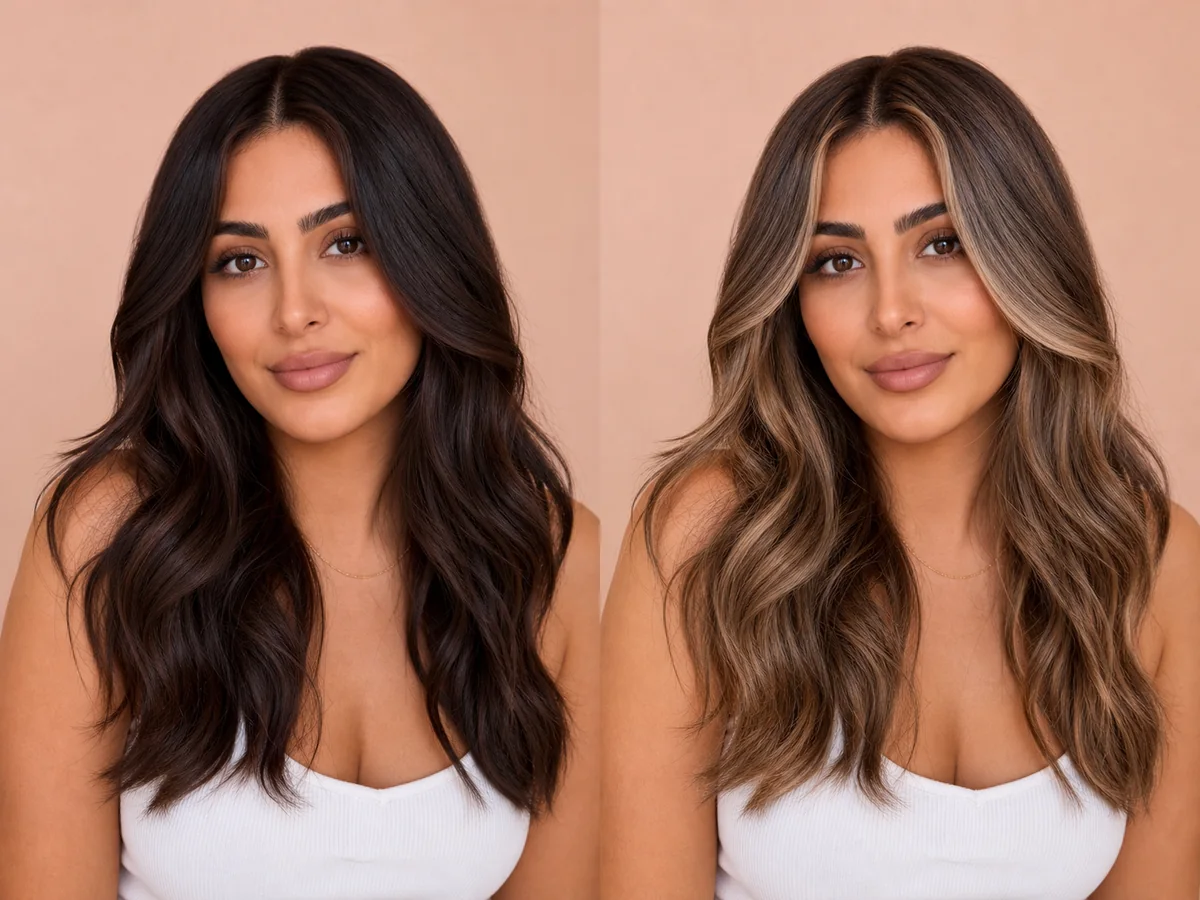
Blonde is a family of tones rather than one color. Warm honey, neutral beige, ash, golden, and icy blondes can create very different contrast against the same face.
Explore this look →Take the next step
Open Glowify on Android, compare the result, and bring the useful details to your stylist or barber.