
Where a preview helps
- Exploring visible texture and crown volume
- Lightening a heavy long silhouette
- Comparing soft and dramatic layer separation
Virtual hairstyle preview
A wolf cut combines shorter, energetic layers through the crown with longer, lighter pieces below. Previewing the contrast helps you decide how dramatic the shape should be.
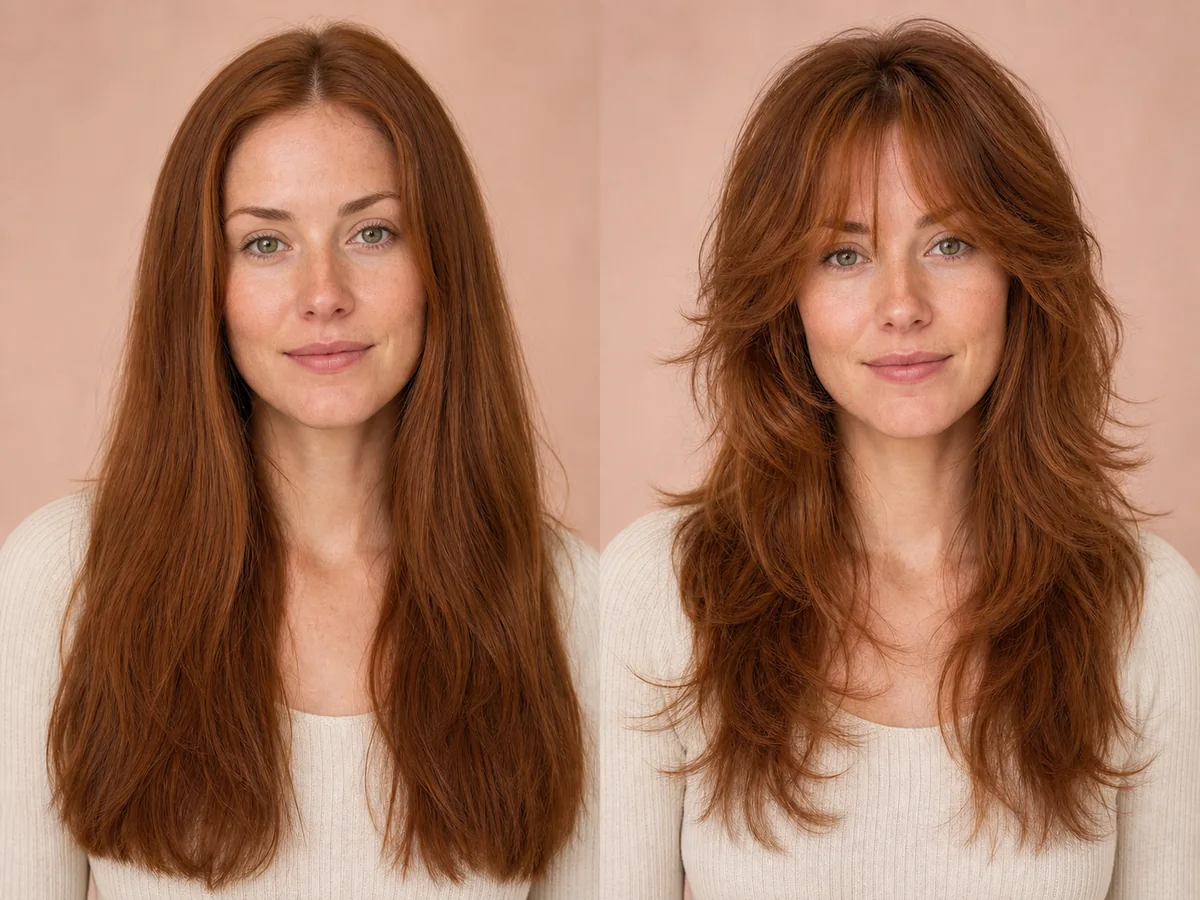 OriginalPreview
Before the appointment
Some versions lean soft and wearable; others emphasize a shaggy crown and disconnected ends. Fringe, curl pattern, and the gap between layer lengths define the final attitude.
What to tell your stylist or barber
Bring a reference that shows your preferred crown length, fringe, and amount of disconnection. Ask the stylist to adapt the layers to your natural texture rather than copying the outline blindly.
Photo setup
Use a sharp, front-facing photo in even light. Keep your whole face visible, remove hats and sunglasses, and move loose hair away from the eyes and forehead when possible.
In the Android app
Use a front-facing photo with your face and hairline visible in even light.
Choose a haircut, hairstyle, or hair color and let Glowify create the preview.
Keep favorite before-and-after results as a starting point for your salon or barber conversation.
Common questions
Yes. Open Glowify on Android, choose a clear front-facing photo, and select a wolf cut preview. The app creates an AI image intended to help you explore the direction before making a real change.
Treat it as a visual reference rather than a guarantee. The preview conveys the layered silhouette, while natural texture and styling determine how much volume and separation you will see day to day. Your starting hair, texture, density, stylist technique, lighting, and aftercare all affect the real result.
Use a sharp, front-facing photo in even light. Keep your whole face visible, remove hats and sunglasses, and move loose hair away from the eyes and forehead when possible.
Nearby options
Use the alternatives below to isolate the detail that matters most to your decision.
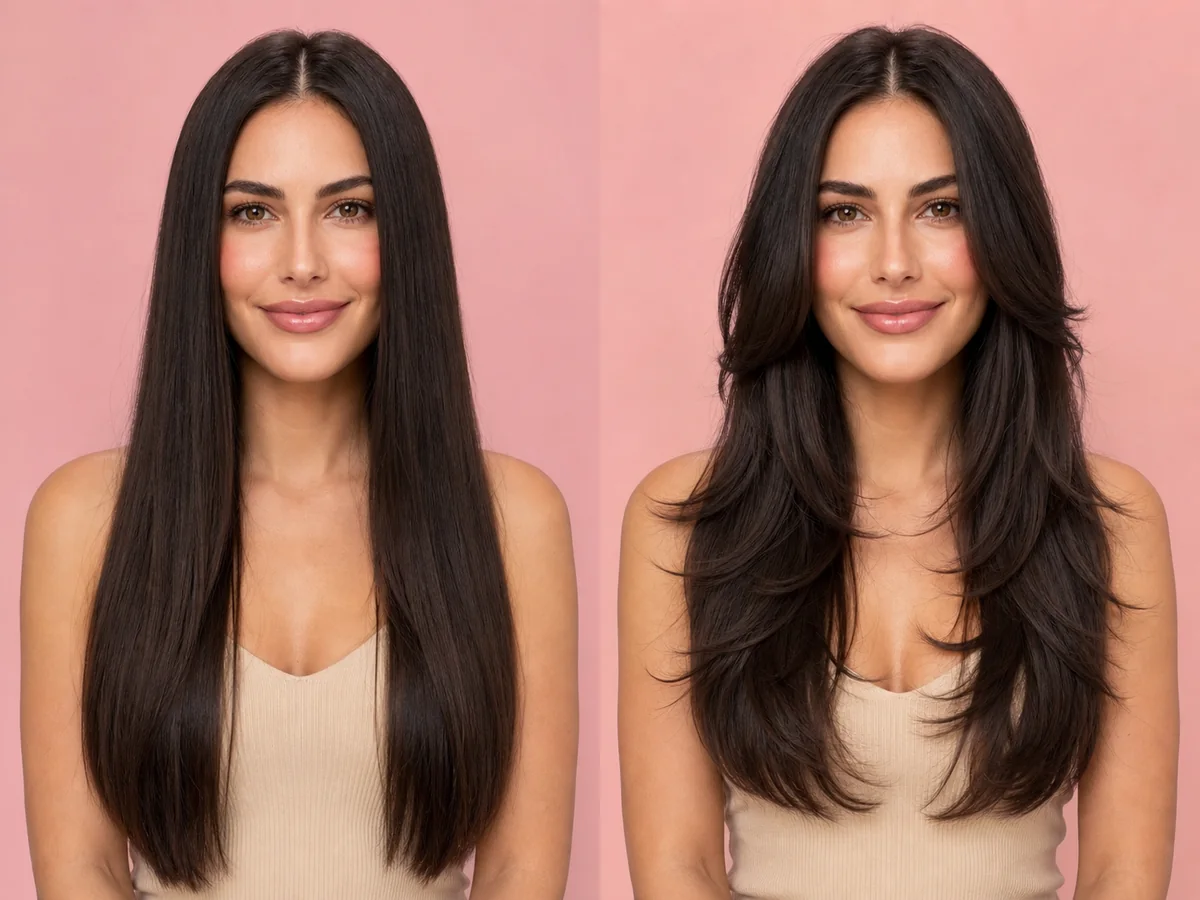
Layers can remove weight, add movement, create volume, or soften the frame around your face. The most useful preview focuses on where the shortest pieces begin and how much length remains.
Explore this look →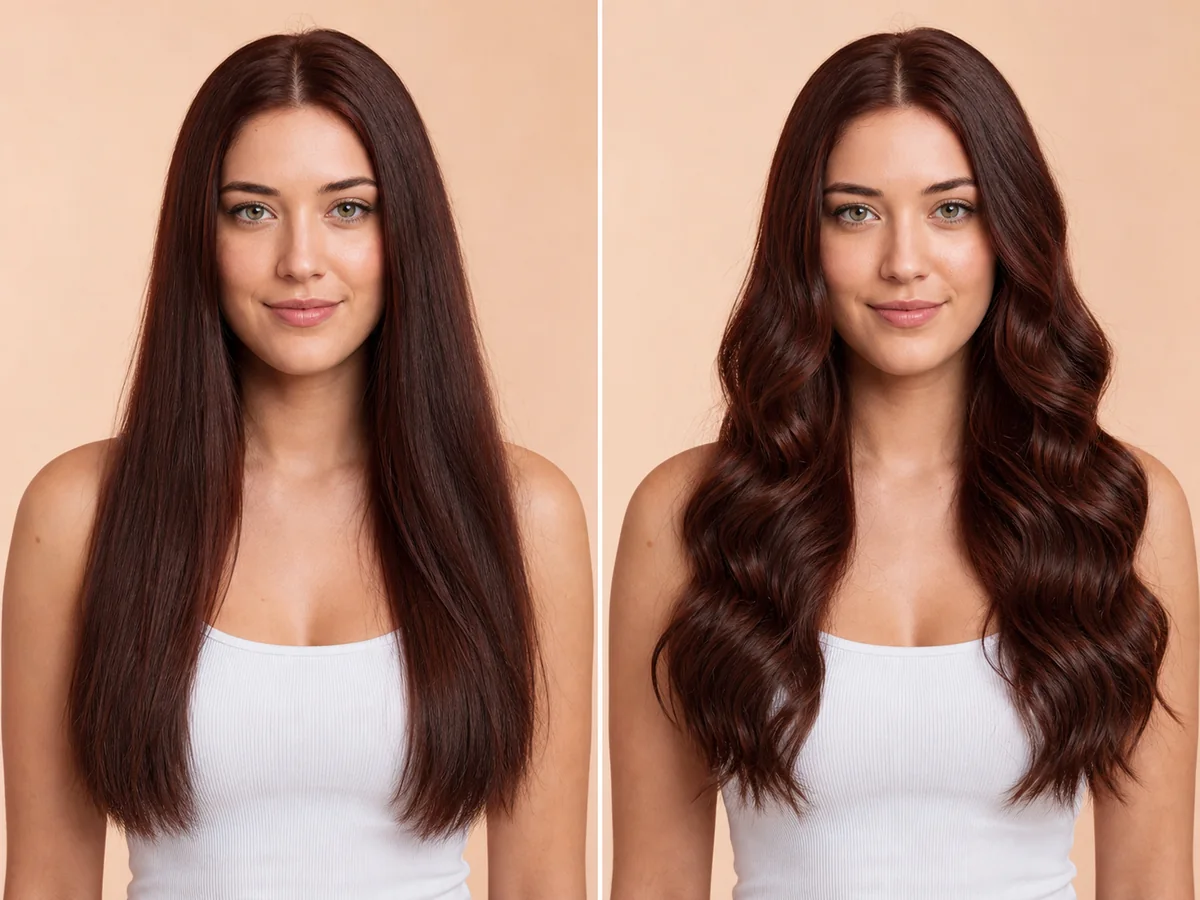
Long waves add width, movement, and a softer outline around the shoulders. A preview can help you compare wave size, volume, parting, and the placement of face-framing pieces.
Explore this look →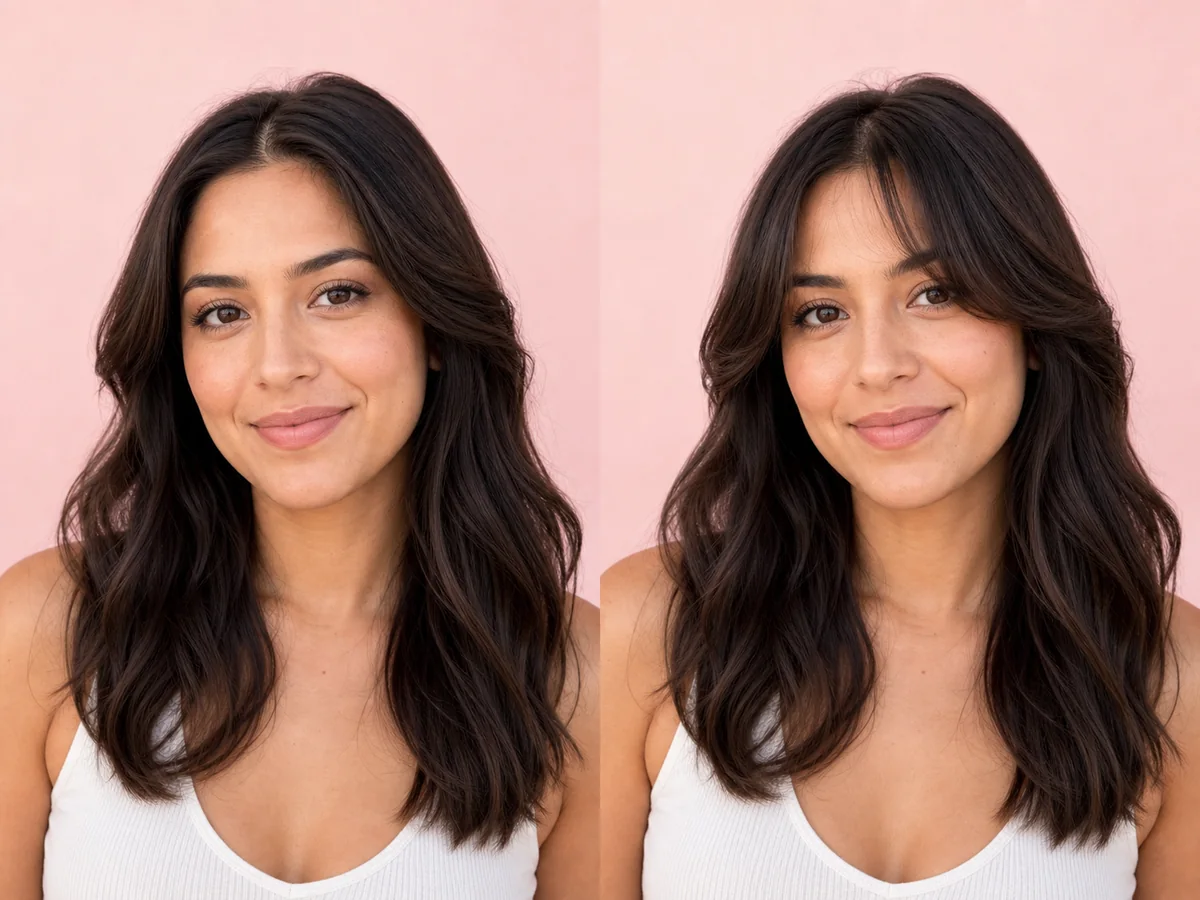
Curtain bangs change the visual frame around the eyes and cheekbones without fully covering the forehead. Their length and opening determine whether they feel airy, dramatic, or blended.
Explore this look →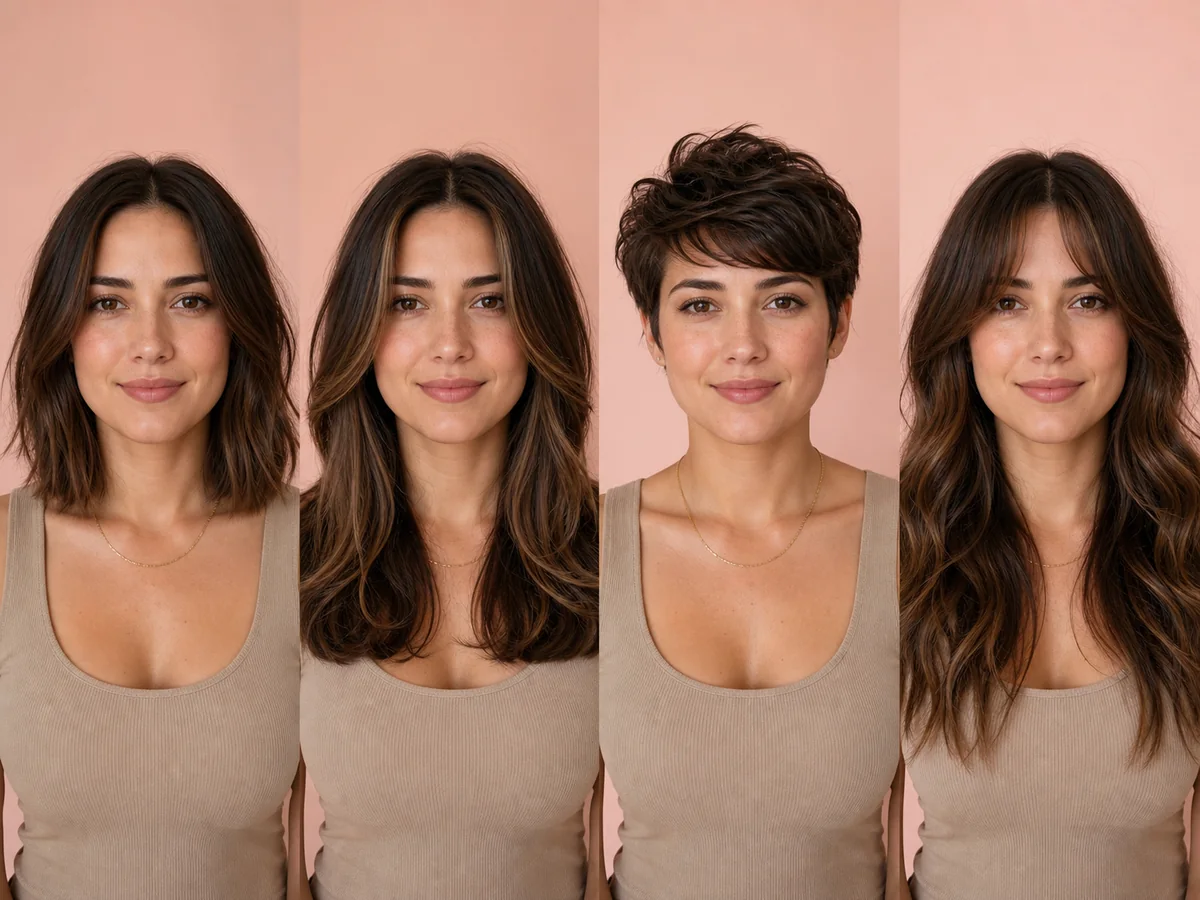
A useful hairstyle decision balances how the cut looks with how it behaves in everyday life. Start with the silhouette you enjoy, then filter it through texture, growth patterns, maintenance, and professional advice.
Explore this look →Take the next step
Open Glowify on Android, compare the result, and bring the useful details to your stylist or barber.