
Where a preview helps
- Exploring a cool reflective color
- Comparing deep smoke and bright silver
- Visualizing a gray-blending direction
Virtual hair color preview
Silver hair can be smoky and deep, bright and metallic, or softly blended with natural gray. The depth and reflectivity determine whether the result feels subtle or editorial.
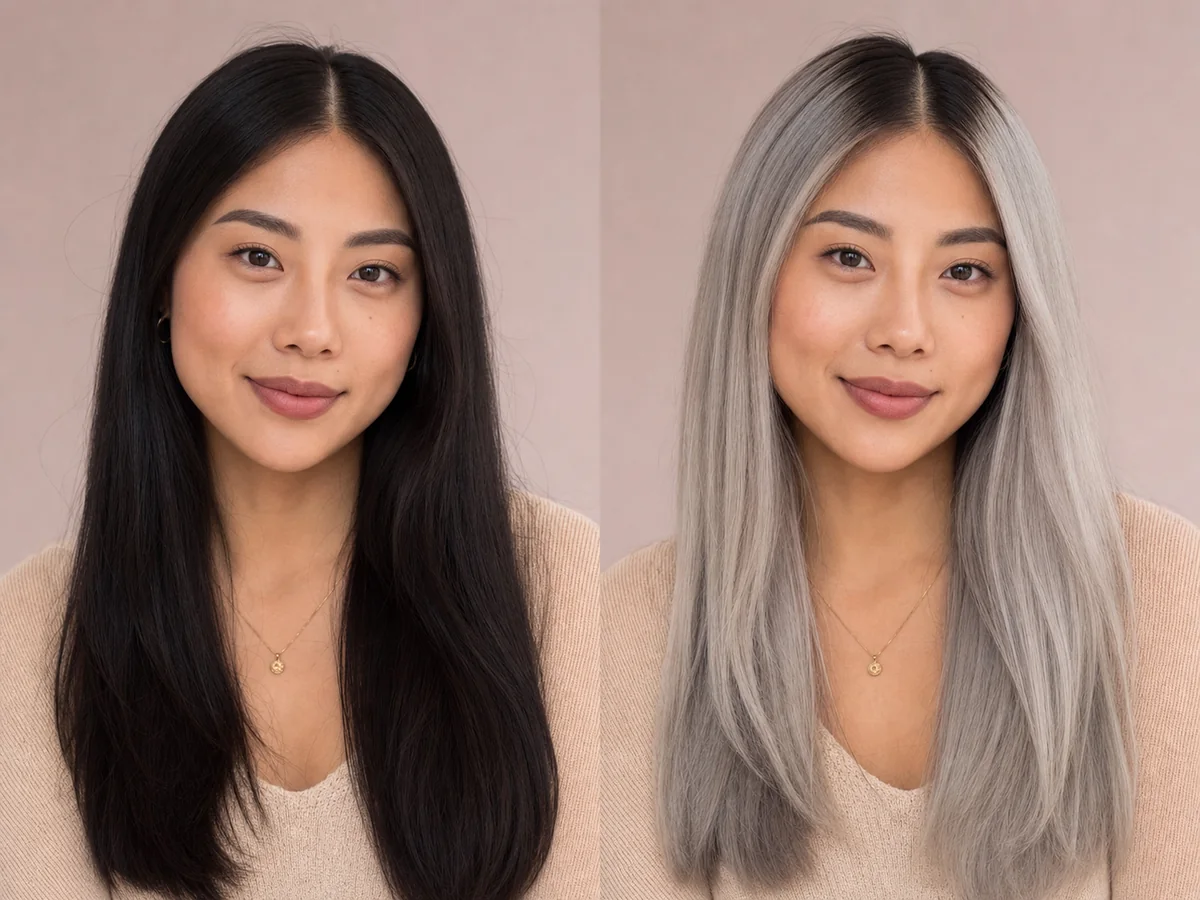 OriginalPreview
Before the appointment
Creating silver on non-gray hair generally requires a very light base before cool toner is applied. Blended gray transitions use different techniques and should be planned around the natural pattern.
What to tell your stylist or barber
Clarify whether you want artificial silver, enhanced natural gray, or a transition between colored and gray hair, then ask what is safely achievable.
Photo setup
Use a photo taken in neutral daylight or soft white light. Avoid colored room lighting and strong filters, because they can make both your skin tone and starting hair color difficult to read.
In the Android app
Use a front-facing photo with your face and hairline visible in even light.
Choose a haircut, hairstyle, or hair color and let Glowify create the preview.
Keep favorite before-and-after results as a starting point for your salon or barber conversation.
Common questions
Yes. Open Glowify on Android, choose a clear front-facing photo, and select a silver hair preview. The app creates an AI image intended to help you explore the direction before making a real change.
Treat it as a visual reference rather than a guarantee. A preview cannot assess lightening safety or duplicate a natural gray pattern, but it can help identify the desired depth and coolness. Your starting hair, texture, density, stylist technique, lighting, and aftercare all affect the real result.
Use a photo taken in neutral daylight or soft white light. Avoid colored room lighting and strong filters, because they can make both your skin tone and starting hair color difficult to read.
Nearby options
Use the alternatives below to isolate the detail that matters most to your decision.
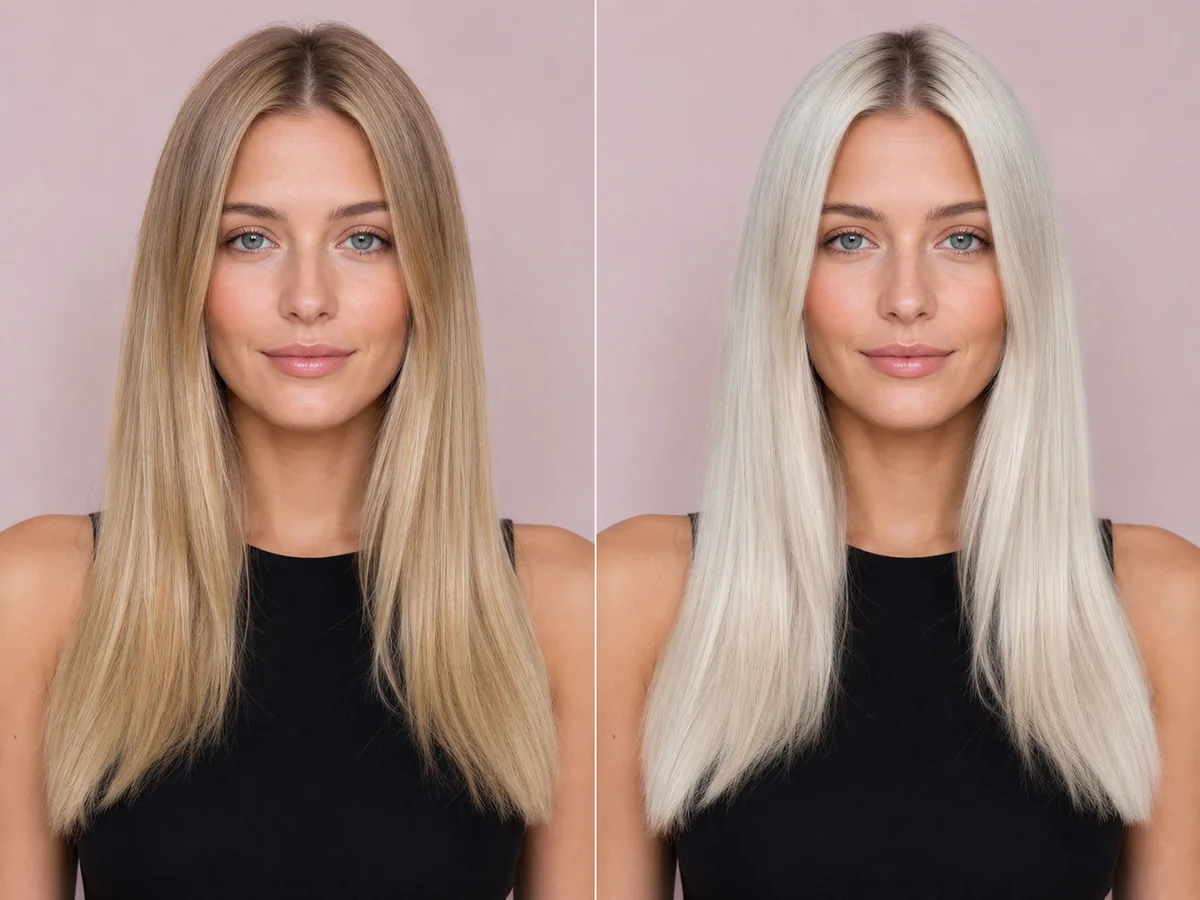
Platinum blonde removes much of the visible warmth and creates a bright, high-impact frame. It is also one of the most technically demanding color directions to achieve and maintain.
Explore this look →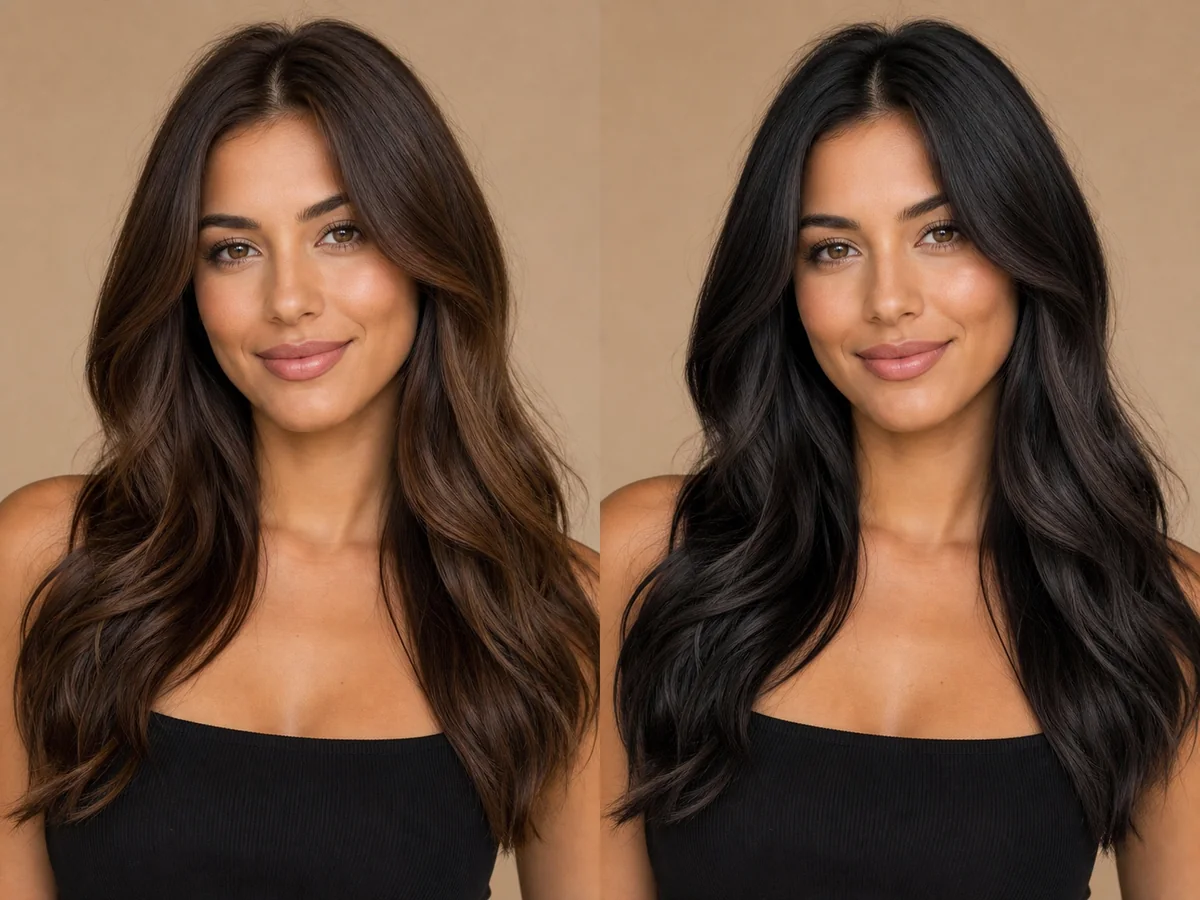
Black hair creates a strong, clean frame and can change the perceived contrast of skin, eyes, brows, and clothing. Soft black and blue-black do not produce the same effect.
Explore this look →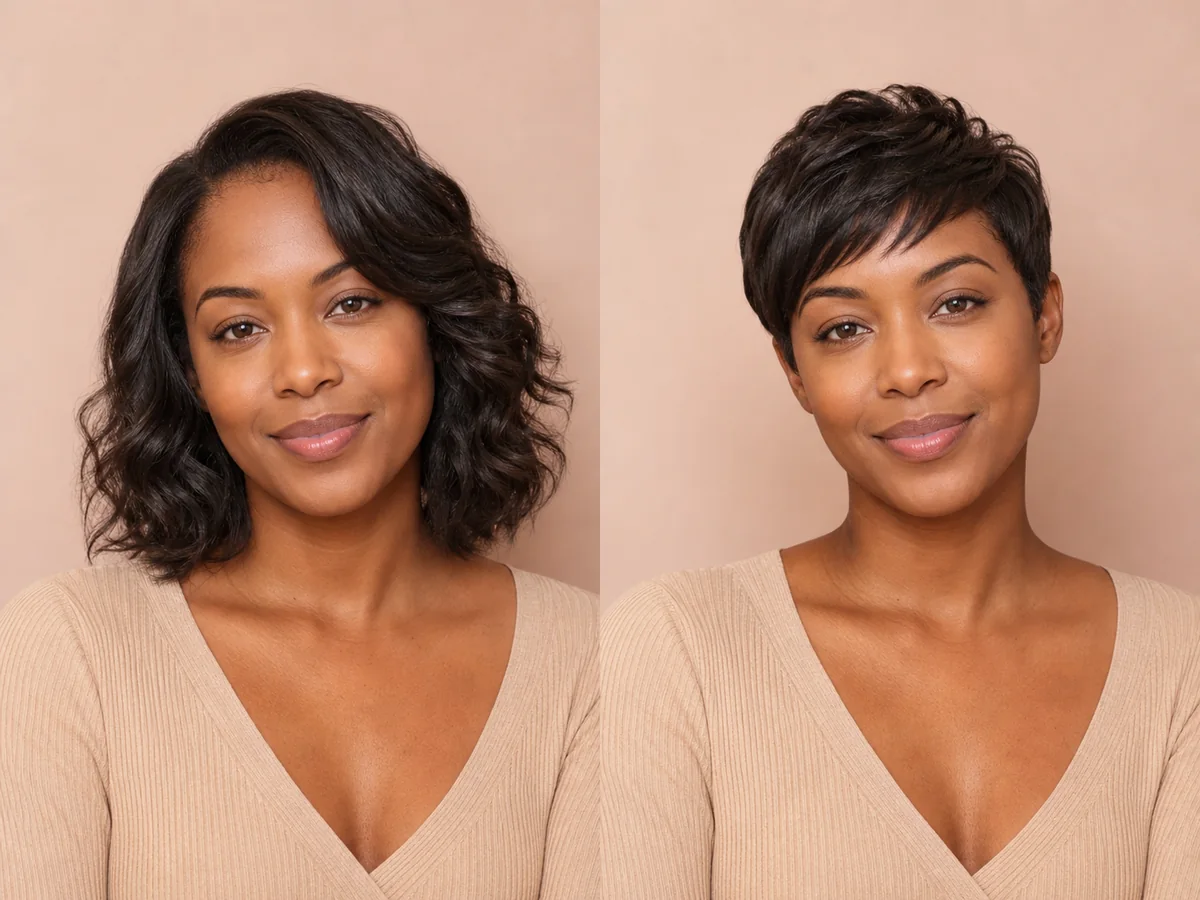
A pixie exposes more of the forehead, ears, cheekbones, and neck than most cuts. Previewing those proportions can make a major haircut decision feel more concrete.
Explore this look →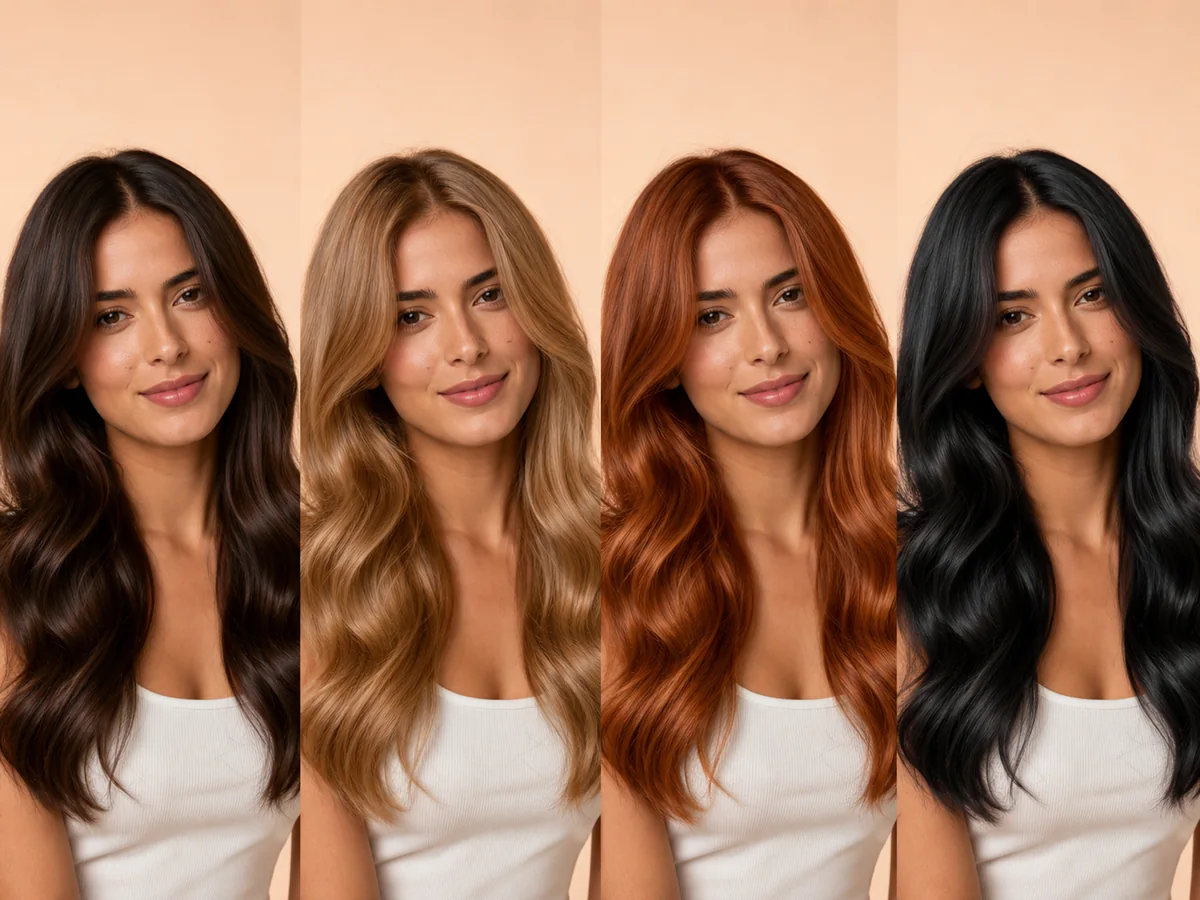
The most flattering color is not determined by one skin-tone chart. Personal style, contrast preference, eye color, maintenance budget, starting hair, and hair condition all matter.
Explore this look →Take the next step
Open Glowify on Android, compare the result, and bring the useful details to your stylist or barber.