
Where a preview helps
- Bringing natural curl texture forward
- Testing different levels of forehead coverage
- Pairing volume on top with cleaner sides
AI haircut preview for men
A curly fringe brings natural texture forward and uses the sides to control the overall width. The dry curl length matters more than the stretched length when planning the result.
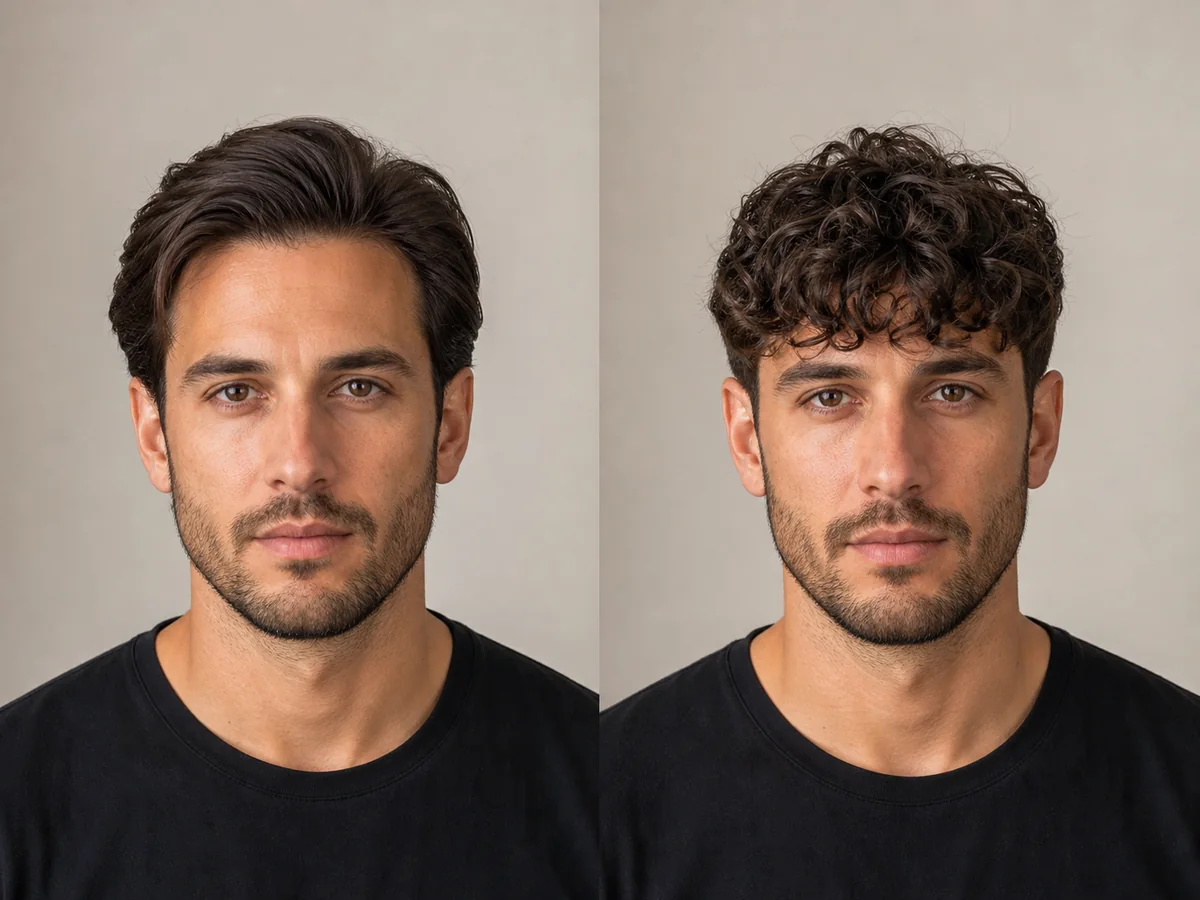 OriginalPreview
Before the appointment
The fringe may sit loose and soft, compact and cropped, or full with a taper or fade. Curl pattern, shrinkage, and product choice shape the finished outline.
What to tell your stylist or barber
Discuss the fringe at its dry, naturally curled length and show how much side weight you want to keep. Ask for a cutting approach suited to your curl pattern.
Photo setup
Use a front-facing photo in even light with the hairline, ears, and jaw visible. Remove hats and sunglasses, and avoid strong shadows across the forehead.
In the Android app
Use a front-facing photo with your face and hairline visible in even light.
Choose a haircut, hairstyle, or hair color and let Glowify create the preview.
Keep favorite before-and-after results as a starting point for your salon or barber conversation.
Common questions
Yes. Open Glowify on Android, choose a clear front-facing photo, and select a curly fringe preview. The app creates an AI image intended to help you explore the direction before making a real change.
Treat it as a visual reference rather than a guarantee. AI can illustrate the silhouette, but it cannot predict exact shrinkage, curl grouping, or the effect of a specific product routine. Your starting hair, texture, density, stylist technique, lighting, and aftercare all affect the real result.
Use a front-facing photo in even light with the hairline, ears, and jaw visible. Remove hats and sunglasses, and avoid strong shadows across the forehead.
Nearby options
Use the alternatives below to isolate the detail that matters most to your decision.
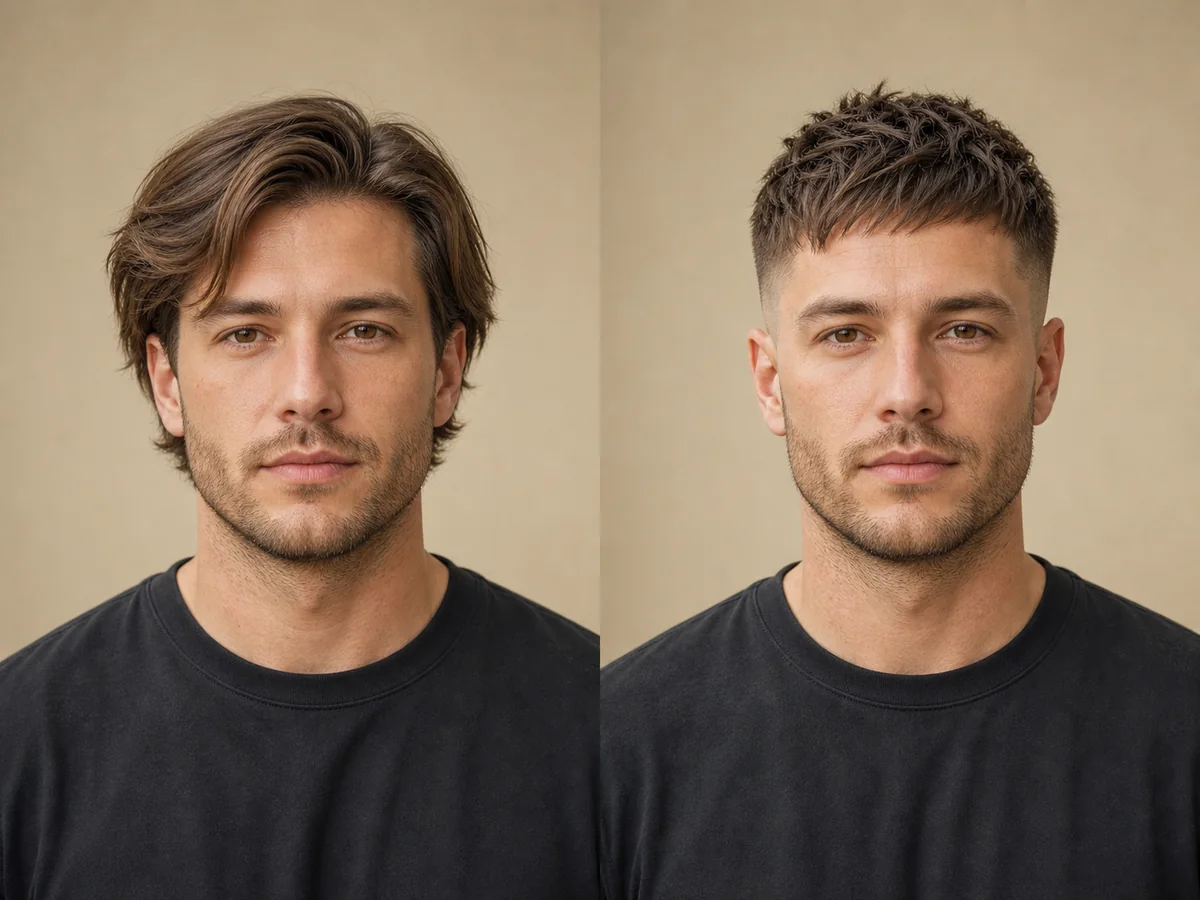
A textured crop concentrates movement on top while keeping the sides compact. Fringe length and texture direction make the difference between a soft crop and a sharp, forward-styled cut.
Explore this look →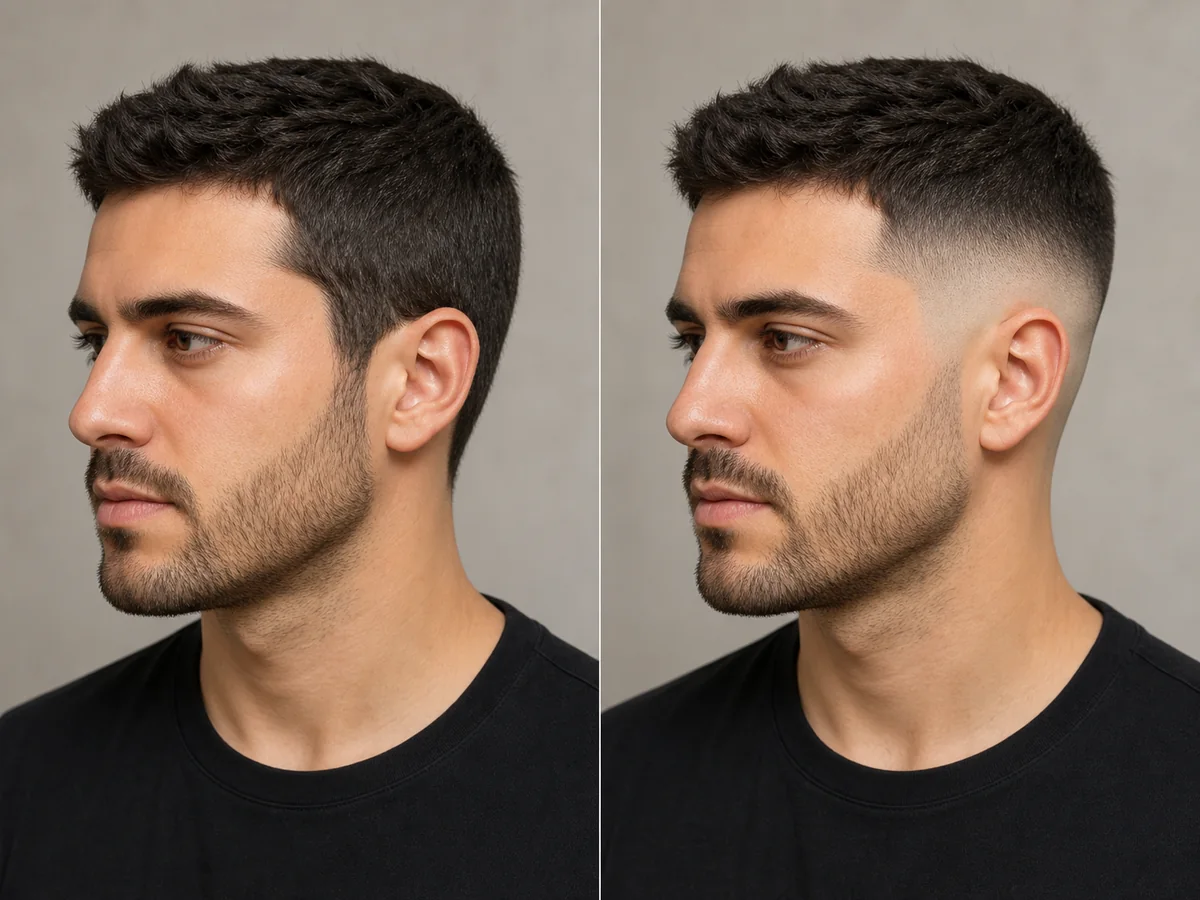
A fade is defined by where the shortest area begins and how quickly it blends into the top. Previewing the contrast can help you discuss low, mid, or high placement more clearly.
Explore this look →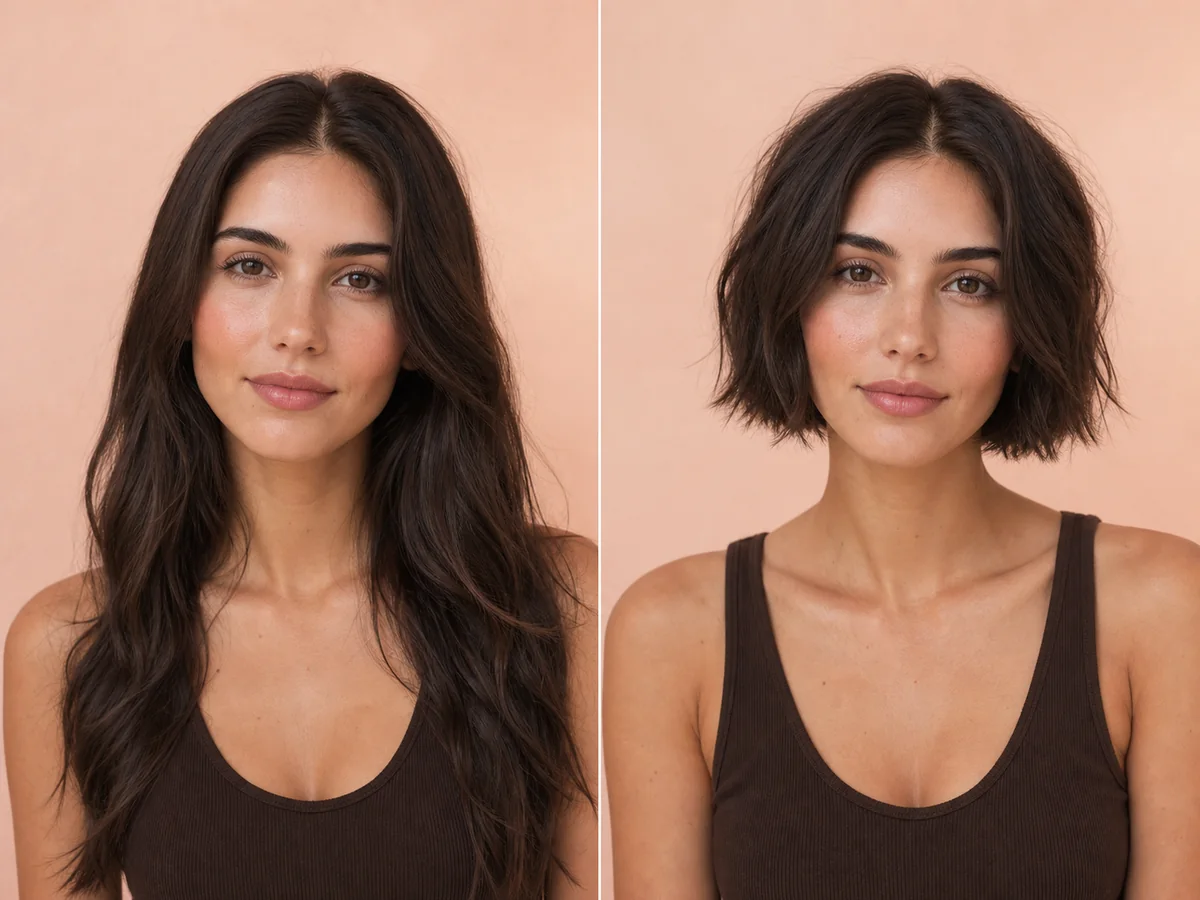
“Short hair” can mean a jaw-length bob, a cropped pixie, or anything between. Start by previewing the overall proportion, then narrow the decision to a specific outline and fringe.
Explore this look →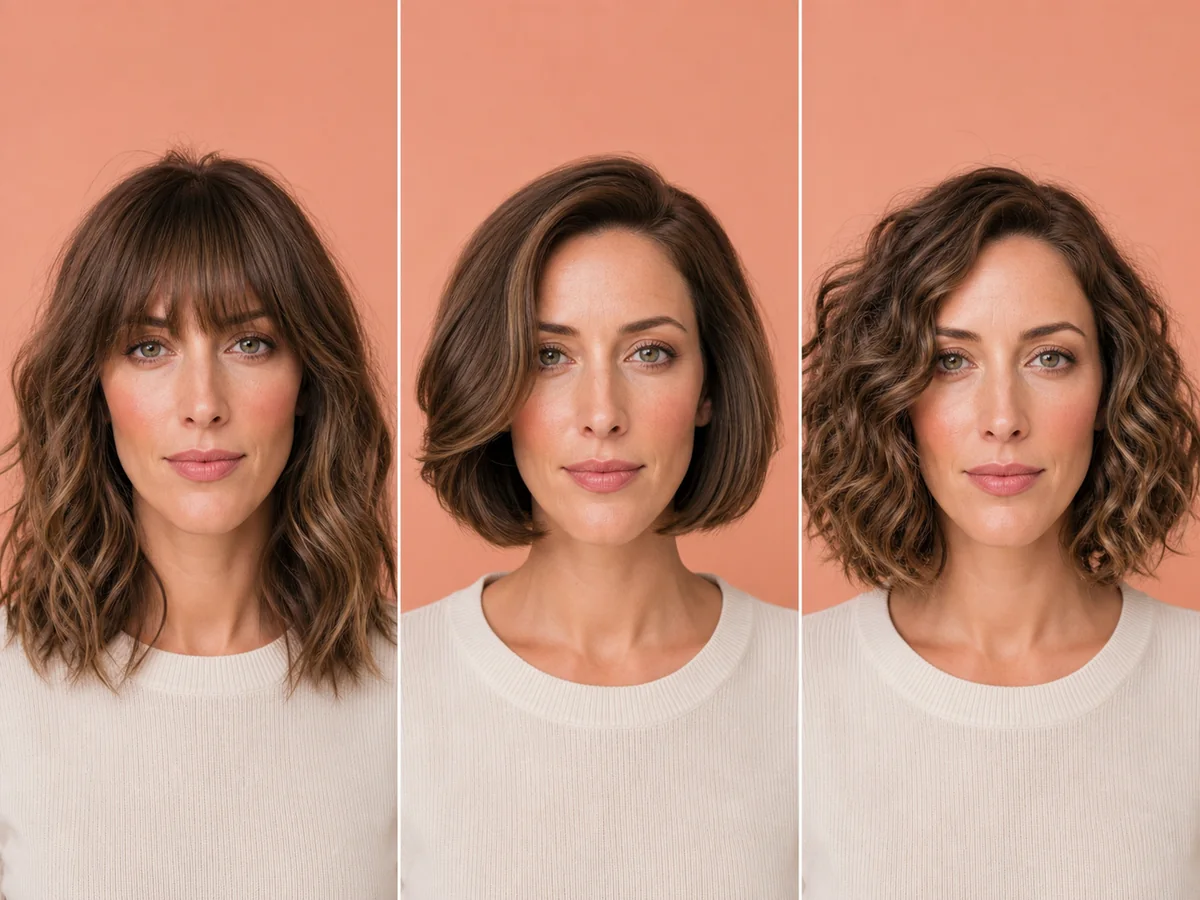
A long or oblong face has more visible length than width. Common advice adds fringe or width at the sides, but sleek long lines can also be a deliberate and confident choice.
Explore this look →Take the next step
Open Glowify on Android, compare the result, and bring the useful details to your stylist or barber.