
Where a preview helps
- Exploring strong top-to-side contrast
- Keeping styling length on top
- Comparing disconnected and softened transitions
AI haircut preview for men
An undercut creates a deliberate break between longer top hair and much shorter sides. The length difference can feel subtle when covered or dramatic when styled back.
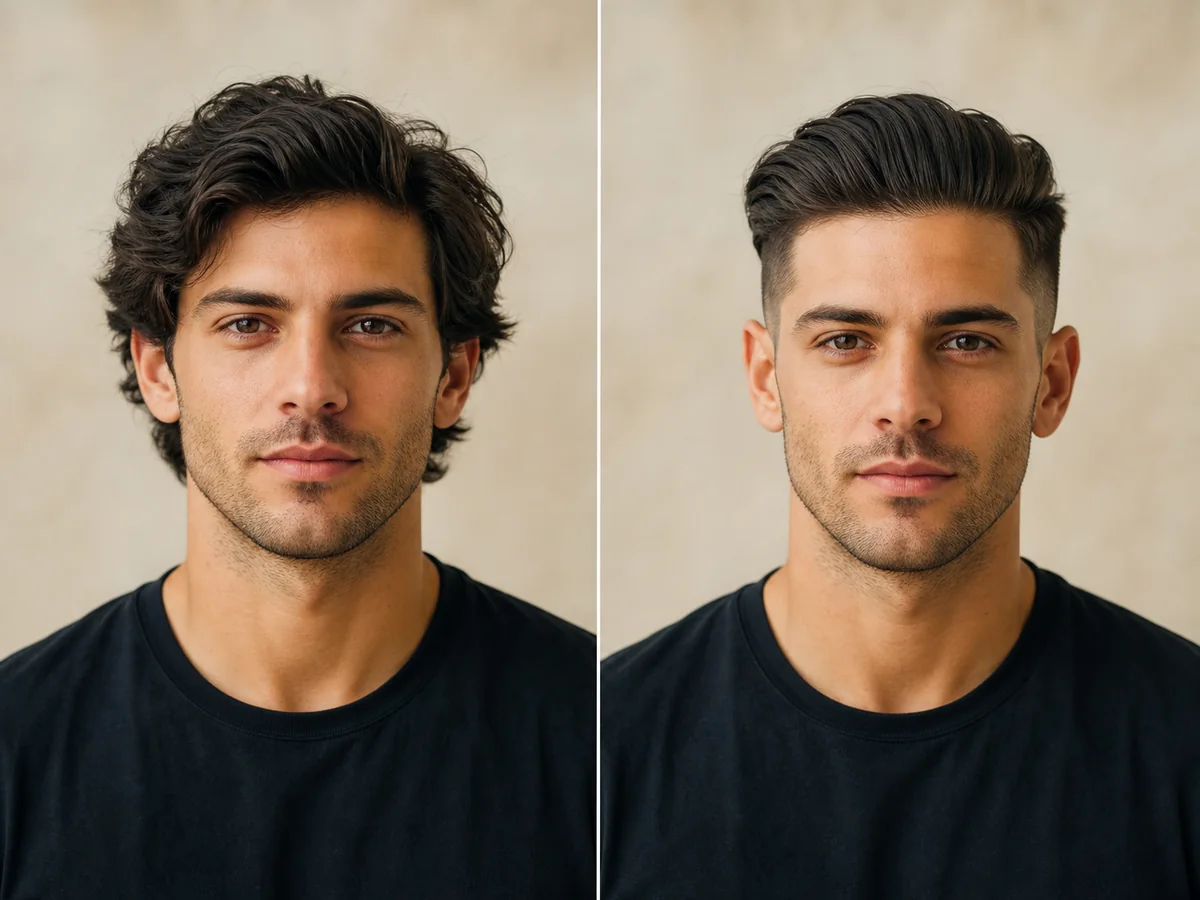 OriginalPreview
Before the appointment
Disconnected undercuts keep a visible step between lengths, while blended variations soften the transition. Top length determines whether the hair can part, sweep, curl, or tie back.
What to tell your stylist or barber
Clarify whether you want a true disconnection or a blend, how high the short section should sit, and which top styles you need the length to support.
Photo setup
Use a front-facing photo in even light with the hairline, ears, and jaw visible. Remove hats and sunglasses, and avoid strong shadows across the forehead.
In the Android app
Use a front-facing photo with your face and hairline visible in even light.
Choose a haircut, hairstyle, or hair color and let Glowify create the preview.
Keep favorite before-and-after results as a starting point for your salon or barber conversation.
Common questions
Yes. Open Glowify on Android, choose a clear front-facing photo, and select a undercut preview. The app creates an AI image intended to help you explore the direction before making a real change.
Treat it as a visual reference rather than a guarantee. The image shows the frontal impression; the side placement and grow-out plan still require an in-person barber consultation. Your starting hair, texture, density, stylist technique, lighting, and aftercare all affect the real result.
Use a front-facing photo in even light with the hairline, ears, and jaw visible. Remove hats and sunglasses, and avoid strong shadows across the forehead.
Nearby options
Use the alternatives below to isolate the detail that matters most to your decision.
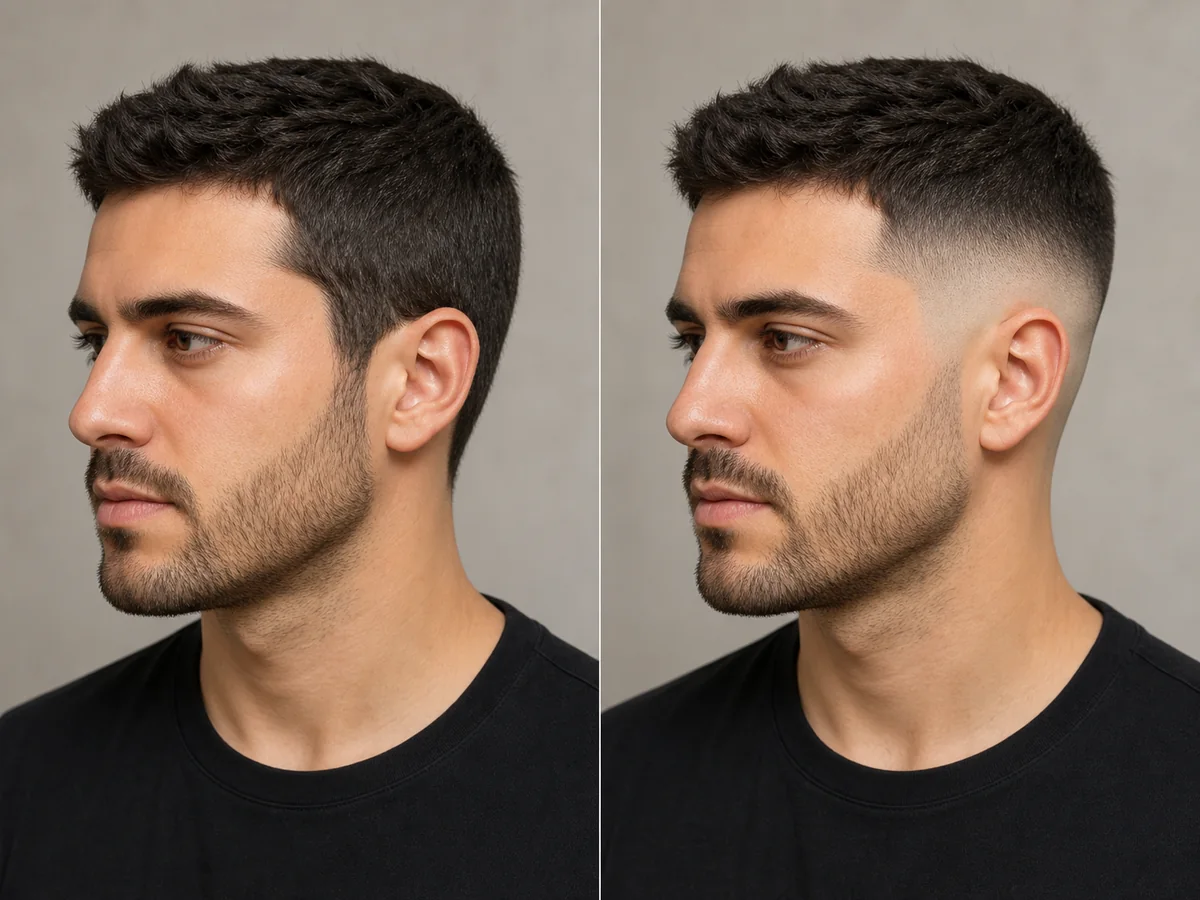
A fade is defined by where the shortest area begins and how quickly it blends into the top. Previewing the contrast can help you discuss low, mid, or high placement more clearly.
Explore this look →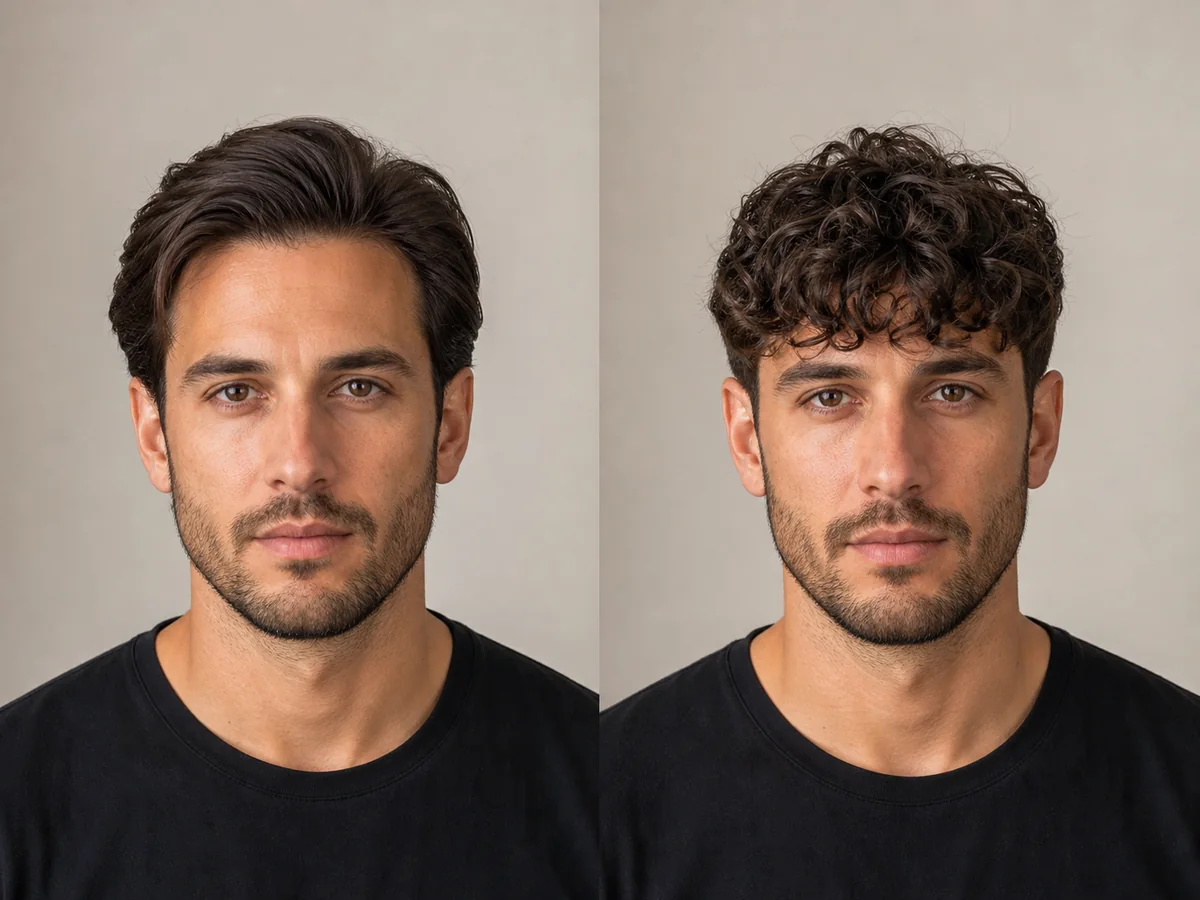
A curly fringe brings natural texture forward and uses the sides to control the overall width. The dry curl length matters more than the stretched length when planning the result.
Explore this look →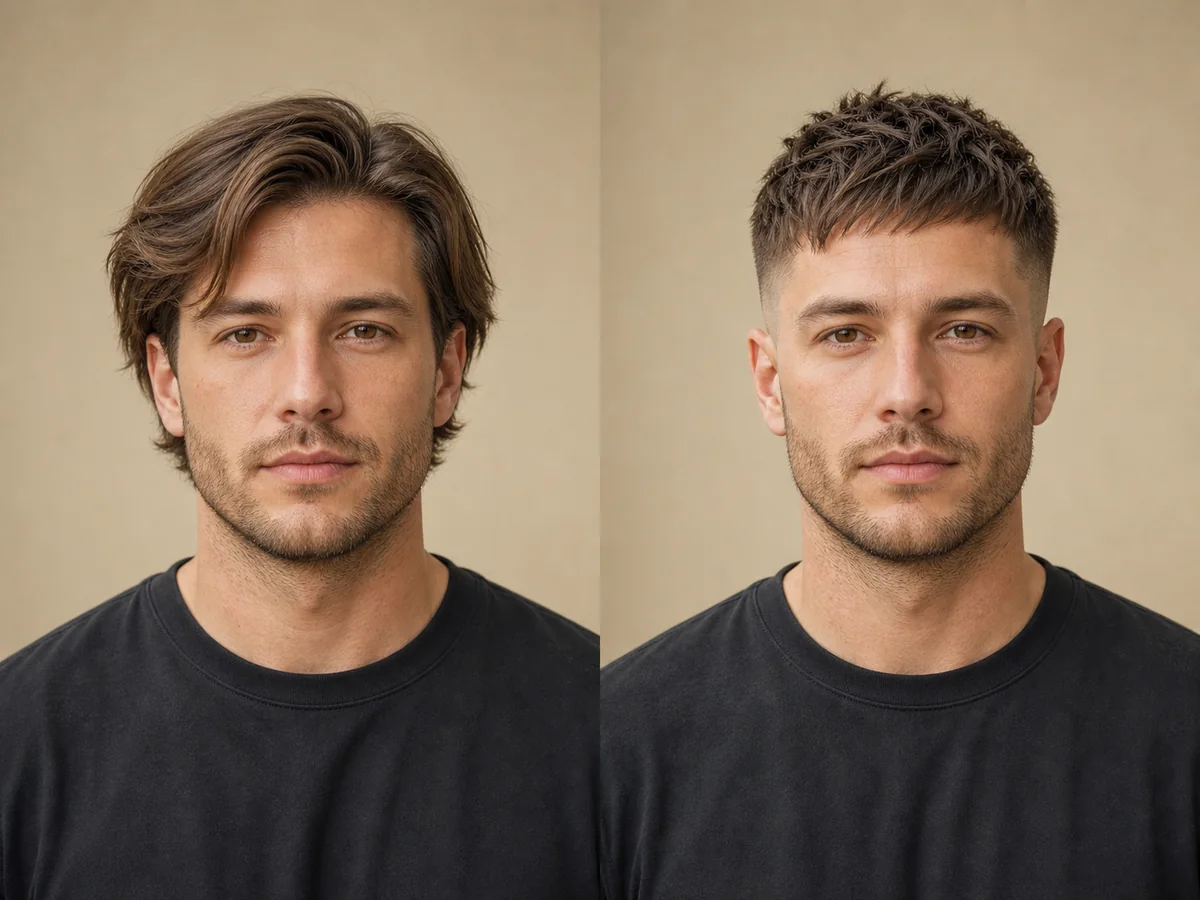
A textured crop concentrates movement on top while keeping the sides compact. Fringe length and texture direction make the difference between a soft crop and a sharp, forward-styled cut.
Explore this look →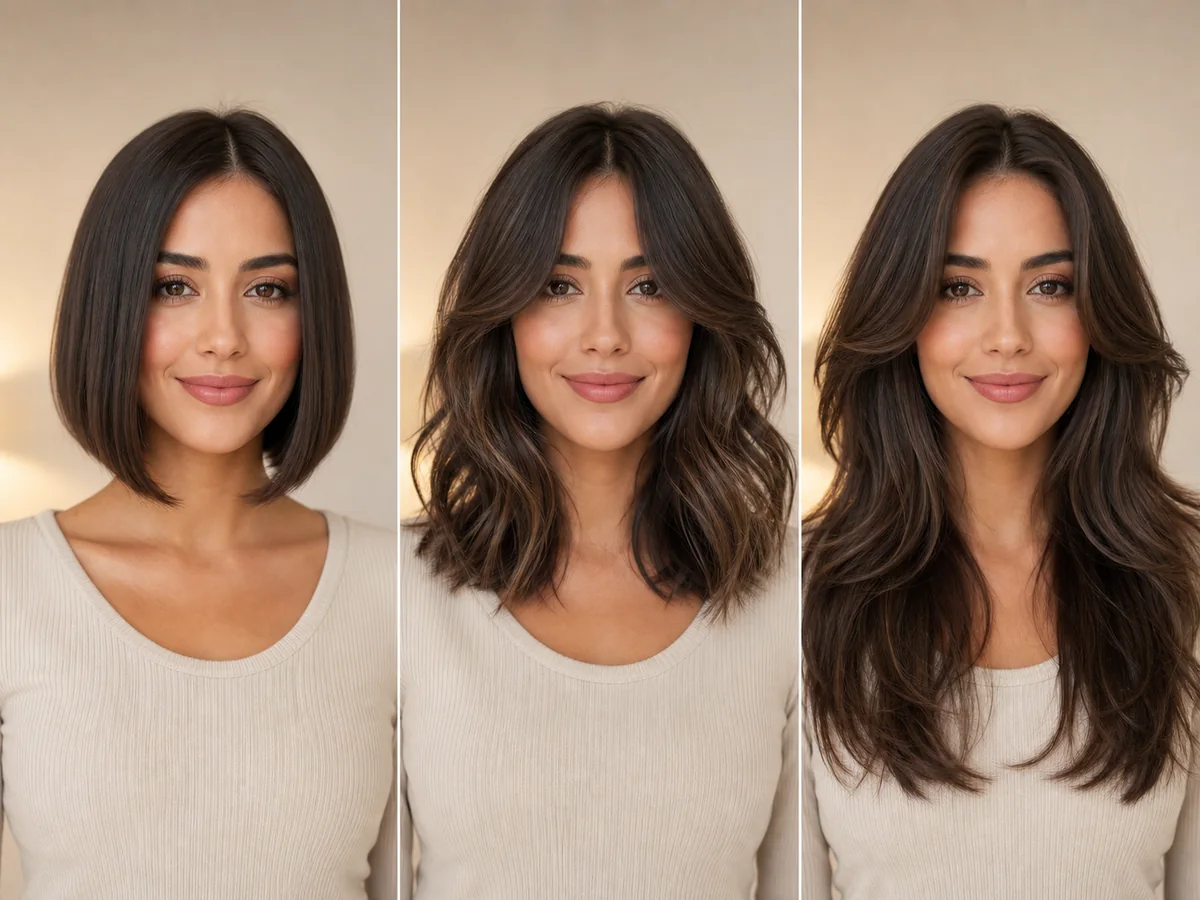
An oval face is usually described as longer than it is wide, with a softly curved jaw. It is often called versatile, but the best direction still depends on features, hair texture, routine, and personal style.
Explore this look →Take the next step
Open Glowify on Android, compare the result, and bring the useful details to your stylist or barber.